> ## Documentation Index
> Fetch the complete documentation index at: https://docs.gcore.com/llms.txt
> Use this file to discover all available pages before exploring further.
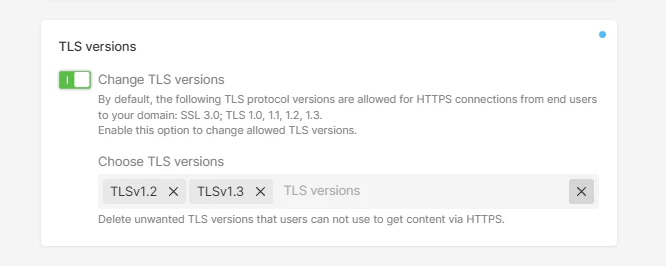
# Specify TLS versions allowed for content requests from the CDN
The option specifies a list of allowed SSL/TLS protocol versions. The list cannot be empty. By default, the option is disabled, and all the protocol versions are allowed. Possible values (case sensitive):
* SSLv3
* TLSv1
* TLSv1.1
* TLSv1.2
* TLSv1.3
To manage TLS versions option:
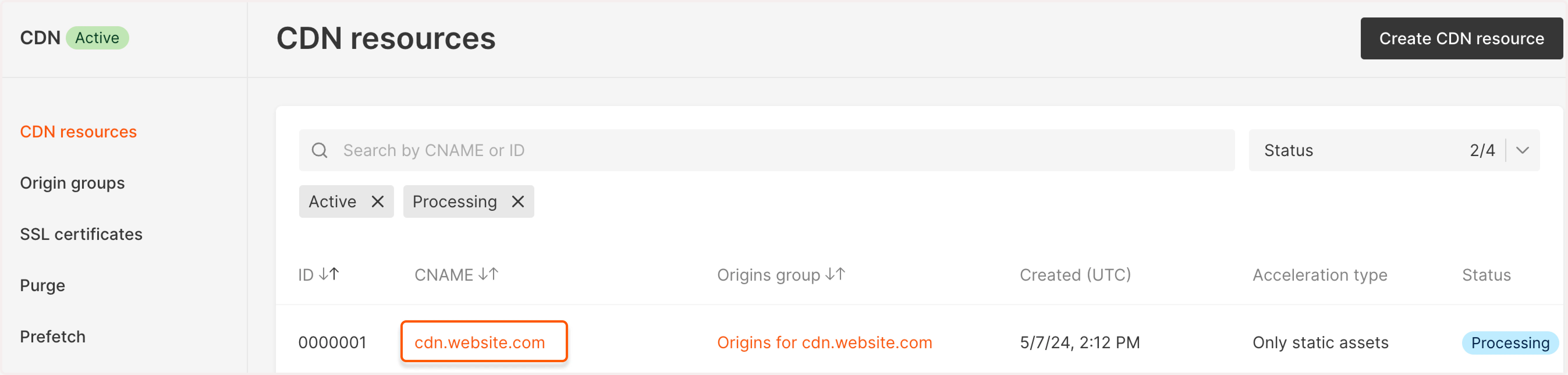
1\. In the Gcore Customer Portal, navigate to **CDN**. You'll be directed to the **CDN resources** page.
2\. Find the needed resource and click on its CNAME to open the settings.
 3\. Scroll down to the **TLS versions** section and click the **Change TLS versions** toggle to specify the necessary versions. The other versions you haven't specified will be blocked.