> ## Documentation Index
> Fetch the complete documentation index at: https://docs.gcore.com/llms.txt
> Use this file to discover all available pages before exploring further.
# Specify HTTP methods allowed for content requests from the CDN
You can choose HTTP methods for your CDN content. By default, the following methods are allowed:
* GET
* HEAD
* POST
* PUT
* PATCH
* DELETE
* OPTIONS
To manage allowed HTTP method:
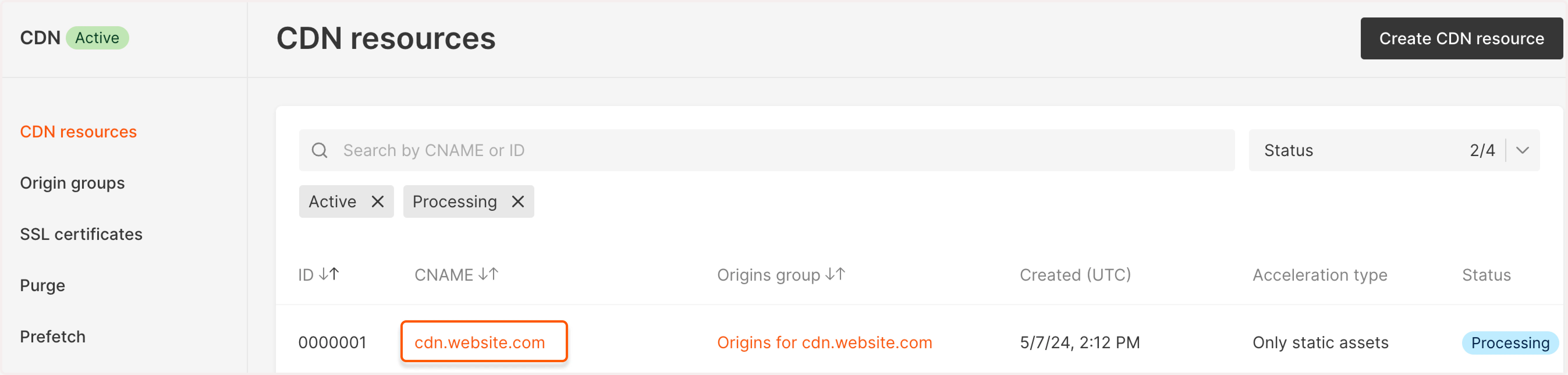
1\. In the Gcore Customer Portal, navigate to **CDN**. You'll be directed to the **CDN resources** page.
2\. Find the needed resource and click on its CNAME to open the settings.
 3\. Scroll down to the **HTTP methods** section and click the **Enable HTTP methods** toggle to specify the necessary methods. The other methods you haven't specified will be blocked.
 The most used methods are GET, HEAD, and POST. Thus, we suggest allowing at least these ones.
If some methods aren't allowed to the user, that user will get the **405 (Method Not Allowed)** response. If the method isn't supported by your server, the user will get the **501 (Not Implemented)** response.
The most used methods are GET, HEAD, and POST. Thus, we suggest allowing at least these ones.
If some methods aren't allowed to the user, that user will get the **405 (Method Not Allowed)** response. If the method isn't supported by your server, the user will get the **501 (Not Implemented)** response.