> ## Documentation Index
> Fetch the complete documentation index at: https://docs.gcore.com/llms.txt
> Use this file to discover all available pages before exploring further.
# Block or activate a seller
> Block a seller without deleting the seller, then activate that seller again.
Blocking keeps the seller in the list instead of deleting them. While blocked, a seller can't sign in, recover a password, or use an activation link. Activating a blocked seller restores login access.
## Block a seller
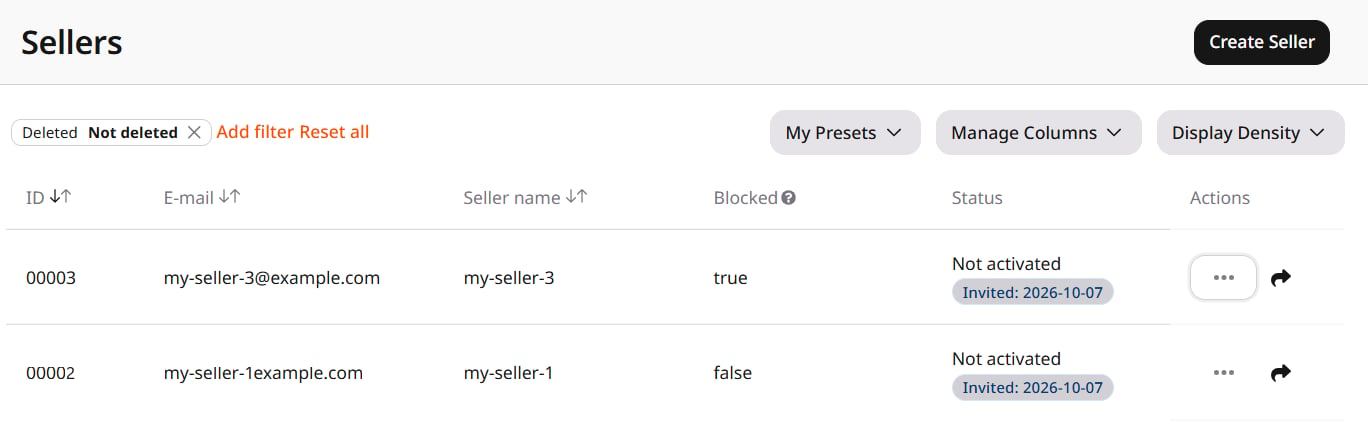
Navigate to **General** > **Identity and Access** > **Sellers**. Open the three-dot menu on the row and select **Block**.
**Blocked** changes to **true**. The status does not change, and there is no confirmation.
While blocked, all of a seller's requests to the Admin Portal API are denied, including authorization, password recovery, and activation requests.
 ## Activate a seller
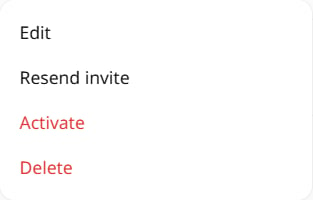
Open the same menu. **Block** is now **Activate**. Select **Activate**.
**Blocked** returns to **false**. Login access is restored.
## Activate a seller
Open the same menu. **Block** is now **Activate**. Select **Activate**.
**Blocked** returns to **false**. Login access is restored.