> ## Documentation Index
> Fetch the complete documentation index at: https://docs.gcore.com/llms.txt
> Use this file to discover all available pages before exploring further.
# CDN accounts
> How CDN belongs to a customer account, and what is managed on the account or on a resource.
Connecting the CDN service to a customer account makes that account a CDN account. Each CDN resource belongs to that account and delivers content for a specific hostname. The content for a resource comes from an origin group.
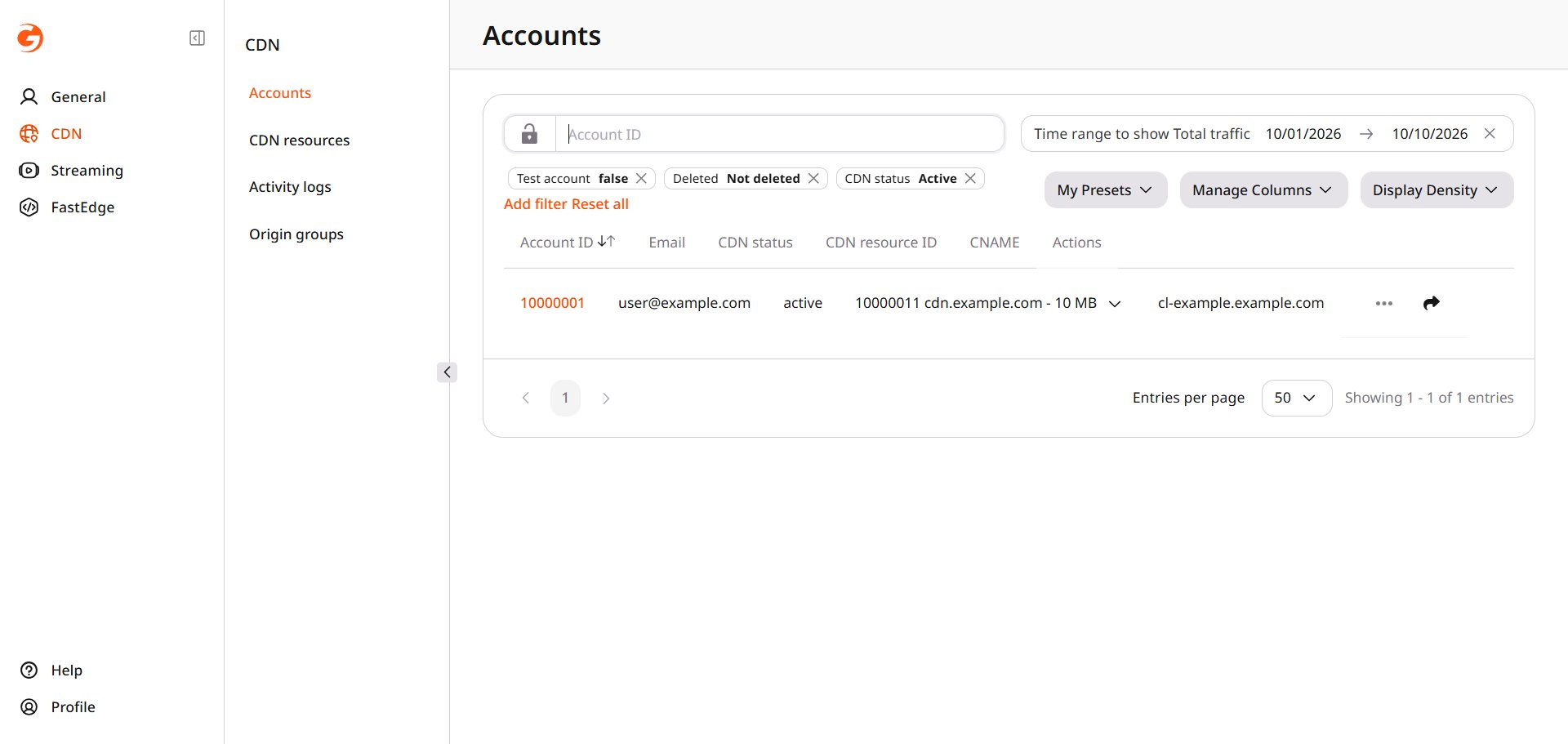 ## Managing CDN accounts and resources
Account-level settings control the CDN service status, resource limits, available features, and delivery regions. Set the status in [Product statuses](/reseller-support/products/service-statuses), and manage the limits, features, and regions in [CDN management](/reseller-support/products/cdn-service-management).
Resource-level settings control how CDN delivers content for an individual hostname. Manage each resource's availability in [CDN resources](/reseller-support/cdn/resources) and configure its content sources in [origin groups](/reseller-support/cdn/origin-groups). [Activity logs](/reseller-support/cdn/activity-logs) record resource and rule changes, as well as purge and prefetch requests.
## Managing CDN accounts and resources
Account-level settings control the CDN service status, resource limits, available features, and delivery regions. Set the status in [Product statuses](/reseller-support/products/service-statuses), and manage the limits, features, and regions in [CDN management](/reseller-support/products/cdn-service-management).
Resource-level settings control how CDN delivers content for an individual hostname. Manage each resource's availability in [CDN resources](/reseller-support/cdn/resources) and configure its content sources in [origin groups](/reseller-support/cdn/origin-groups). [Activity logs](/reseller-support/cdn/activity-logs) record resource and rule changes, as well as purge and prefetch requests.