> ## Documentation Index
> Fetch the complete documentation index at: https://docs.gcore.com/llms.txt
> Use this file to discover all available pages before exploring further.
# Contact and name servers for Managed DNS
> Set the SOA contact email and the name servers customers delegate to.
These fields set the contact email and the name servers that customers of Managed DNS see. Until the fields are set, customers see the Gcore contact email and name servers.
Navigate to **General** > **Vendor settings** > **DNSaaS settings**.
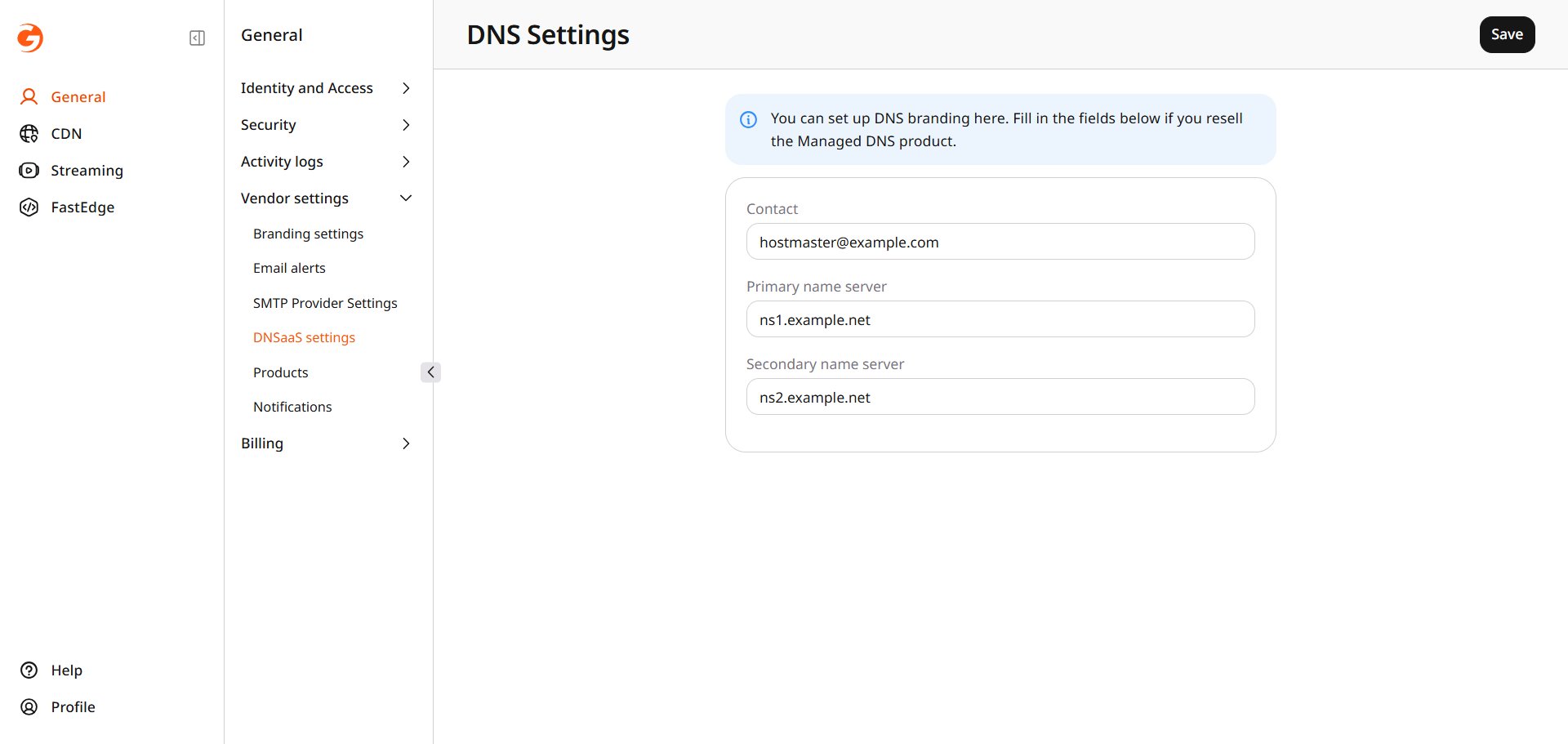 **Contact** is the email address used in the SOA record. **Primary name server** and **Secondary name server** are the hostnames customers delegate a domain to. Enter the hostnames for this brand.
Click **Save**.
A domain that is not yet delegated lists these hostnames as the name servers to set.
**Contact** is the email address used in the SOA record. **Primary name server** and **Secondary name server** are the hostnames customers delegate a domain to. Enter the hostnames for this brand.
Click **Save**.
A domain that is not yet delegated lists these hostnames as the name servers to set.