> ## Documentation Index
> Fetch the complete documentation index at: https://docs.gcore.com/llms.txt
> Use this file to discover all available pages before exploring further.
# Account deletion and failed sign-in notices
> Configure email notifications for account deletion events and failed admin sign-ins.
Your team is notified when an account deletion is requested, canceled, or completed, and when an admin portal sign-in fails.
Navigate to **General** > **Vendor settings** > **Email alerts**.
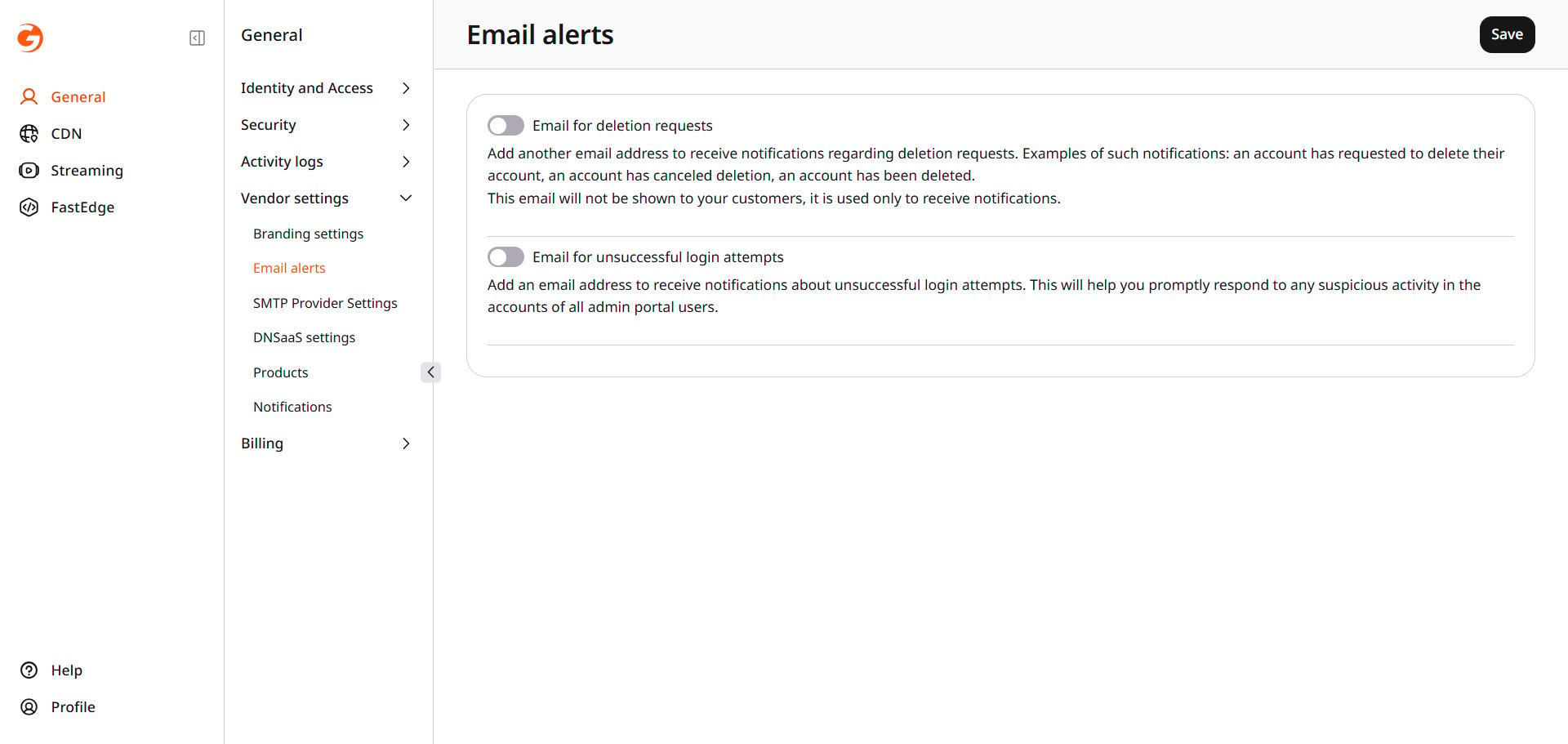 Enable **Email for deletion requests** and enter the email address that should receive notifications when an account deletion is requested, canceled, or completed.
Enable **Email for unsuccessful login attempts** and enter the email address for notifications about failed admin portal sign-ins.
Click **Save**.
Enable **Email for deletion requests** and enter the email address that should receive notifications when an account deletion is requested, canceled, or completed.
Enable **Email for unsuccessful login attempts** and enter the email address for notifications about failed admin portal sign-ins.
Click **Save**.