> ## Documentation Index
> Fetch the complete documentation index at: https://docs.gcore.com/llms.txt
> Use this file to discover all available pages before exploring further.
# Email sent to end users
> Set which product emails customers receive.
These switches control email sent to end users. Deletion and failed sign-in notices for the reseller are set in [Email alerts](/reseller-support/customer-portal/email-alerts).
Navigate to **General** > **Vendor settings** > **Notifications**.
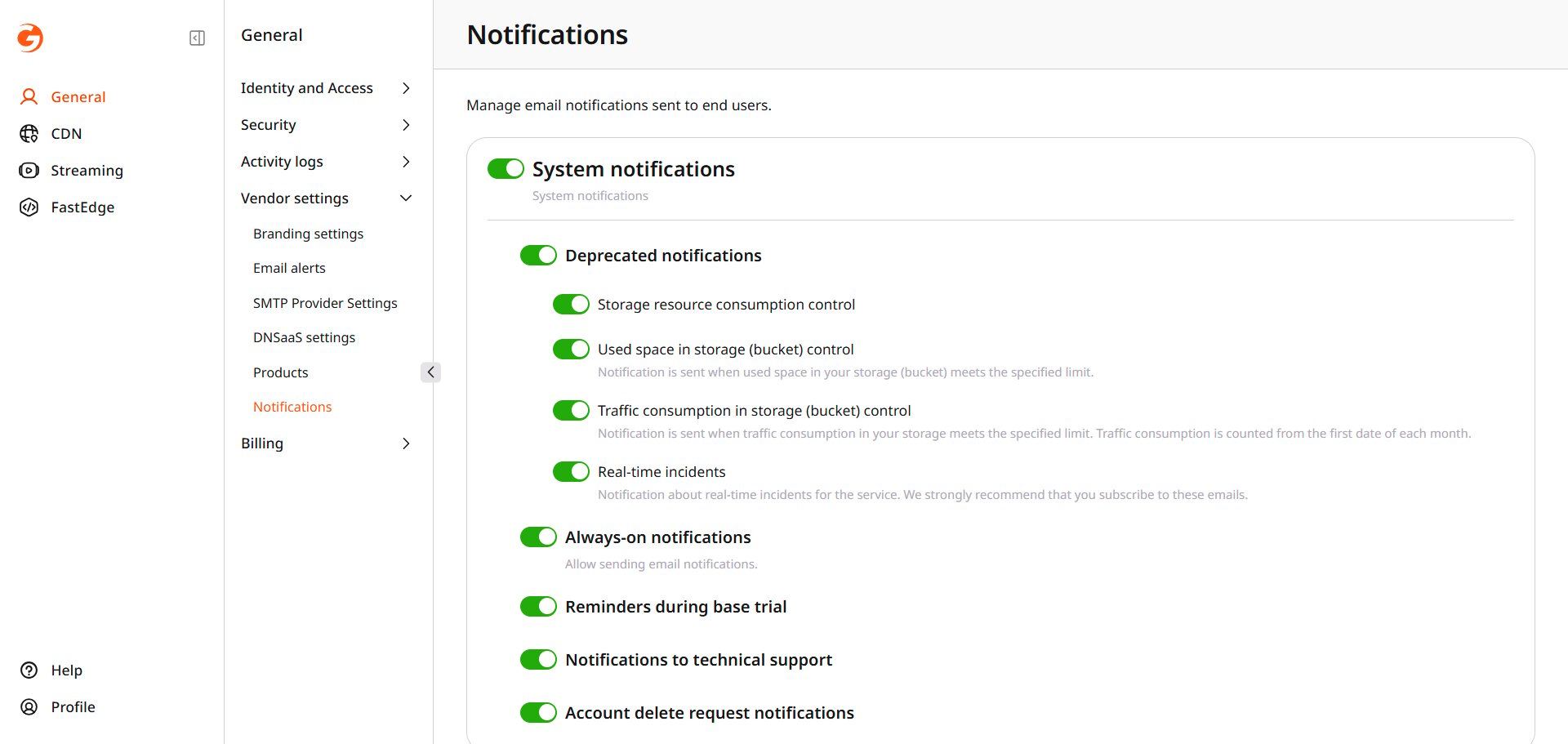 Notices are grouped by product. Turn a product group on to allow its email, then clear any notice inside the group that end users should not receive. Keep **Real-time incidents** and **Scheduled maintenance** on. The page recommends those two.