

1
Open the endpoint
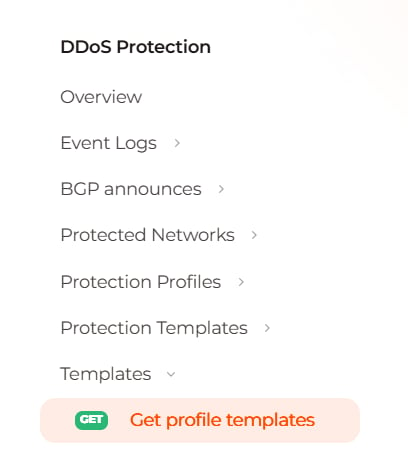
2
Review the request
GET 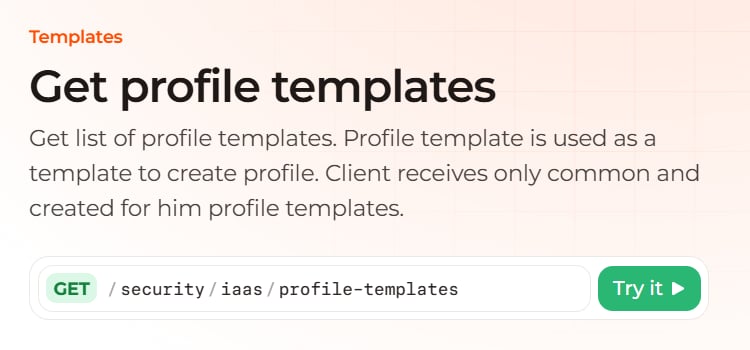
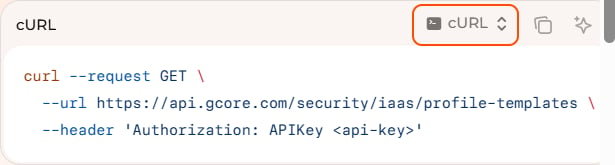
/security/iaas/profile-templates returns the profile templates and does not change the configuration.It requires an Authorization header and sends no body.The cURL block shows the same call as https://api.gcore.com/security/iaas/profile-templates.3
Open Try it
The panel shows the same method and path, and the Send button.
4
Enter the token
In Authorization, enter 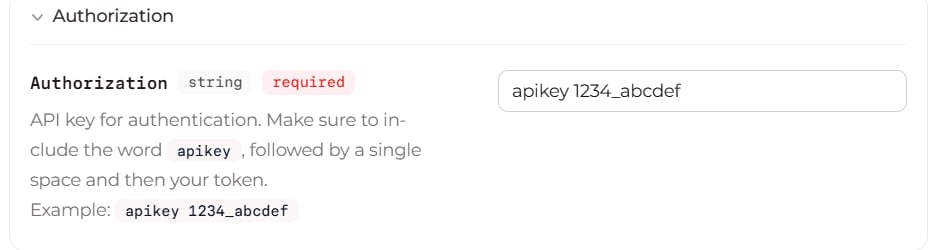
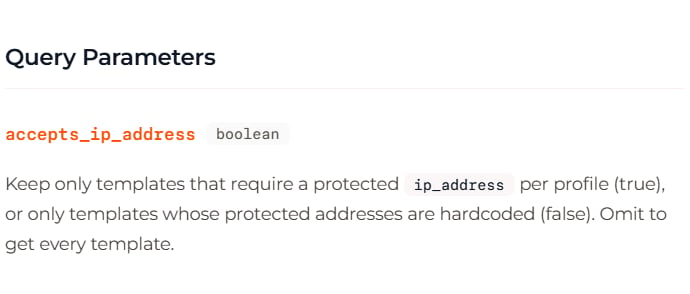
apikey, a space, and the API token, replacing 1234_abcdef.Leave accepts_ip_address empty to return every template. true keeps templates that require a protected ip_address per profile, and false keeps templates whose protected addresses are hardcoded.5
Send the request
The panel returns a status code and a response body.
6
Read the response
The number beside Response is the status code, and 200 means the request succeeded.The response contains a list of templates, so find the item named 
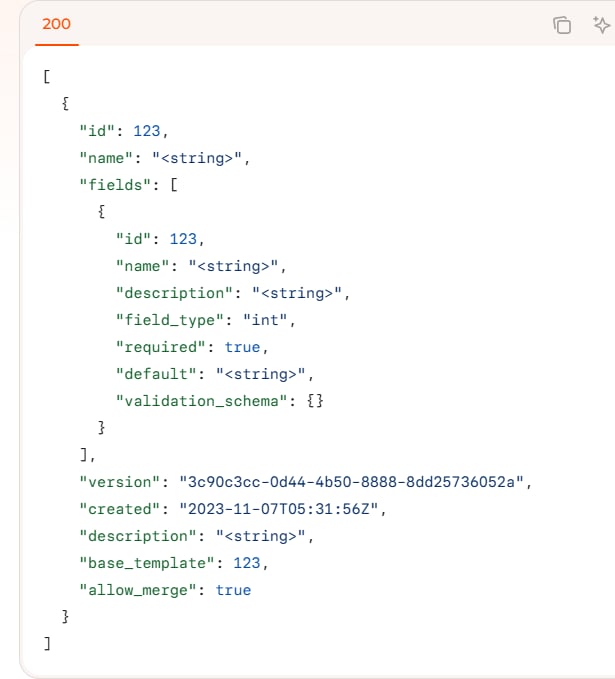
universal_v6 and keep its id.Angle brackets mark placeholders, while the response after Send contains the values the API returns.