

Reseller Support
Cloud service management
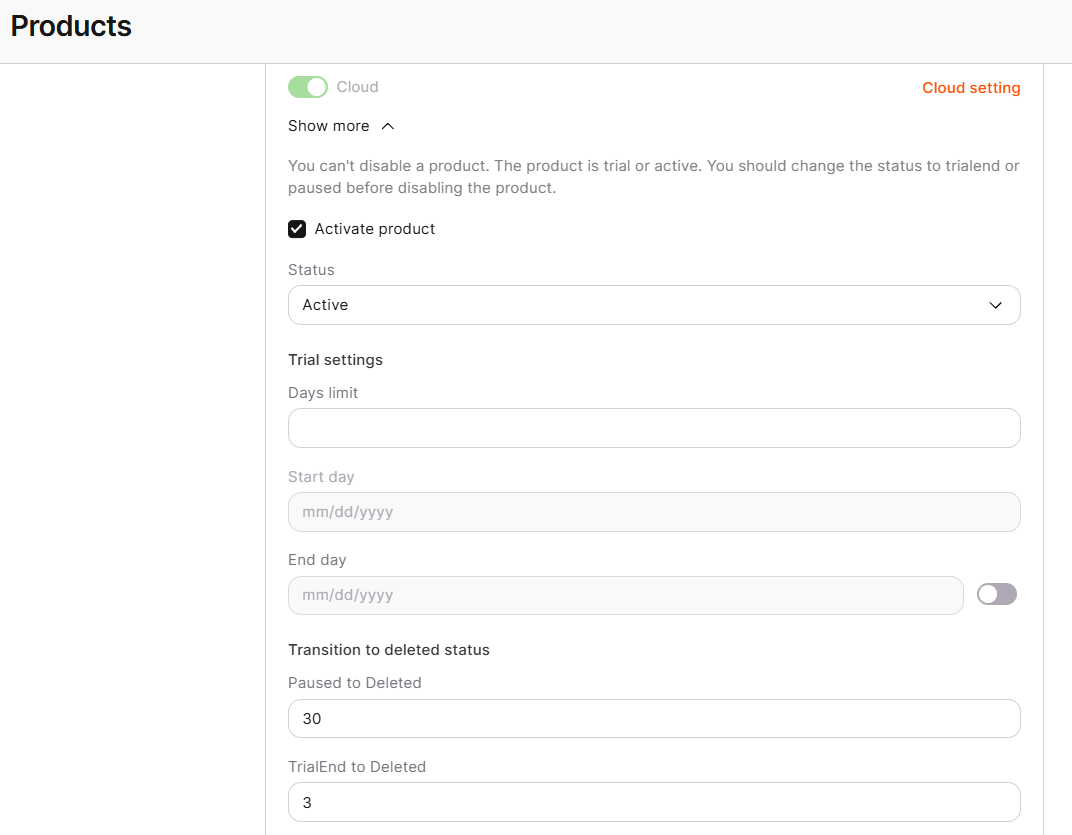
Cloud activates for a customer through the same Products tab workflow as every other product, covered in CDN service management: enabling the product on the account, then setting the Activate product checkbox and trial settings on Cloud’s own tab. Cloud has no additional reseller-specific settings beyond that generic flow; the one behavior specific to it is how a customer’s quota increase request is handled.