

1
Navigate to CDN > Origin groups
Search by name or ID, or by source, bucket name, or FastEdge app ID.
2
Open Edit
Click the group name, or click the three dots at the end of the row and then Edit.
3
Change the name and the URL source
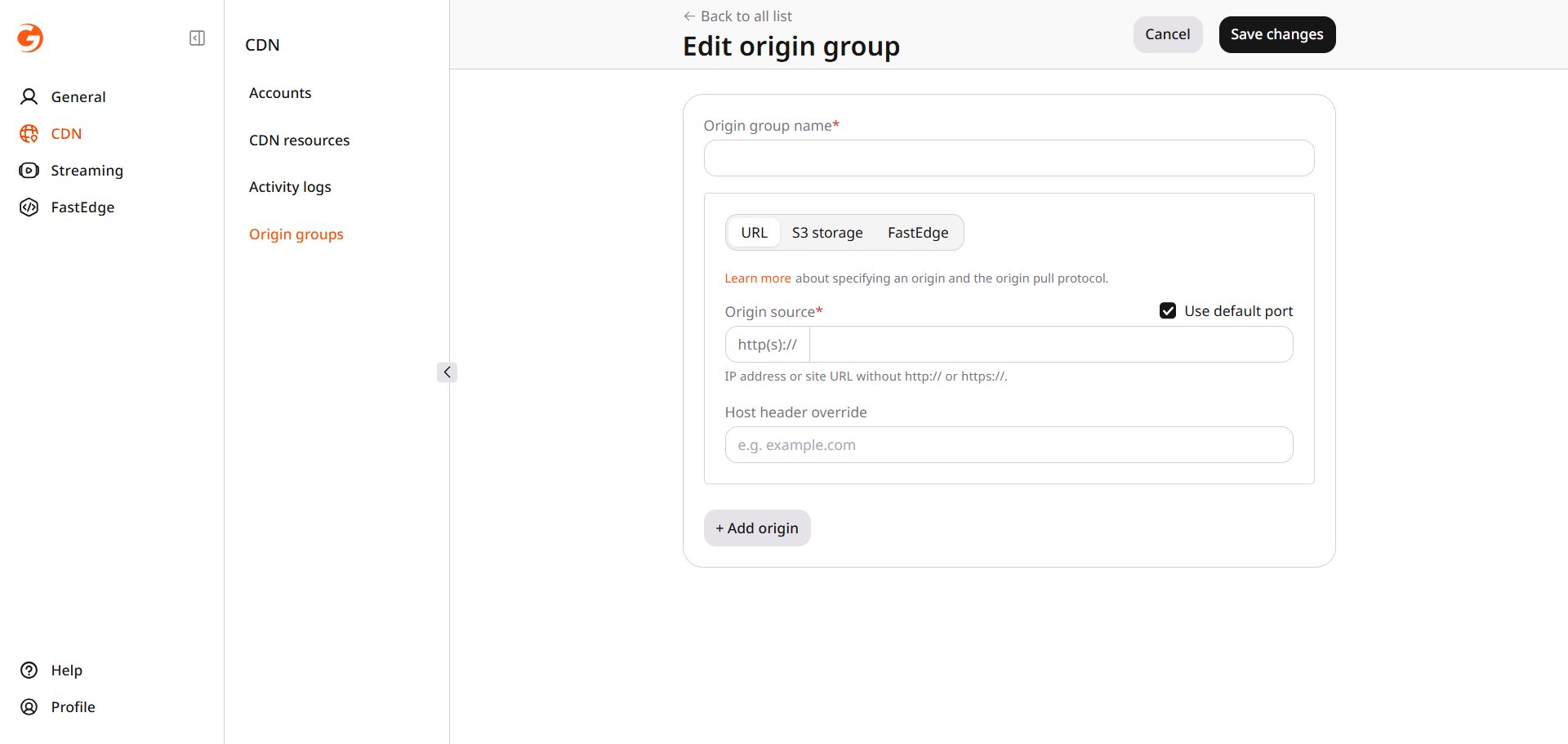
- Change Origin group name.
- For a URL source, set Origin source to the host or IP address, without
http://orhttps://. - Clear Use default port to enter a port.
- Switching that source to S3 storage or FastEdge opens a warning that the current configuration is reset. Click Change to continue.
4
Add a source
- Click Add origin and fill in the new source.
- With more than one source, Use next upstream sends the request to the next source in the list when a source returns an error.
- Set a source to Active or Use origin as a backup.
- Delete origin removes a source.
5
Click Save changes
Delete an origin group
1
Navigate to CDN > Origin groups
Click the three dots at the end of the row and then Delete.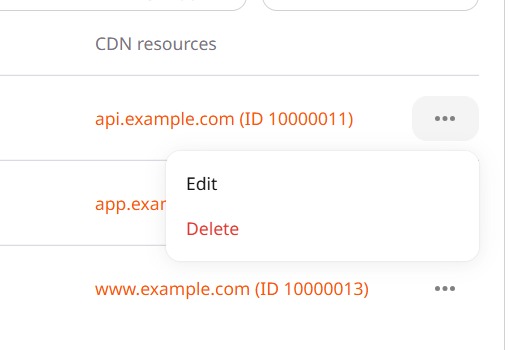
2
Click Yes, delete