

1
Navigate to CDN > CDN resources
- Search by CNAME or ID, or by account ID.
- CDN resource status is Active, Suspended, Processing, or Deleted.
- Show only resources planned to automatic suspend limits the list to resources scheduled for suspension.
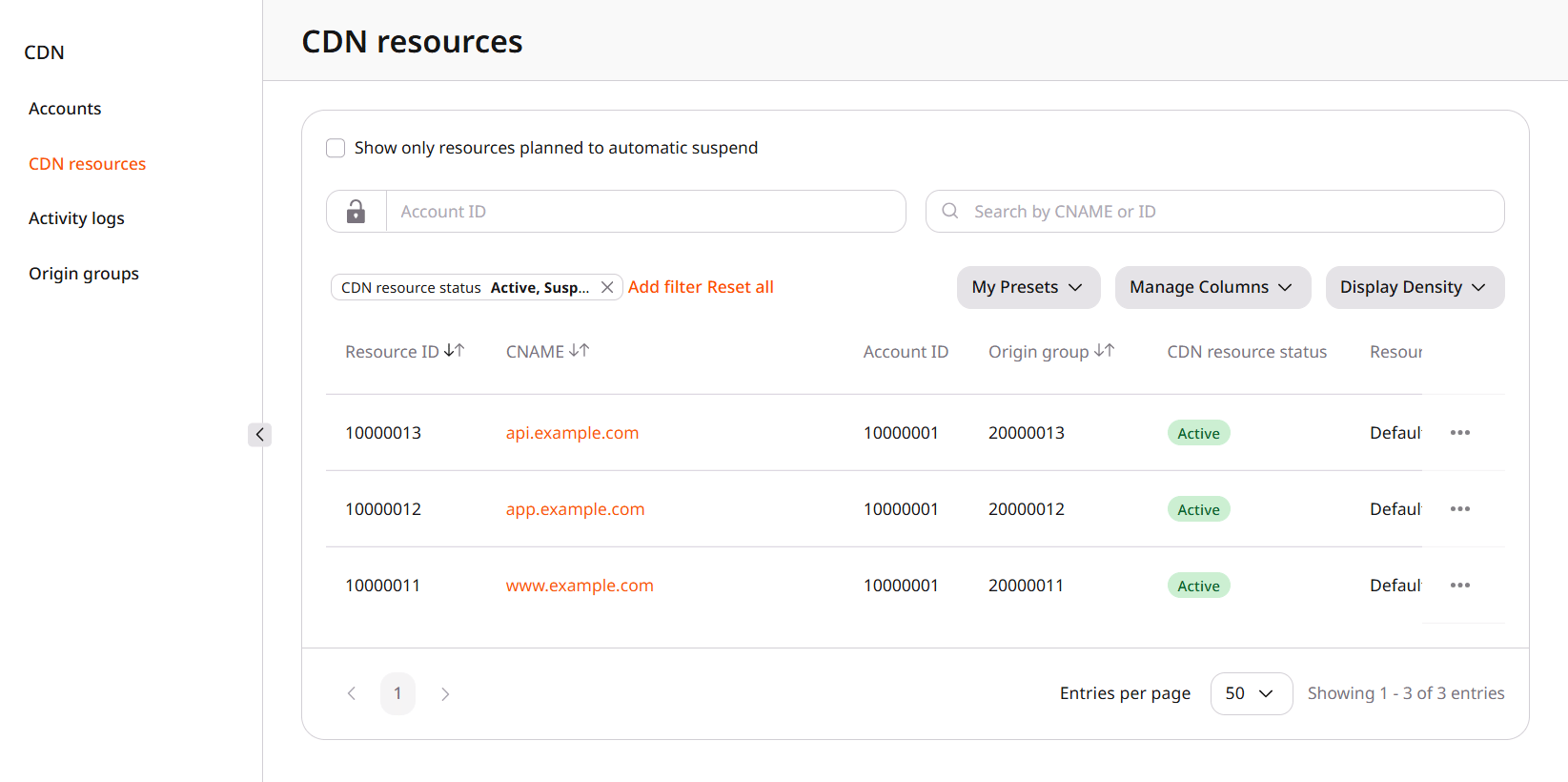
2
Open the resource
Click the CNAME, or click the three dots at the end of the row and then Settings. Edit account and Log in are in that menu.
3
Set Content availability
On Settings, under General, Content availability controls delivery. While the switch is on, content is available to customers.The same page sets the origin group, the certificate, and the cache. The options are grouped under General, Cache, Access, Content, HTTP headers, Network limits, Optimization, Security, and FastEdge apps.