OPTIONS
General
Files are pulled from an origin group. Origin pull sets the protocol to HTTP, HTTPS, or both, and selects the group. The sources in the group are edited in origin groups.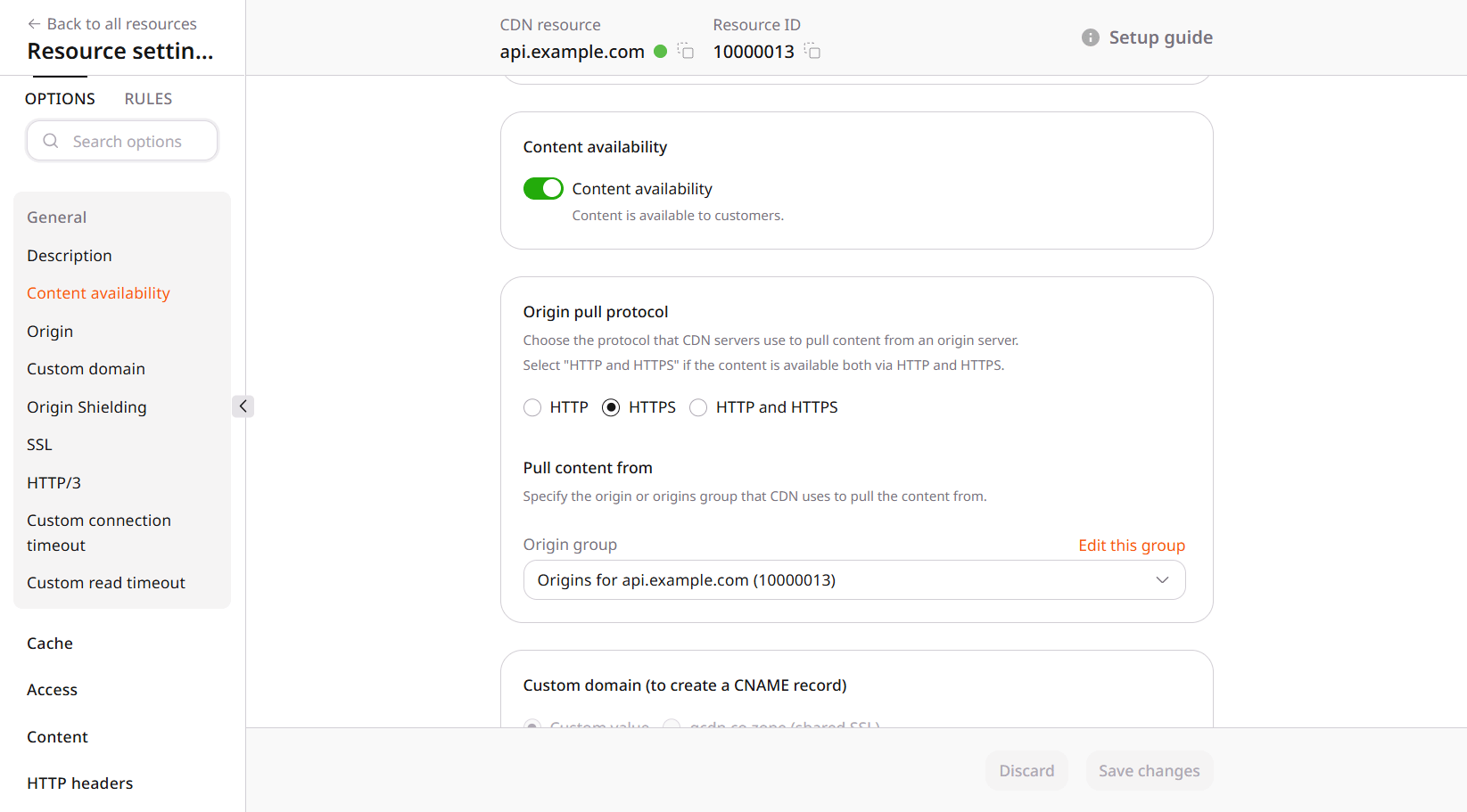
Cache
CDN caching is the edge lifetime. Browser caching is the lifetime in the viewer’s browser. Changing one leaves the other as it was. A different lifetime for one path belongs on a rule.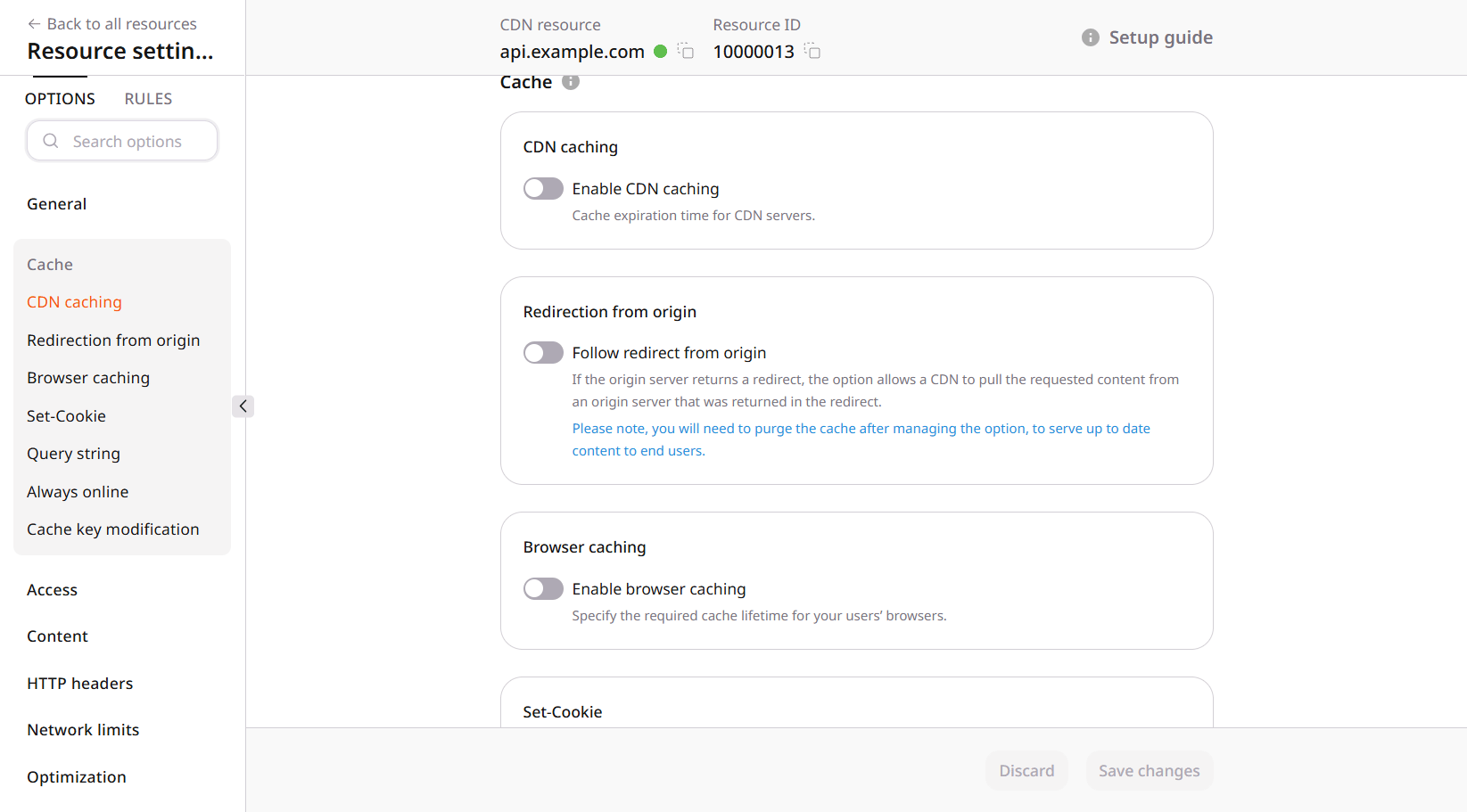
Set-Cookie header, can be stored once or many times. Ignoring the query string or Set-Cookie keeps one object. The cache key names the request parts that must be stored apart, and changing that key drops the copies already stored.
A redirect from the origin is stored and returned as a redirect. Origin redirects follow the selected codes and store the target instead. When the origin cannot return a fresh object, Always online can serve one that is already cached.
Access
Access policies filter by country, referrer, IP address, or user agent. Allow by default rejects only the listed values. Block by default accepts only those values. A secure token goes further and ties the URL to a time limit or to an allowed IP address.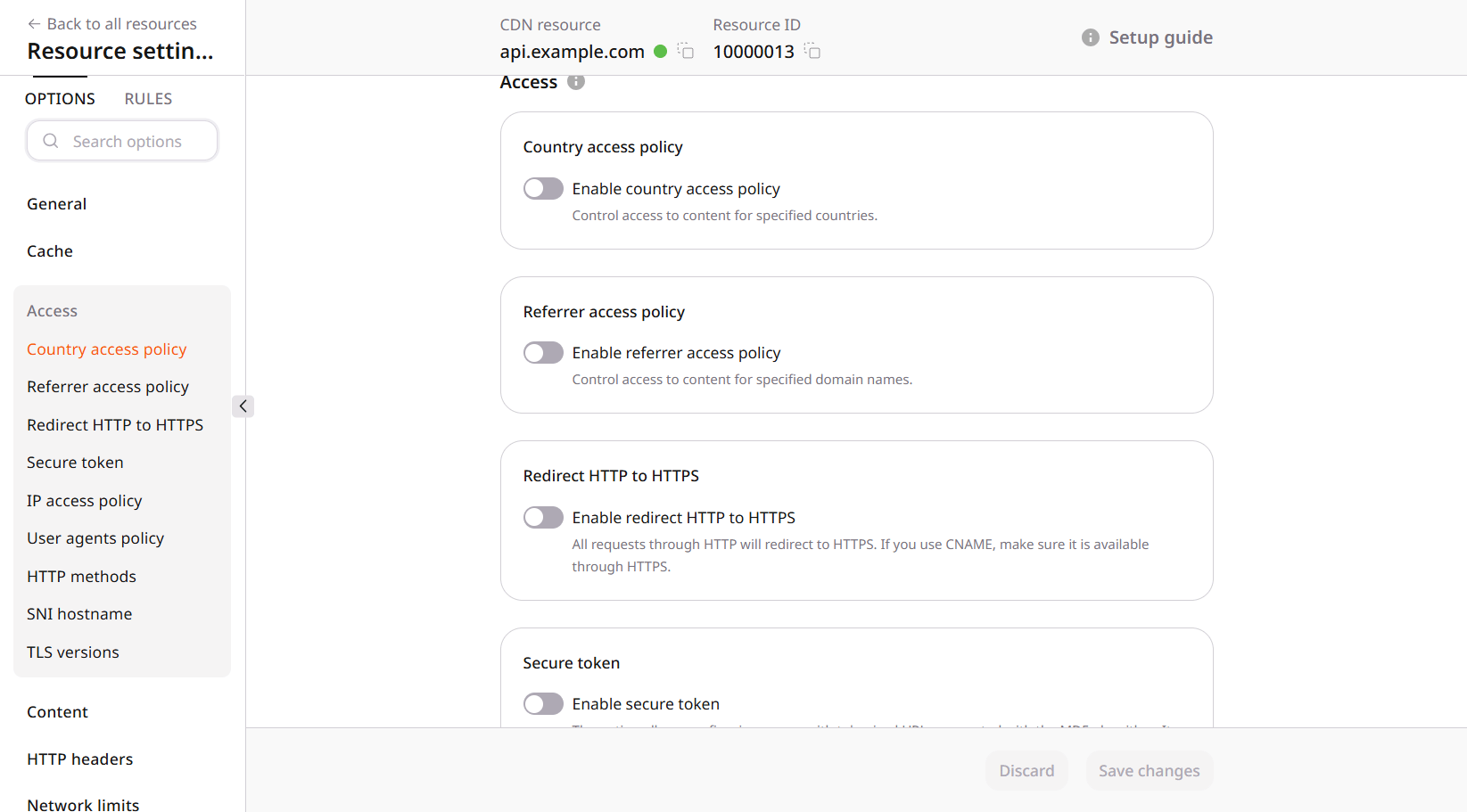
Content
A status code can replace the origin response for every request. The same replacement for one path is a rule.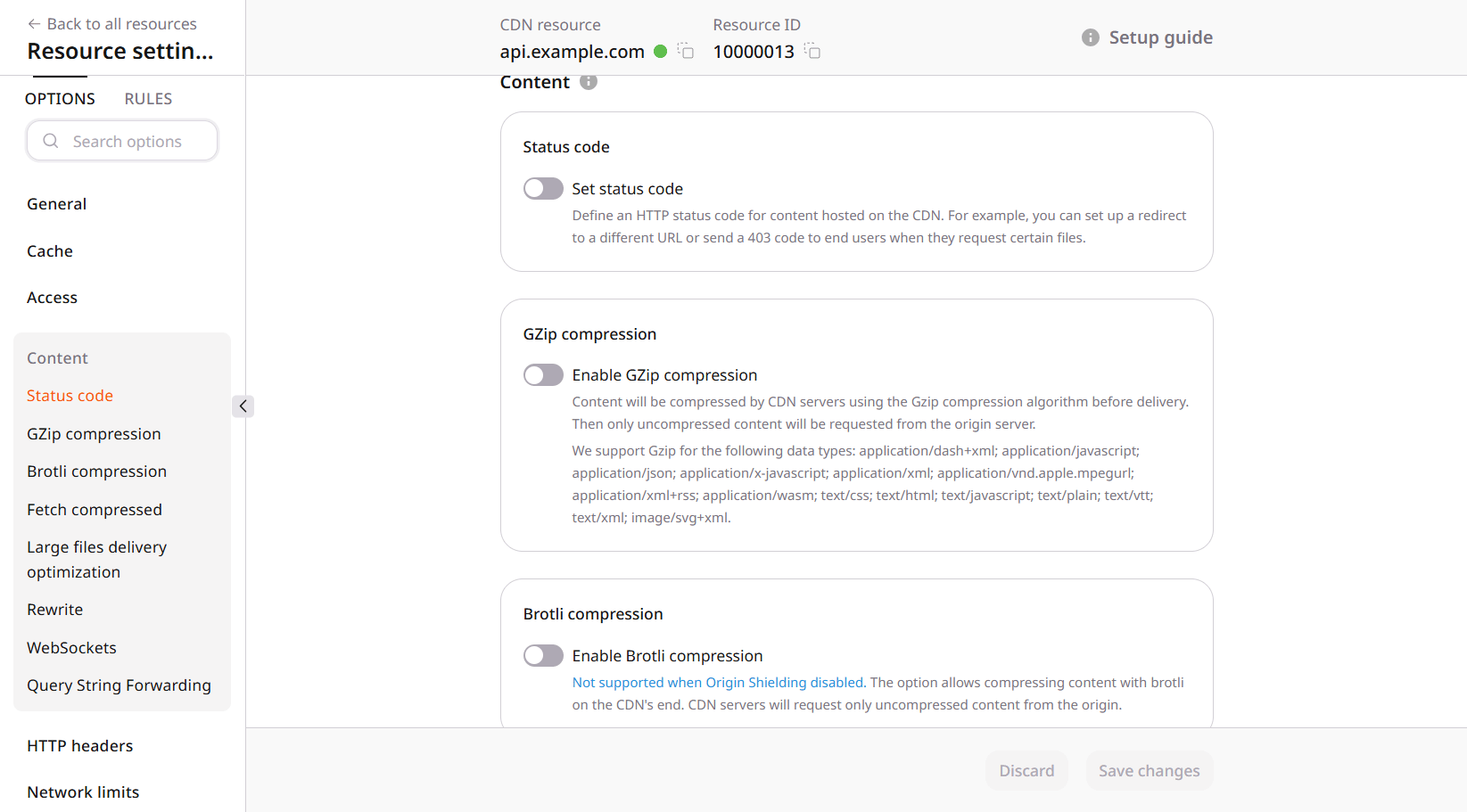
HTTP headers
On the way to the origin, the CDN can add request headers and can set which site a shared server should answer. That site is the host header: the hostname the viewer requested, or one fixed value on every origin request.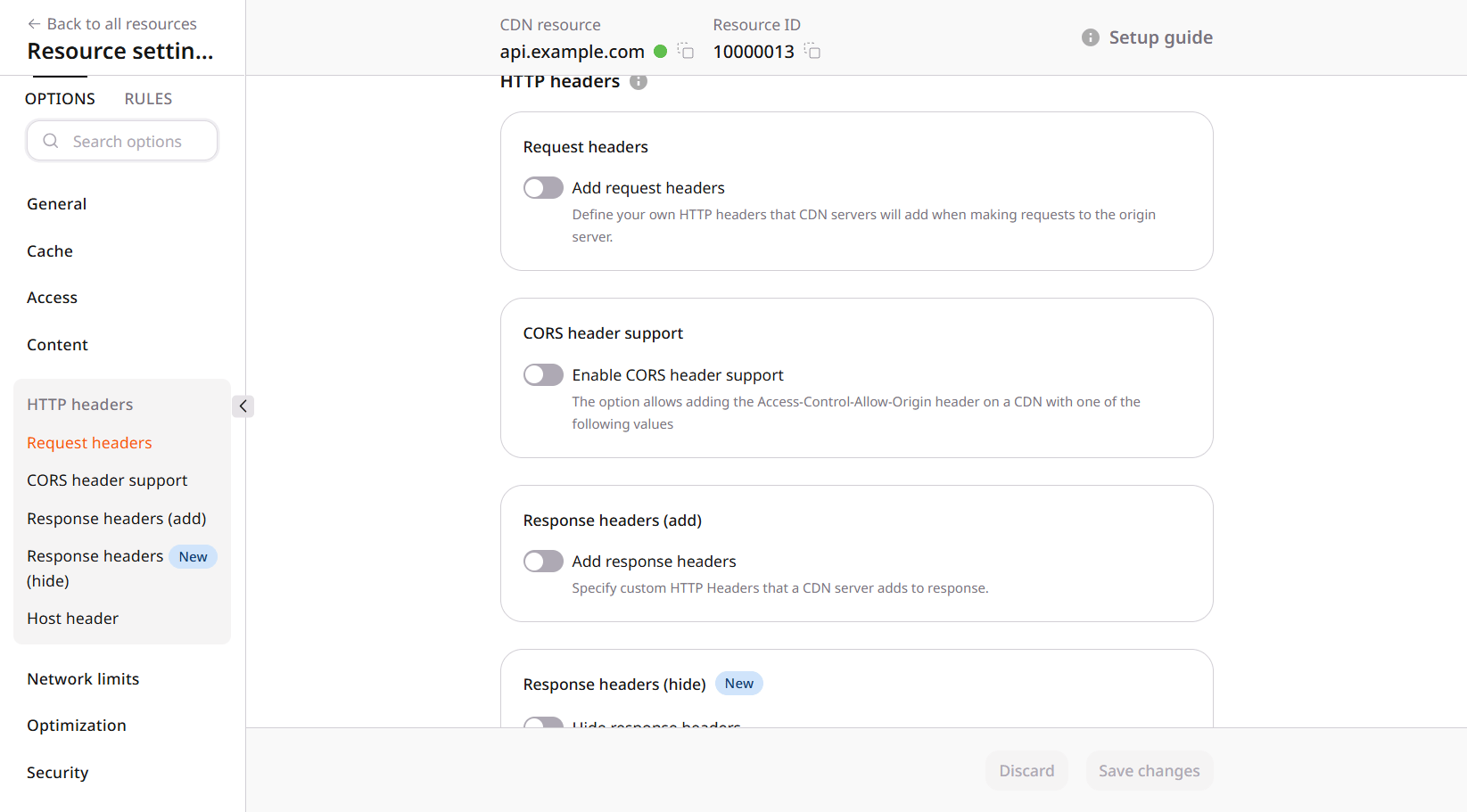
Network limits
A large file can occupy a connection for the whole transfer. Download speed holds each connection to a lower rate, either one rate for every connection or a rate taken from the request.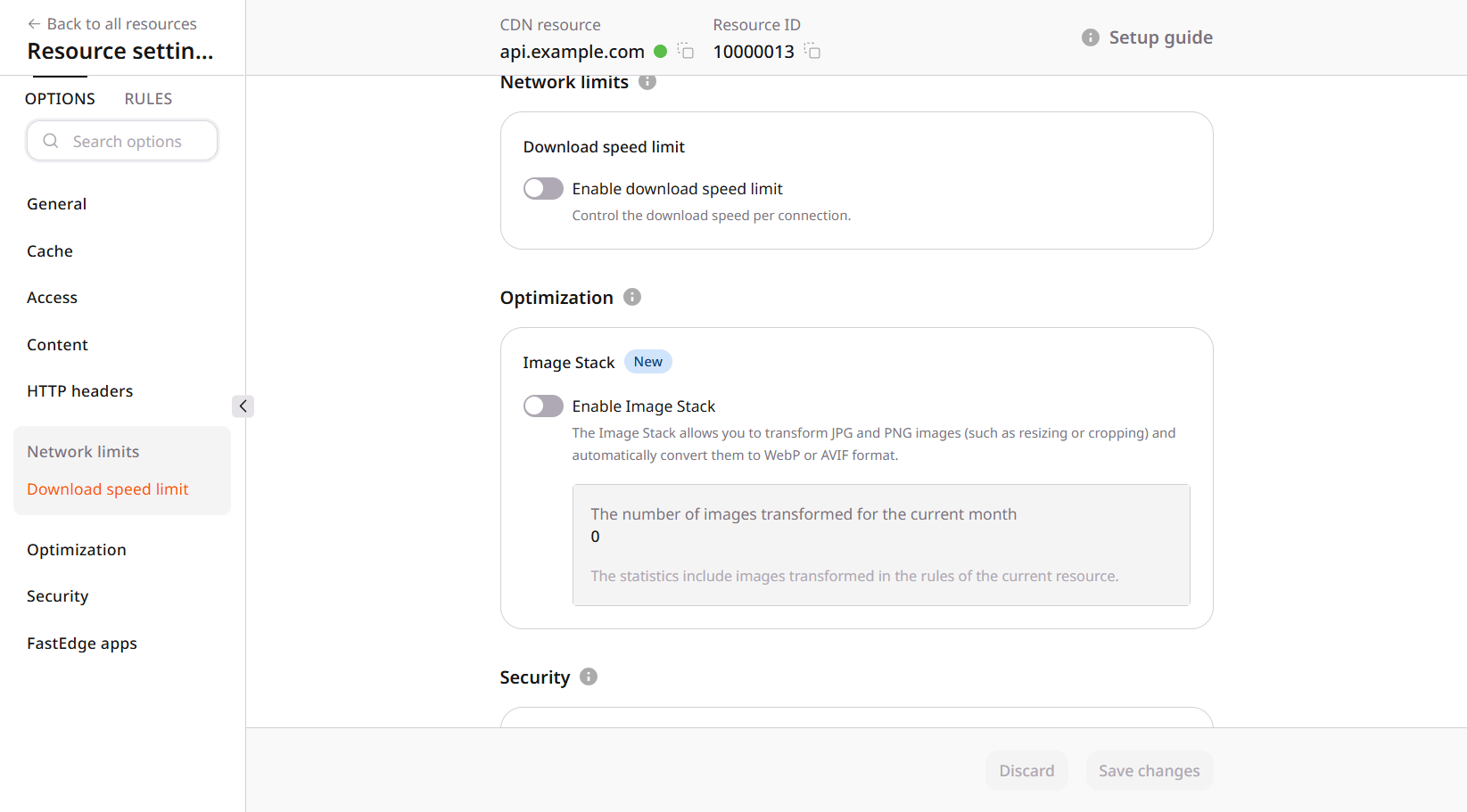
Optimization
Image Stack can change the quality, format, or size of a JPG or PNG on the way to the viewer. The file on the origin stays as it was. Enabling it for every request conflicts with Rewrite when the origin also serves other files. A rule can limit the processing to image paths.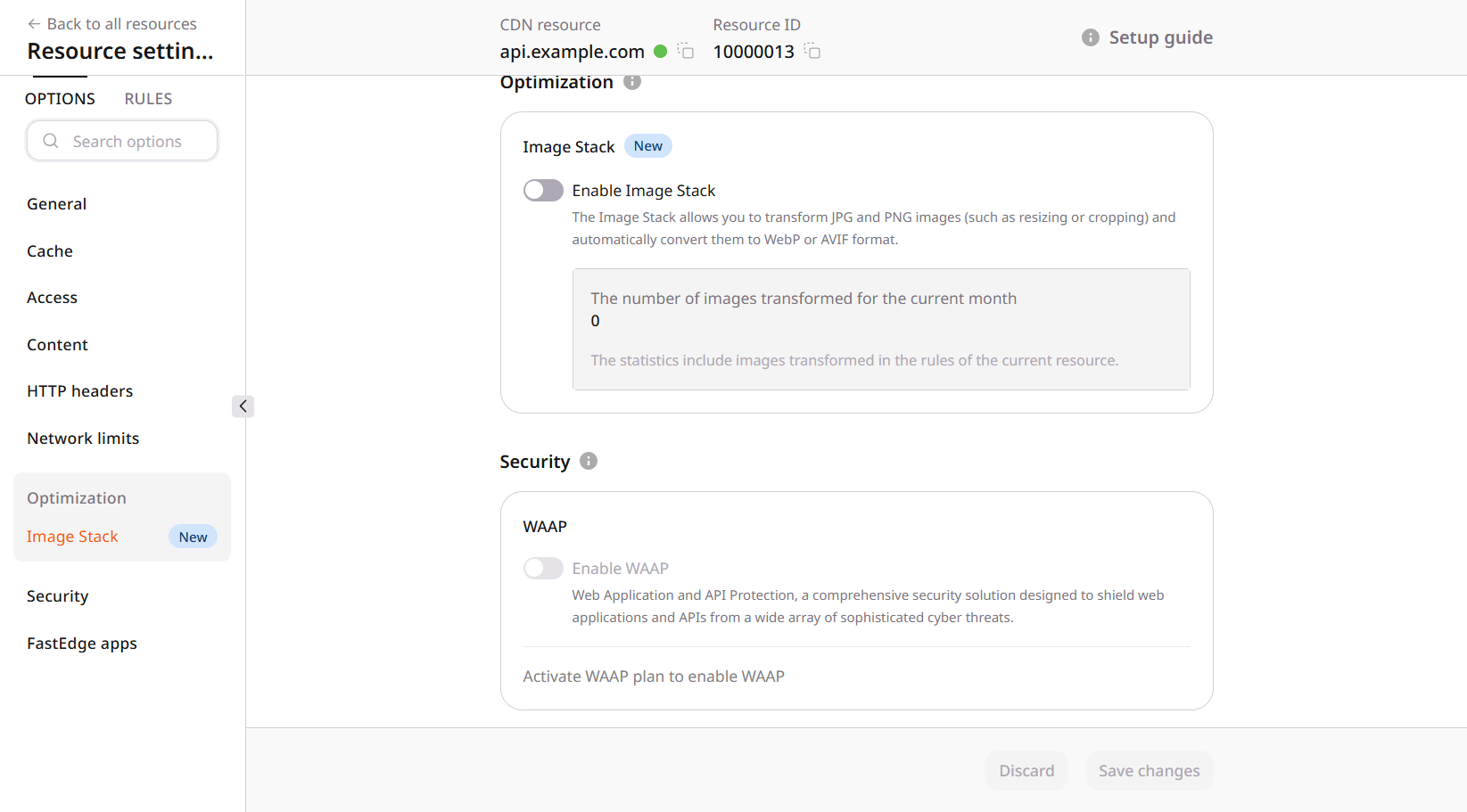
Security
WAAP inspects requests and can block malicious ones before they reach the origin. The switch stays disabled until a WAAP plan is active. Rate limiting, marked BETA, only caps how many requests one IP address can send. Bot protection is a paid control on the same form.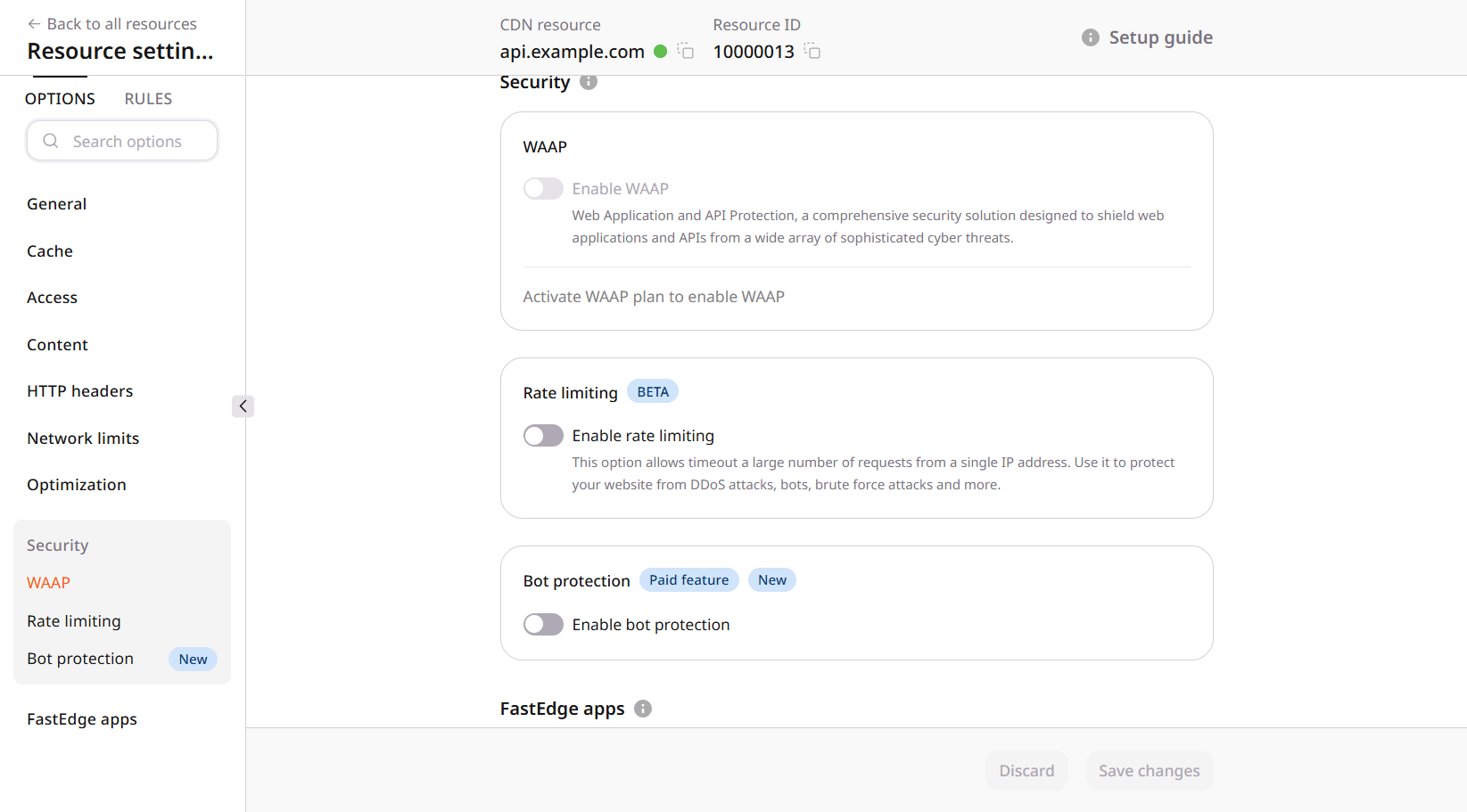
FastEdge apps
FastEdge applications run during CDN processing and can change the request or the response. Each stage of that processing accepts one application.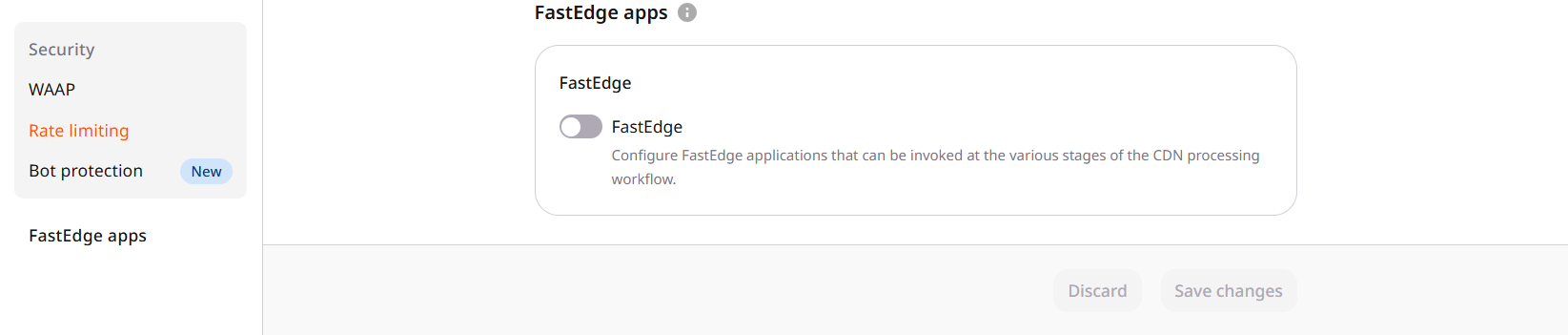
RULES
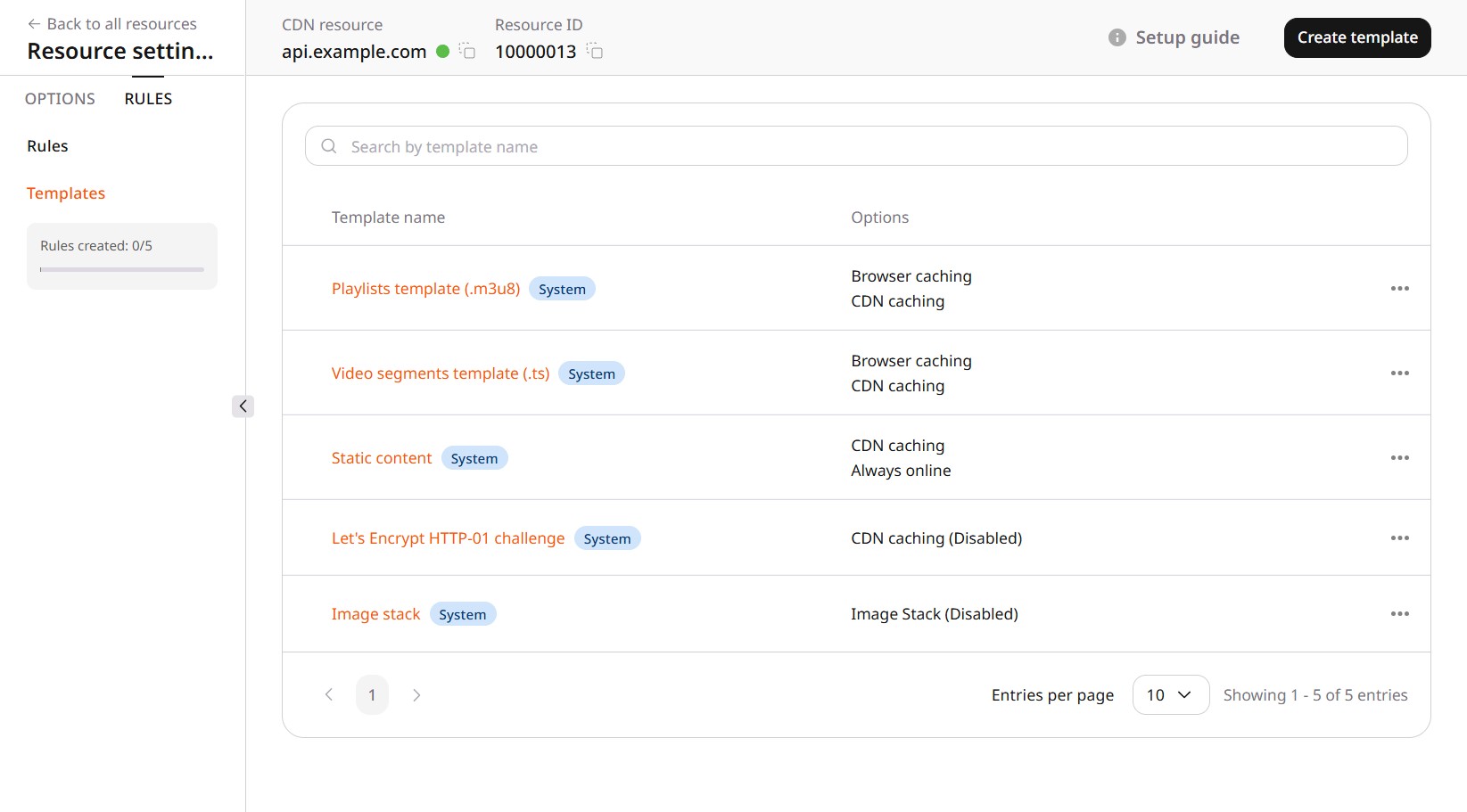
A path that should not follow the resource settings needs a rule. The rule matches a URI path or a regular expression, and its pull protocol can stay inherited or be set to HTTP, HTTPS, or both. When several rules match one URI, the rule listed first applies.
Create rule starts blank or from a template. A template already holds a path, a pull protocol, and the options to override. Rule templates include system presets for playlists, video segments, static content, the Let’s Encrypt HTTP-01 challenge, and Image Stack. A system template opens as a read-only view of that preset.