1
Navigate to General > Identity and Access > Accounts
2
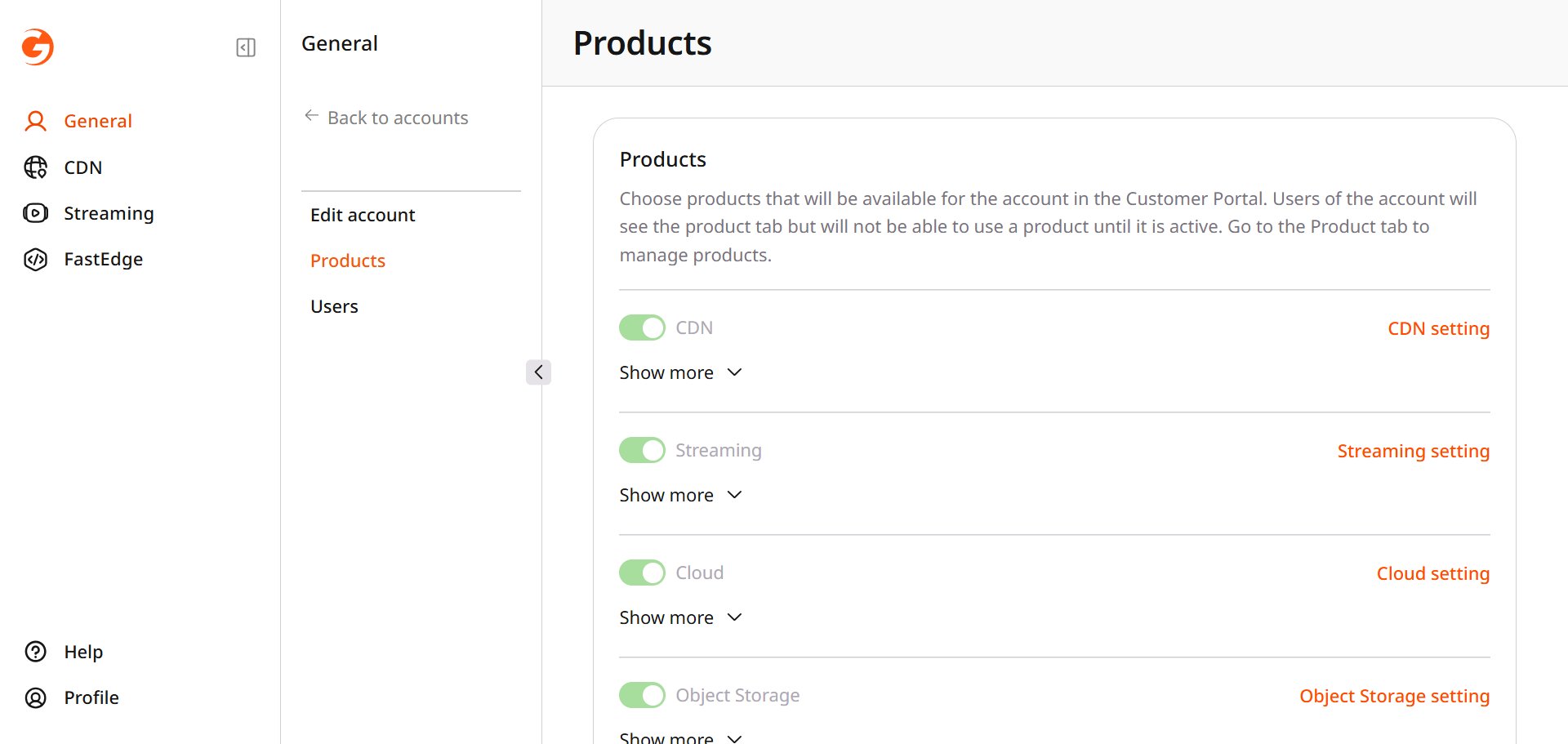
Open the account and select Products
3
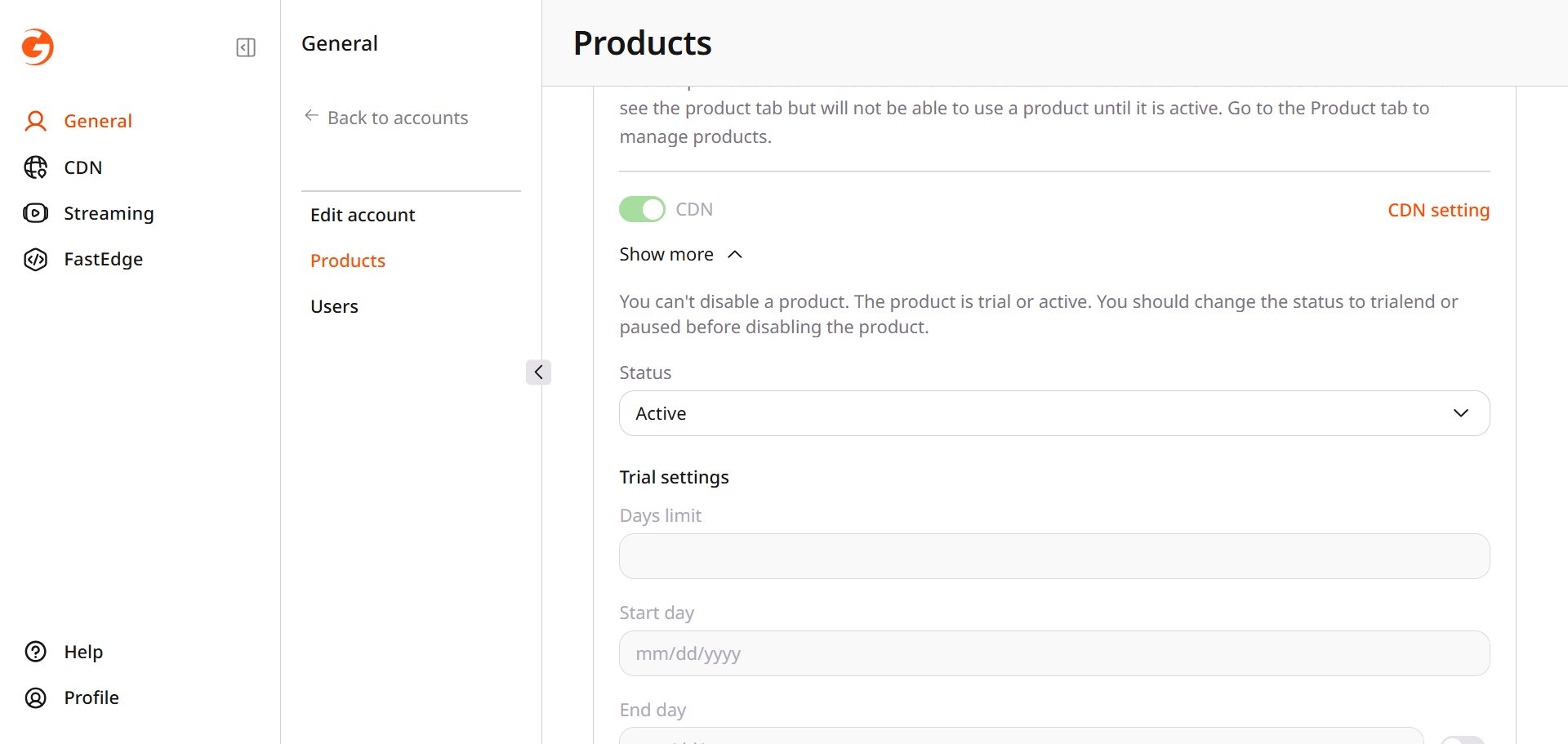
Open Show more
- While the status is Trial or Active, the product switch stays on. Set the status to Trialend or Paused before turning it off.
- Days limit, Start day, and End day can be set when the status is Trial.
- Start day stays fixed, and the switch beside End day makes that date editable.
4
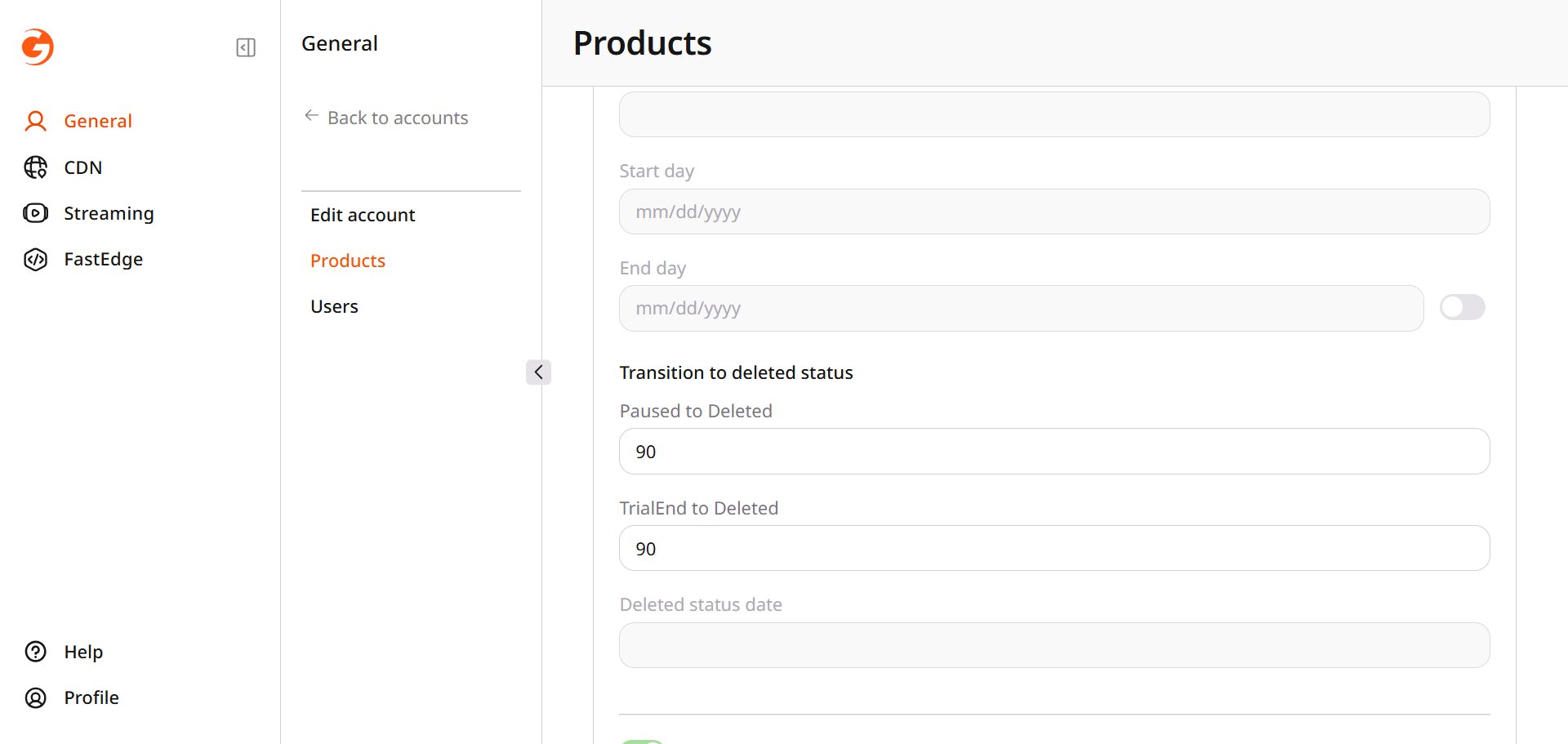
Set the days before Deleted
- Paused to Deleted and TrialEnd to Deleted set how many days pass before the status becomes Deleted.
- Paused to Deleted and TrialEnd to Deleted cannot be edited while the status is New.
- Deleted status date cannot be edited.