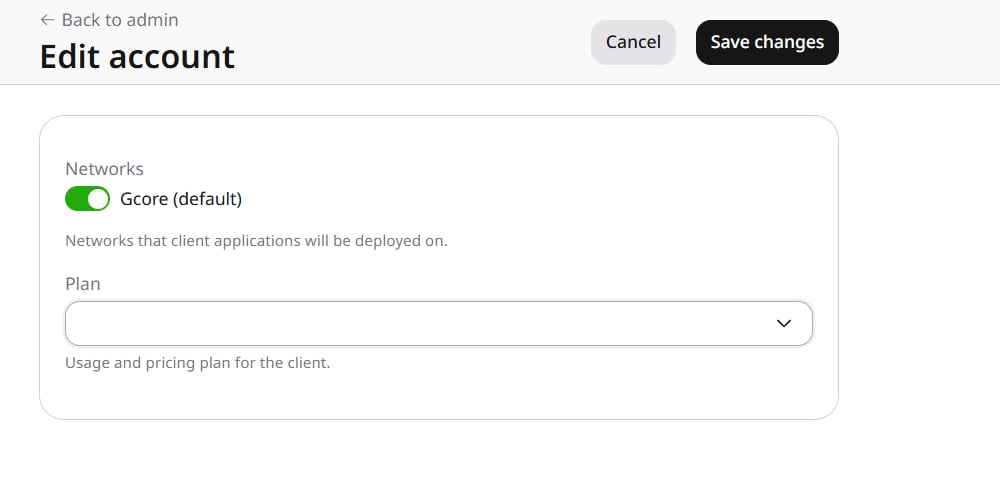
Settings on a FastEdge account set the network where that customer’s applications are deployed and the plan that bills the usage. In General, open Accounts, select the account ID, and on Products open FastEdge setting to open Edit account.
FastEdge network and plan

Networks

Applications are deployed on the selected network. Gcore (default) is the network selected for the account.

Plan

Plan is the subscription plan the customer’s usage is billed under. The list contains the plans available for that customer. Click Save changes to apply the selected network and plan.

Shared Access

In FastEdge, Shared Access lists the groups that decide which customers can use a shared template. A group shows its name, the accounts and templates assigned to it, and its description. Create group adds a group. Groups can also be managed with the Groups API.