

Storage
Storage management
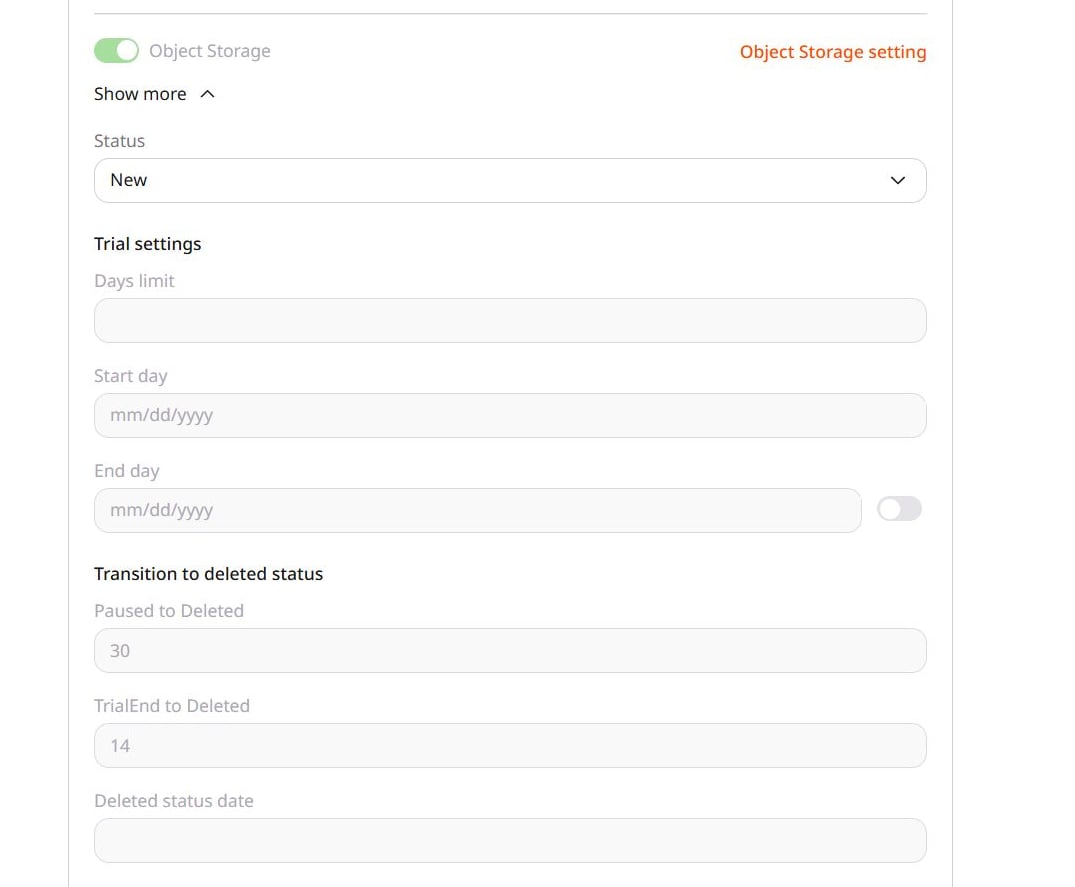
Enable Object Storage for a customer account and what Deleted does to stored files.
Use the Products page to enable Object Storage for a customer account. The customer can see Object Storage but can use it only when its status is Active.
In General, open Accounts, select the account ID, and open Products.