

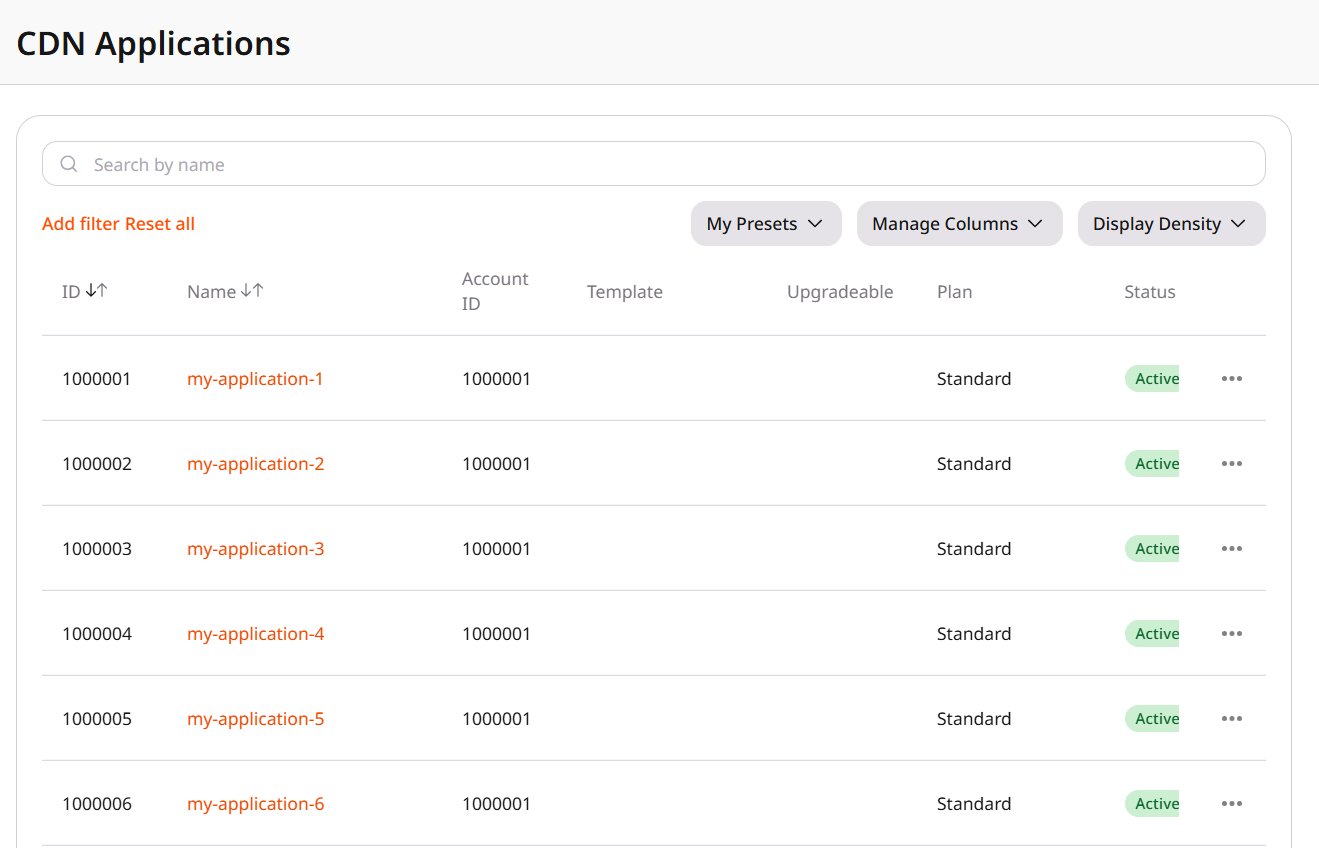
- Account ID is the customer account where the application was created.
- Status is Active when the application is running, Disabled when it is stopped, or Blocked.
- Template is the template the application was created from. An empty value means the application was created without a template.
- Binary ID separates versions built from the same template.
- Plan is the subscription plan the application is billed under.
- Stop takes an Active application out of service.
- Start runs a Disabled application. On a Blocked application, Start sets the status back to Active.
- Block sets the status to Blocked.
- Upgrade binary version replaces an Outdated binary with the newest template binary, including the template changes made since that binary was built.
- View opens the application.
- Delete removes the application from the Customer Portal. Disconnect the application from its CDN resource first. The deletion does not proceed while the application stays connected, and the removal is permanent.