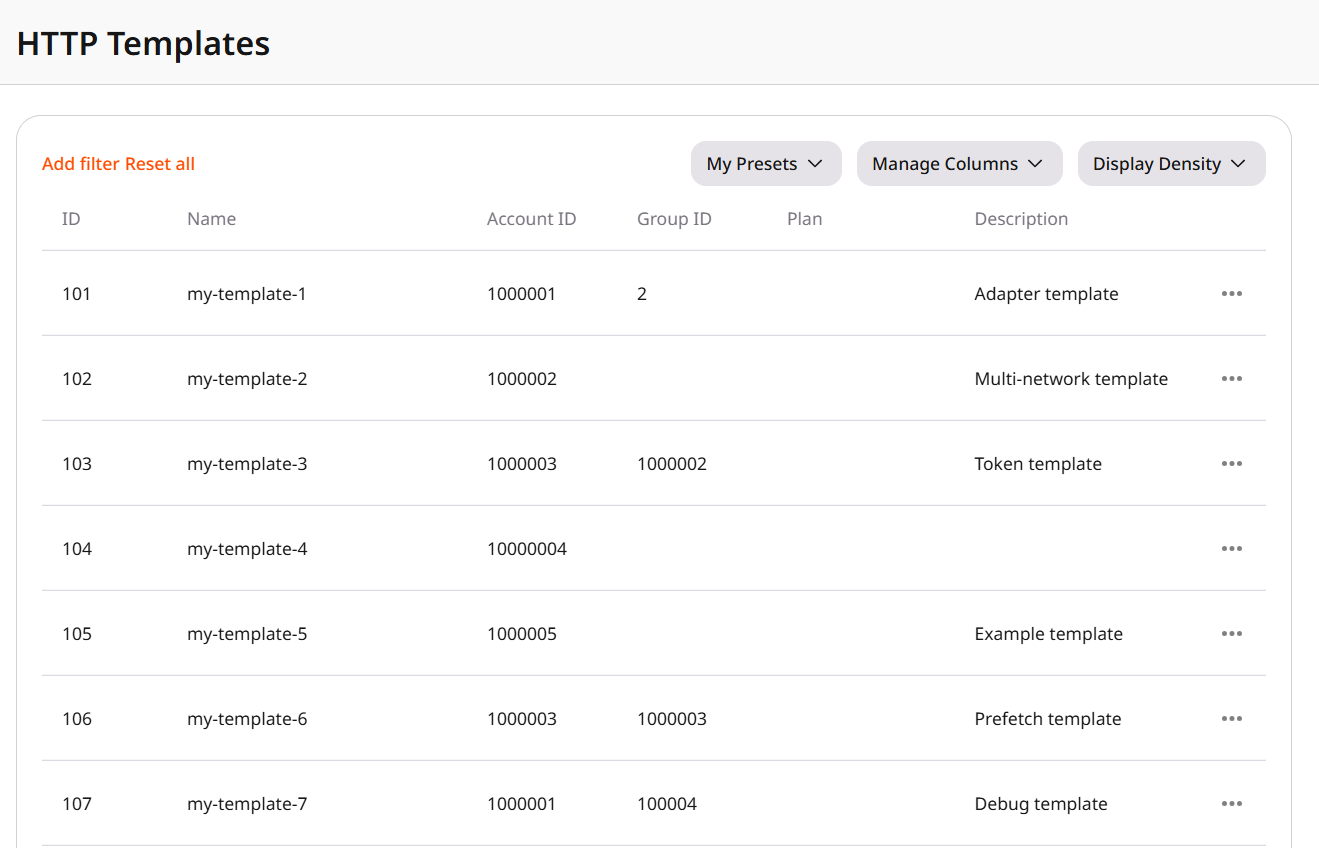
Find a customer HTTP template, share it with a group, or delete it.
The Templates page lists the HTTP templates customers created in the Customer Portal. Customers in a group can create an application from a template shared with that group.
Narrow the list by:
Account ID is the customer account where the template was created.
Group ID is the Shared Access group the template is assigned to.
Reset all clears the filters. The current filters and columns can be saved as a preset.Name and Description are the text the customer set in the Customer Portal. Instructions, in Manage Columns, are the usage notes supplied with the template. An empty Group ID means the template is not shared, so customers cannot open it or create an application from it.To manage a template, select View template to open it, Sharing to assign it to a group or to clear that assignment, or Delete template to remove it from the Customer Portal. Sharing makes the template available to the customers in the group. Deleting a template is permanent, and restoring it requires uploading the template again.