

1
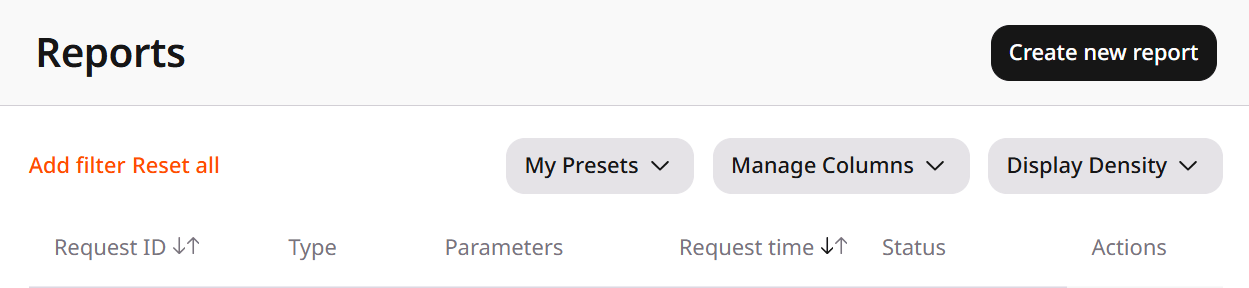
Navigate to General > Billing > Reports
2
Click Create new report
3
Select a template
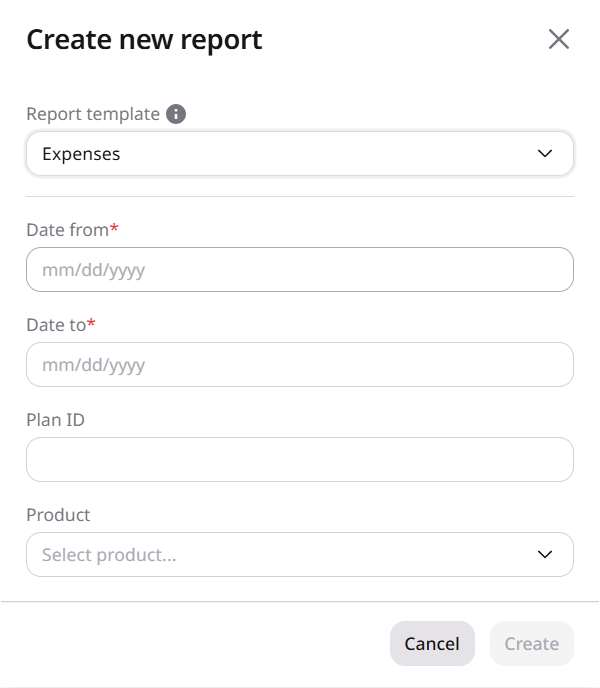
Select Reseller Statistics V2 or Expenses.For Reseller Statistics V2: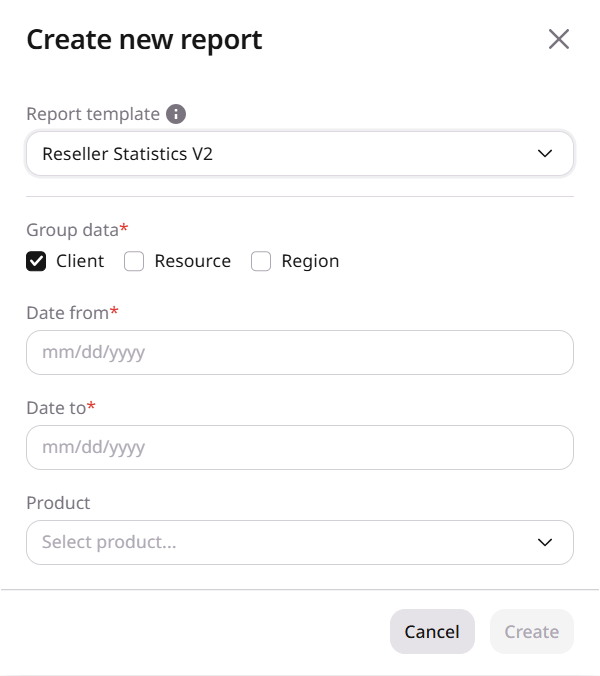
- Group the usage by Client, Resource, Region, or a combination of them.
- Client is selected by default.
- Date from and Date to are required. Future dates cannot be selected.
- Product is optional.
- Set Date from and Date to. Future dates cannot be selected.
- Plan ID and Product are optional.
- The plan ID is the number shown when hovering Plan name on Addendums.
4
Create and download
Click Create after the required fields are set. When Status is Completed, open the row menu and download CSV, JSON, or Excel.