

Vendor settings
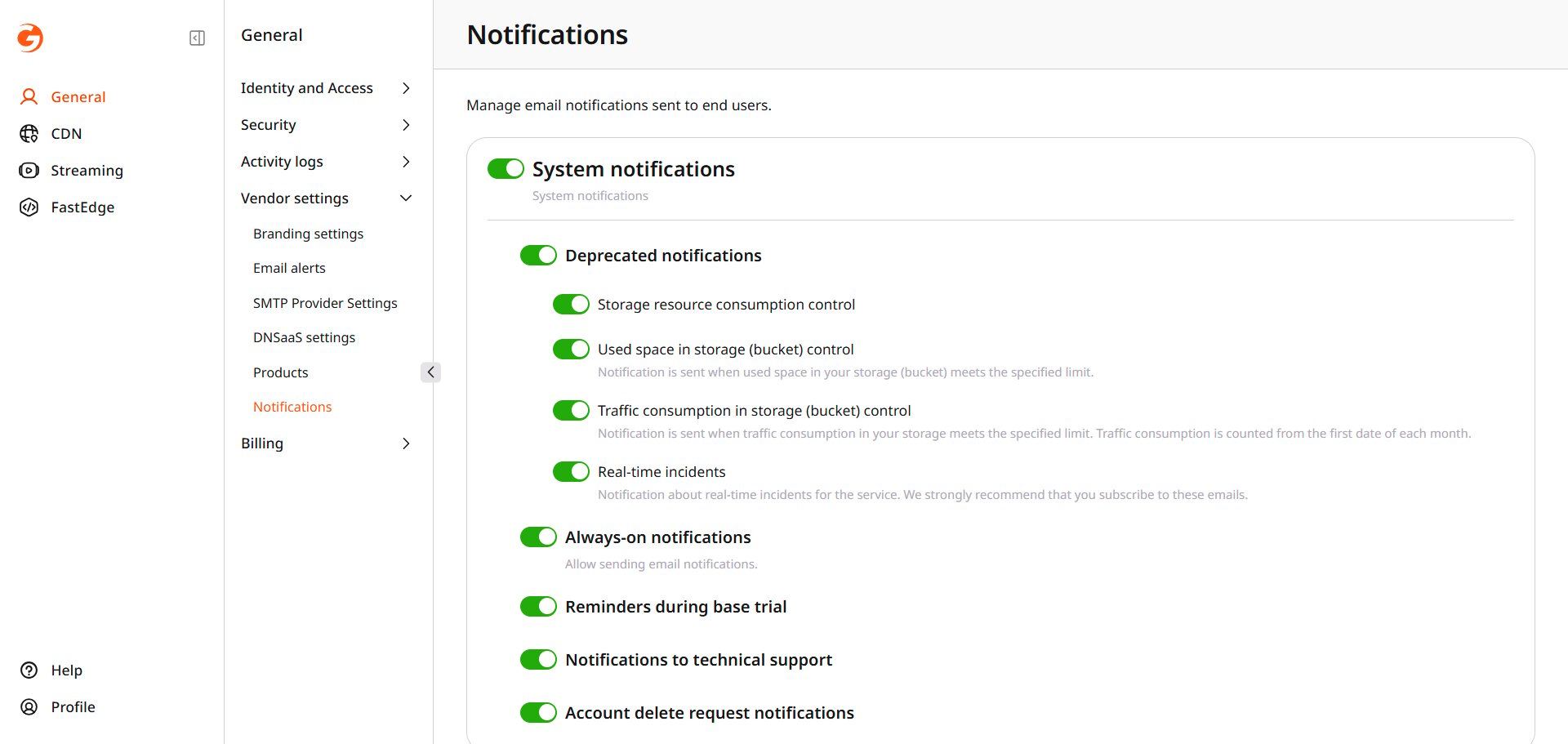
Email sent to end users
Set which product emails customers receive.
These switches control email sent to end users. Deletion and failed sign-in notices for the reseller are set in Email alerts.
Navigate to General > Vendor settings > Notifications.