

1
Open SMTP Provider Settings
Navigate to General > Vendor settings > SMTP Provider Settings.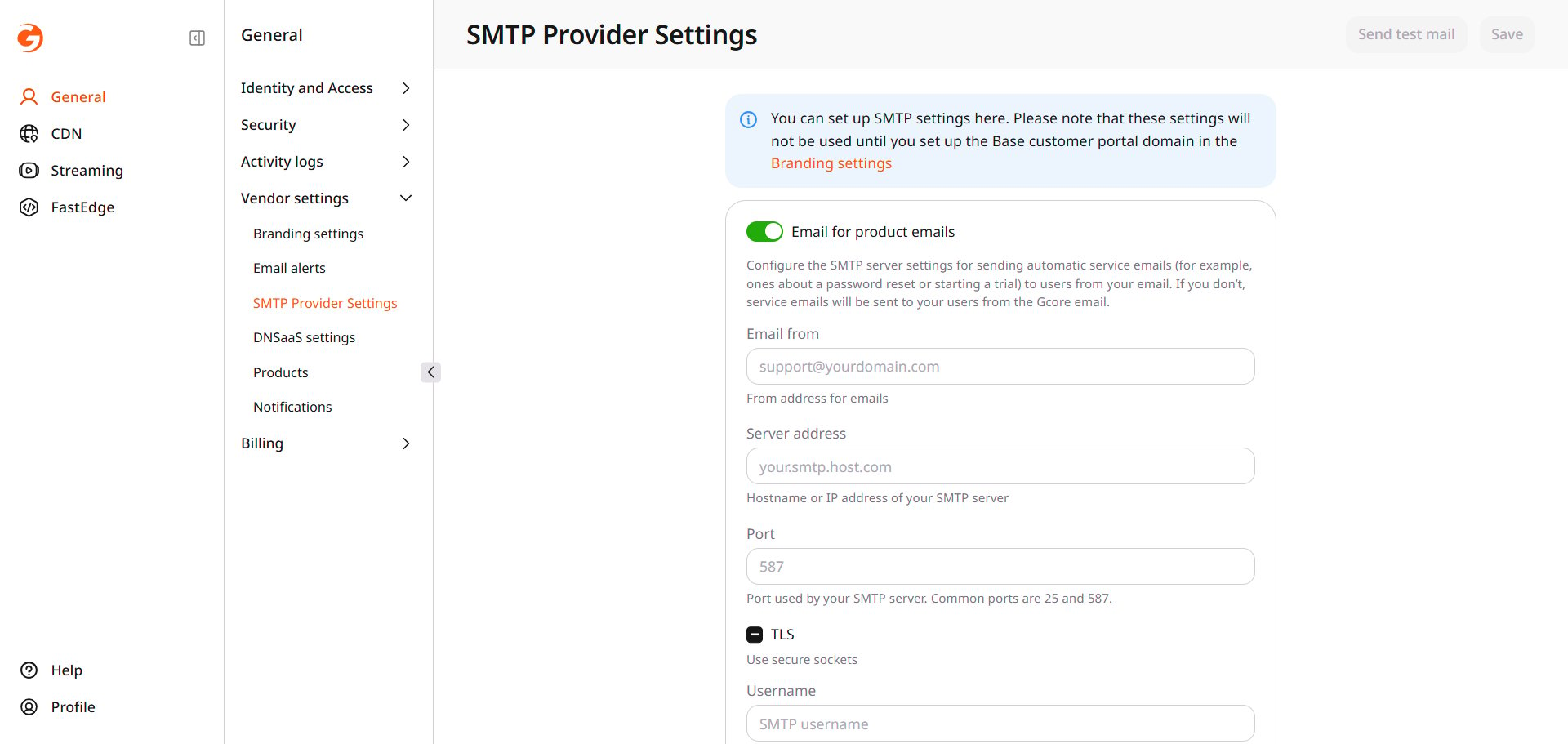
2
Turn on Email for product emails
Email from is the sender address. Server address is the hostname or IP address of the SMTP server. Enter the Port supplied by the mail service. Common ports are 25 and 587. Enter Username and Password. Turn on TLS to use secure sockets.
3
Click Save and send a test
Send test mail stays unavailable until those saved values match the form. It then sends a test message through the saved server, and the page reports whether that message was sent. After any later change, save again before sending another test.