

Vendor settings
Account deletion and failed sign-in notices
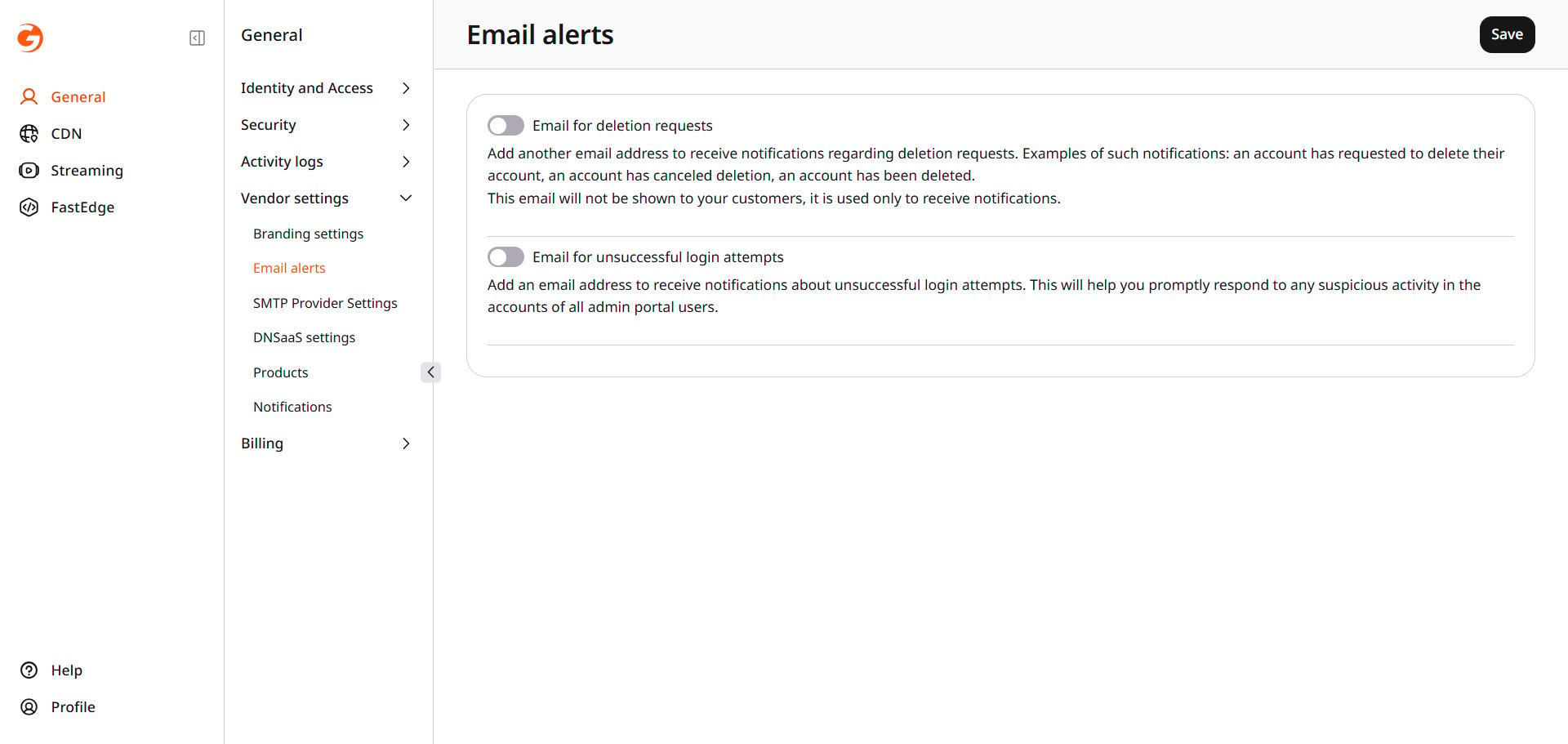
Configure email notifications for account deletion events and failed admin sign-ins.
Your team is notified when an account deletion is requested, canceled, or completed, and when an admin portal sign-in fails.
Navigate to General > Vendor settings > Email alerts.