

Add an API key
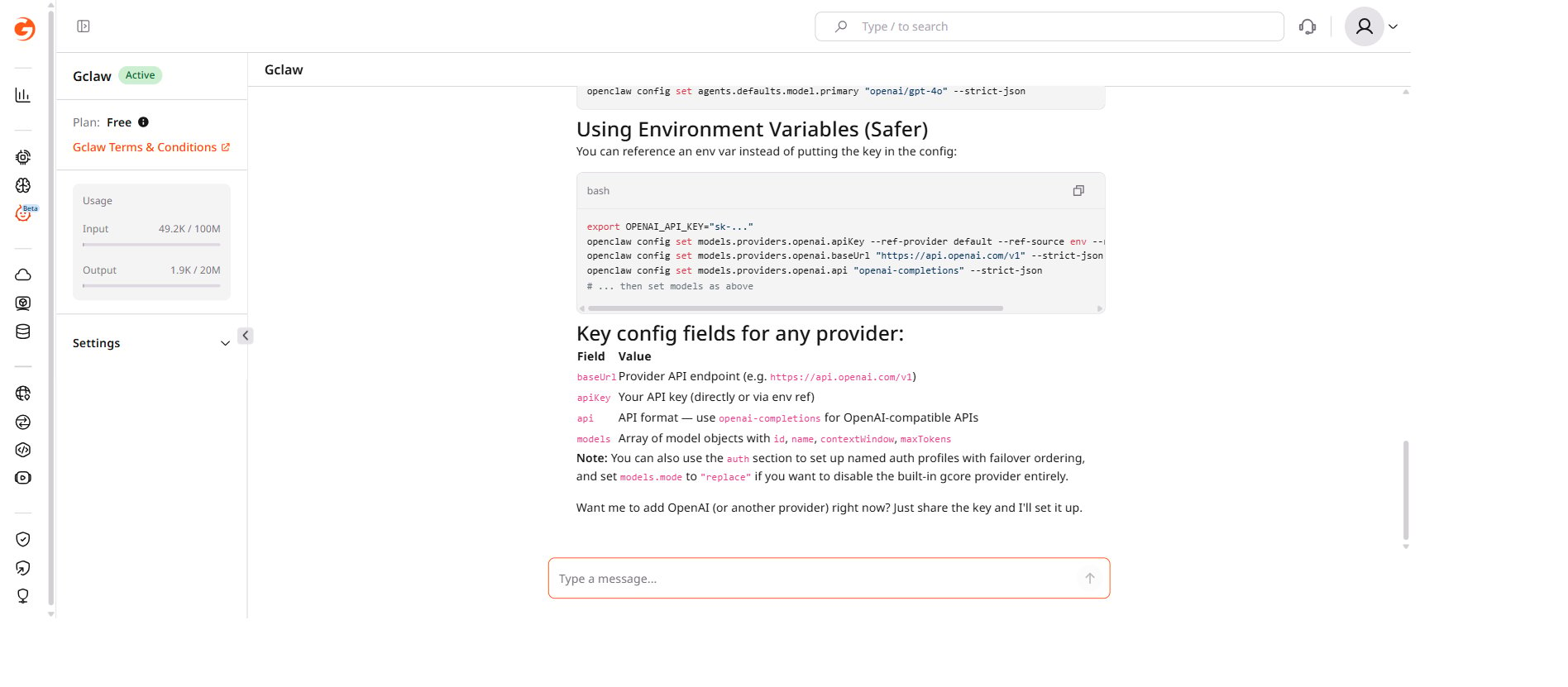
To add an API key, paste it into the chat interface:“Add my OpenAI key: sk-abc123…”The assistant stores the key in the instance configuration and confirms when it is set.
Credentials required by skill
Skills that do not appear in this table (
config-backup, healthcheck, taskflow, weather, and others) require no external credentials.
Available skills
Ask the assistant “List all available skills” to see the full list with descriptions.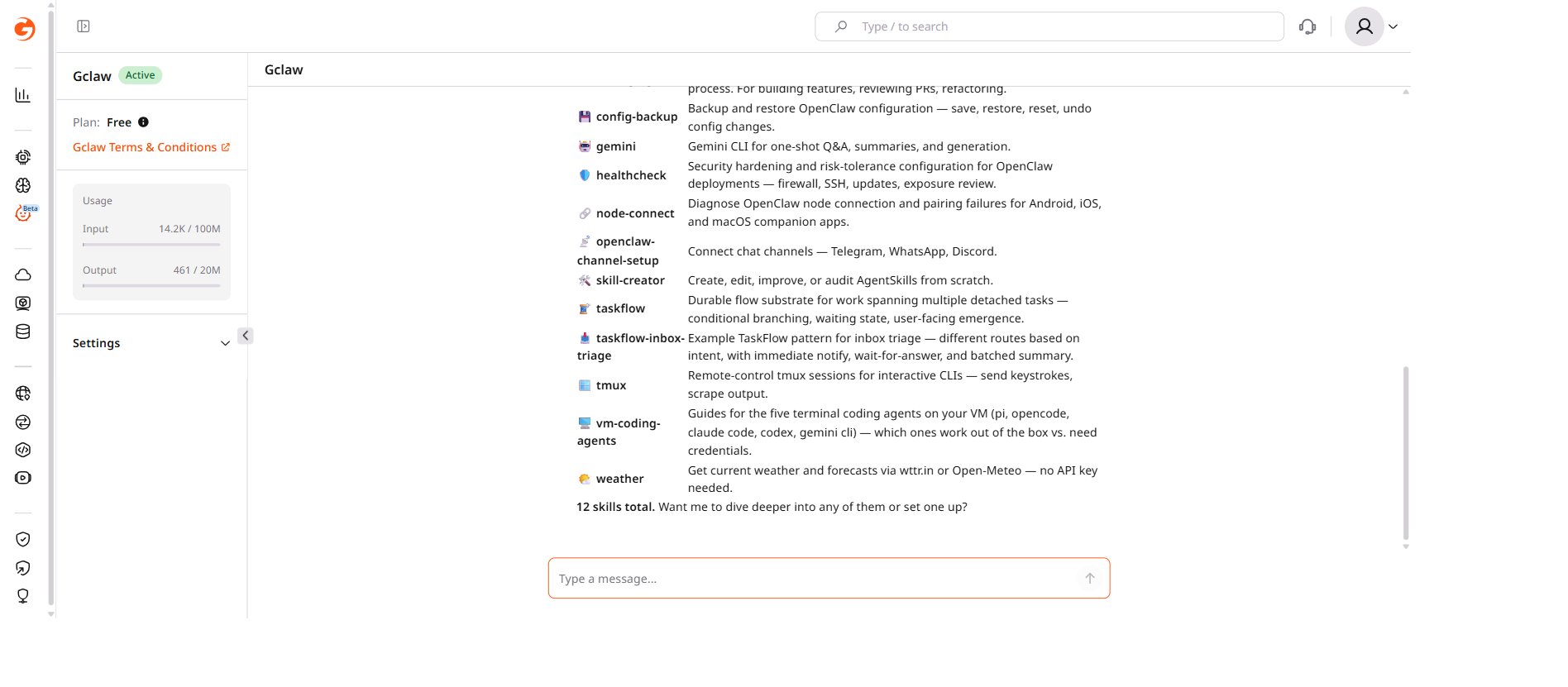
To use a skill, ask the assistant directly — the appropriate skill loads automatically.