Launch an instance
To create and launch a Gclaw instance:- Sign in to the Gcore Customer Portal and navigate to AI > Gclaw. A Gcore account is required; sign up if needed.
- If this is the first time accessing Gclaw, review the Terms of Use and click I Agree.
- Click Get started.
- Wait approximately one minute for the instance to be prepared.
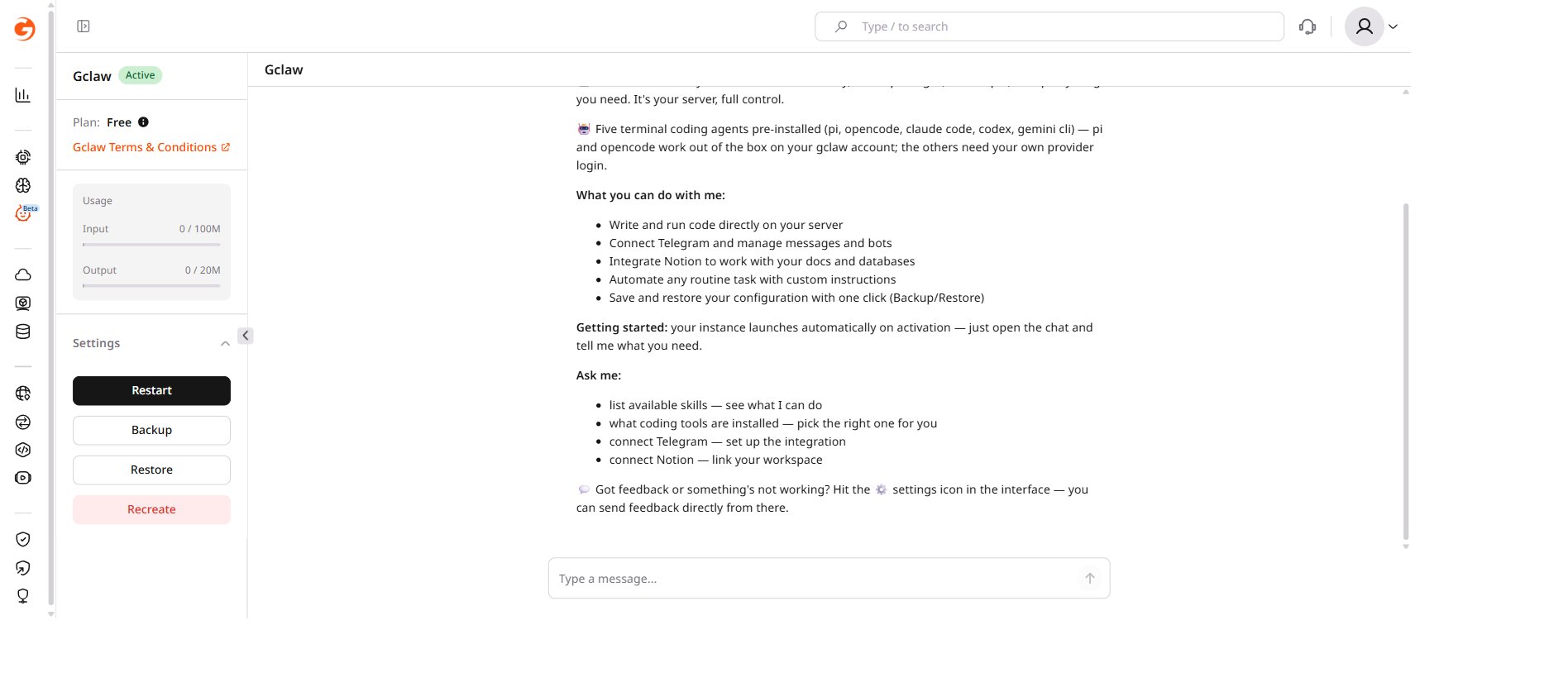
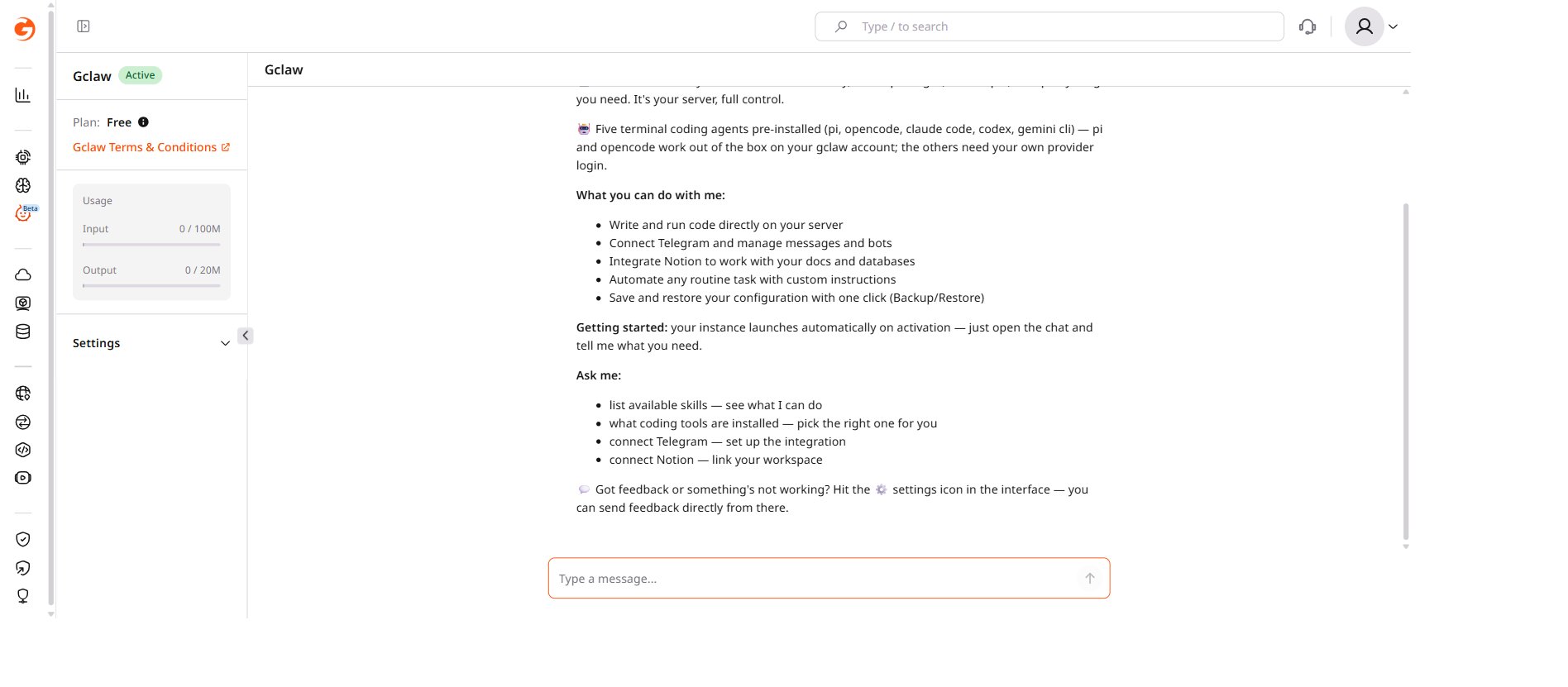
- Once ready, a welcome message appears and the chat interface becomes active.
Interface elements
The chat area displays the conversation with the AI assistant, including a welcome message with tips for getting started. The message input field at the bottom of the screen accepts text — press Enter or click Send to submit messages. The Settings section in the left sidebar controls instance management. Expanding it reveals four actions: Restart, Backup, Restore, and Recreate.