Block a seller
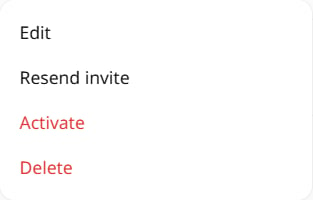
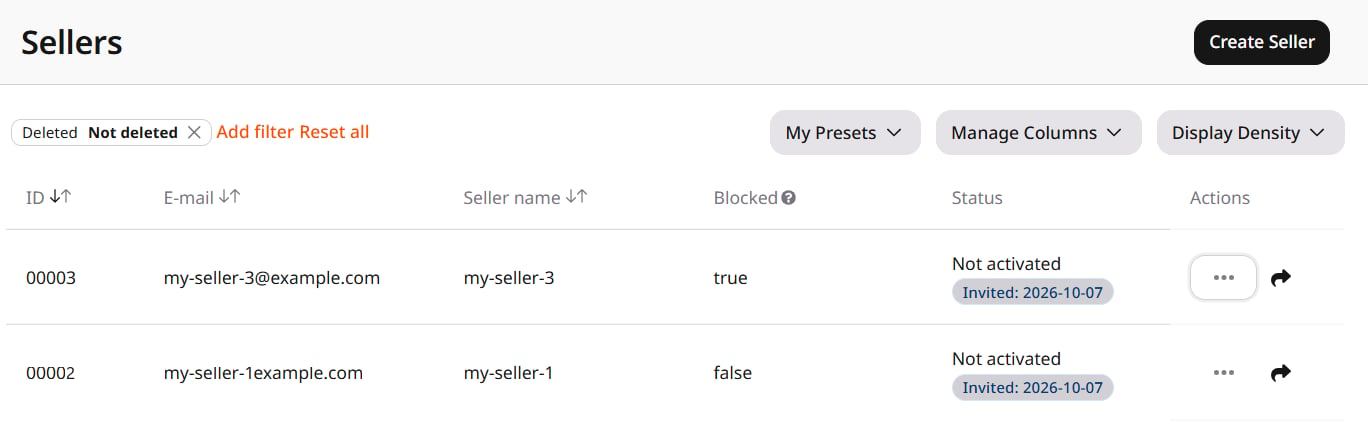
Navigate to General > Identity and Access > Sellers. Open the three-dot menu on the row and select Block. Blocked changes to true. The status does not change, and there is no confirmation.While blocked, all of a seller’s requests to the Admin Portal API are denied, including authorization, password recovery, and activation requests.
Activate a seller
Open the same menu. Block is now Activate. Select Activate. Blocked returns to false. Login access is restored.