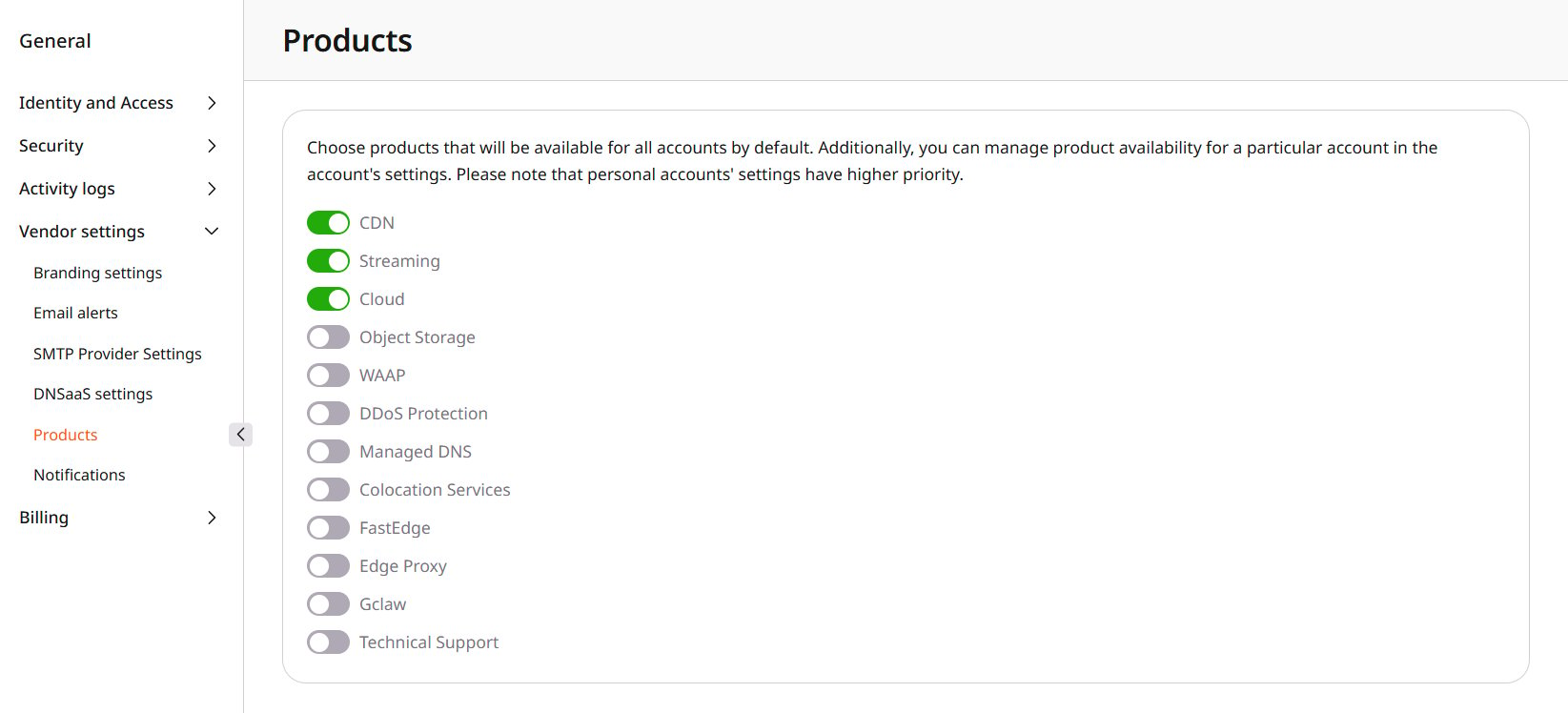
Not every product needs to appear on every customer account, so products meant for most customers stay available, while others are offered only to selected accounts. Global visibility provides that default. An account can override it in personal visibility: it can keep a product available while the global switch is off, or hide it while the global switch is on. Navigate to General > Vendor settings > Products.
Product switches on the Products page

Products available by default

Turn on a product to make it available to accounts without a personal override. Changes are saved immediately. To hide a product globally, turn off its switch and confirm Yes, disable. Select Cancel to keep it available. Accounts with their own visibility settings are not affected.
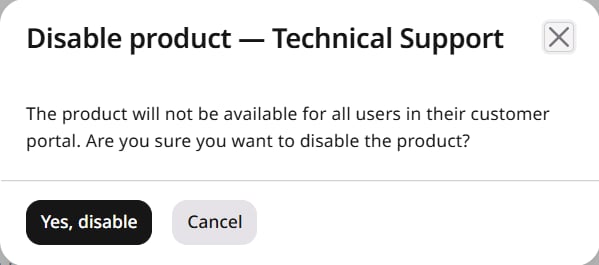
Disable product confirmation
A product cannot be turned off while its status on an account is Trial or Active. Change the status to Trialend or Paused first. The same restriction applies when disabling the product for a single account.
New accounts inherit every product that is enabled here.