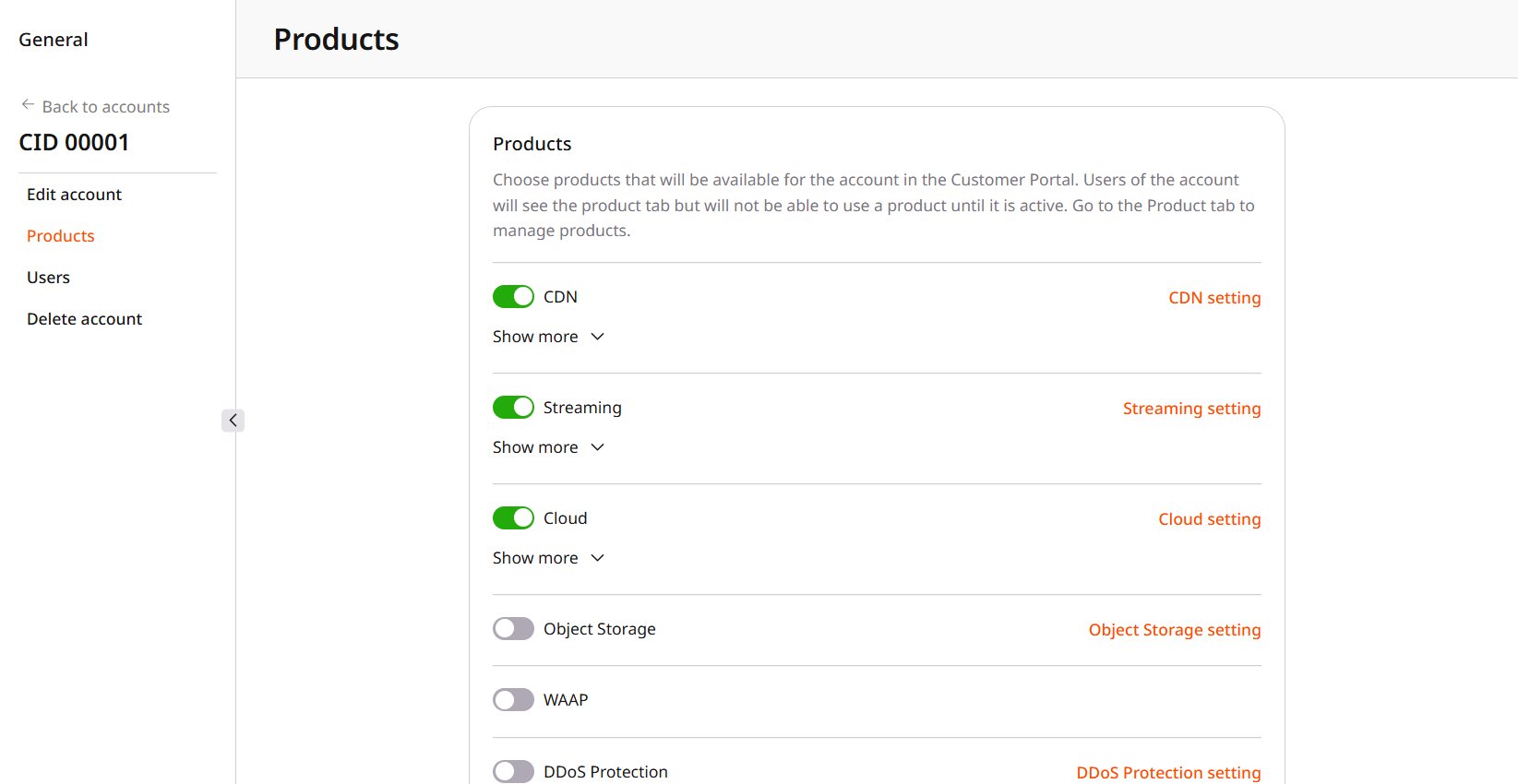
One account can show a different set of products from the default in global visibility: it can keep a product available while the global switch is off, or hide it while the global switch is on. Once that switch is set, later changes to the global switch leave the account as it is. Navigate to General > Identity and Access > Accounts, open the account, and select Products.
Product switches on an account Products page
Turn on the product for the account. The status starts at New.

Hide a product

Before turning the product off, open Show more and check its status.
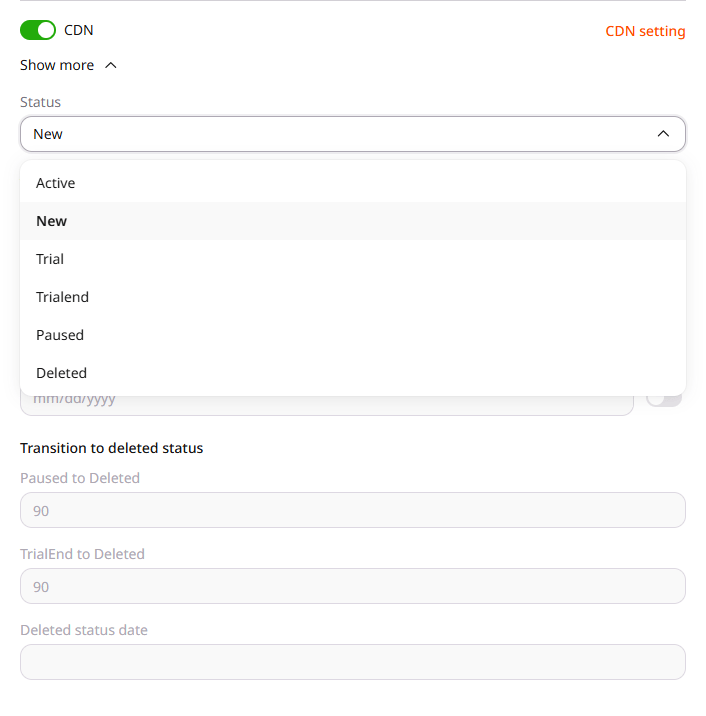
CDN status list opened from Show more
Confirm Yes, disable to remove the product from the Customer Portal. Cancel leaves the product available.
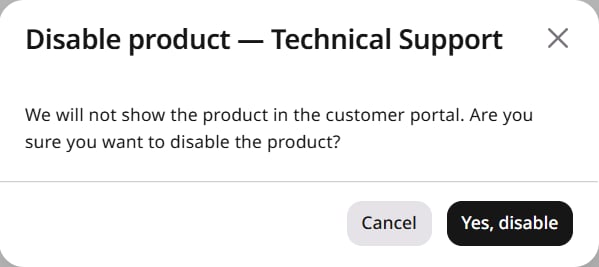
Disable product confirmation for one account