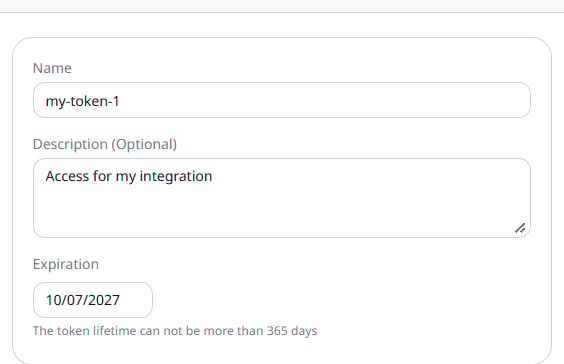
An application can make requests for the account without a person signing in on each request. The value is shown only once, at creation. After that, the list shows the name and the expiration date. Navigate to General > Security > API Tokens and click Create token. Enter a Name, optionally add a Description, and set Expiration. The date cannot be more than 365 days ahead.
Name, description, and expiration on the create form
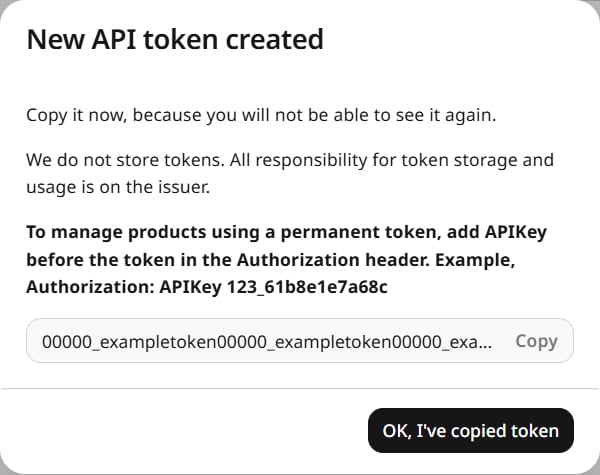
Click Create and copy the token before closing the dialog. It cannot be viewed again. Click OK, I’ve copied token to return to the list.
New API token dialog with Copy and the token value

Send a request

Put APIKey and the token in the Authorization header. A sign-in session uses Bearer in that header instead.
The request returns the customer accounts. CDN, Cloud, FastEdge, WAAP, and Billing calls use this header too, and are grouped in Reseller API.

Delete a token

In the token row, open Actions and select Delete API token, then confirm Delete. Applications that use the token lose access, and the deletion cannot be reversed. Cancel leaves the token in place.
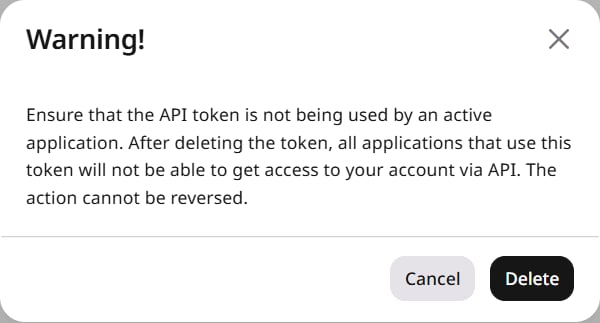
Warning before deleting an API token