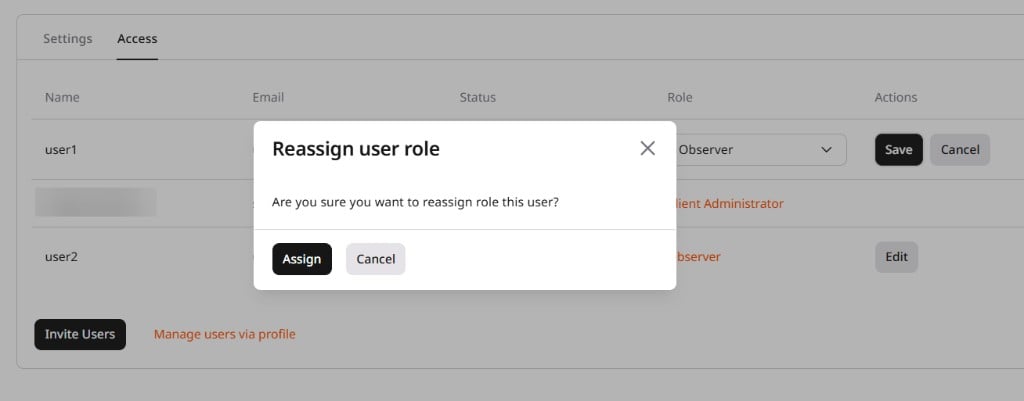
Edit user roles
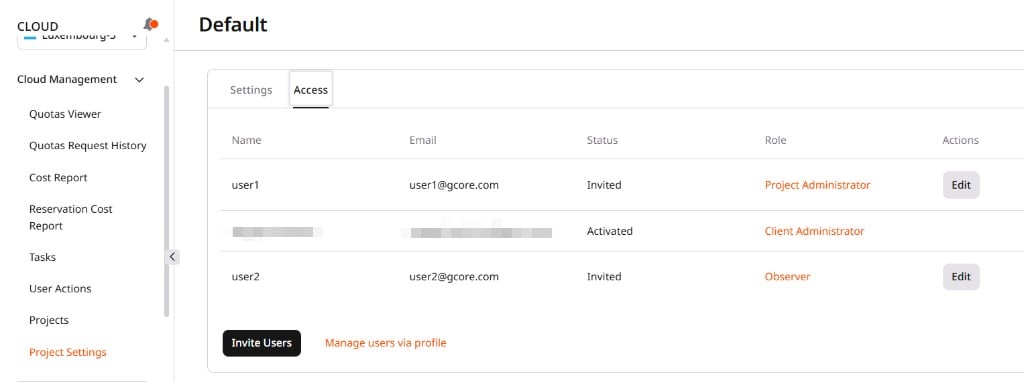
- In the Gcore Customer Portal, navigate to Cloud > Project Settings and open the Access tab.
- Click Edit next to the user.
- In the Role column, select a new role from the dropdown: Observer, Project Administrator, or User.
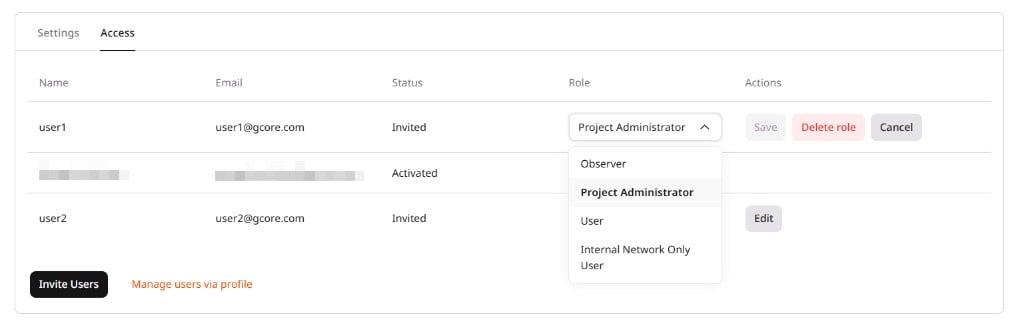
- Click Save.
- In the Reassign user role dialog, click Assign to confirm.
Deny access to a project
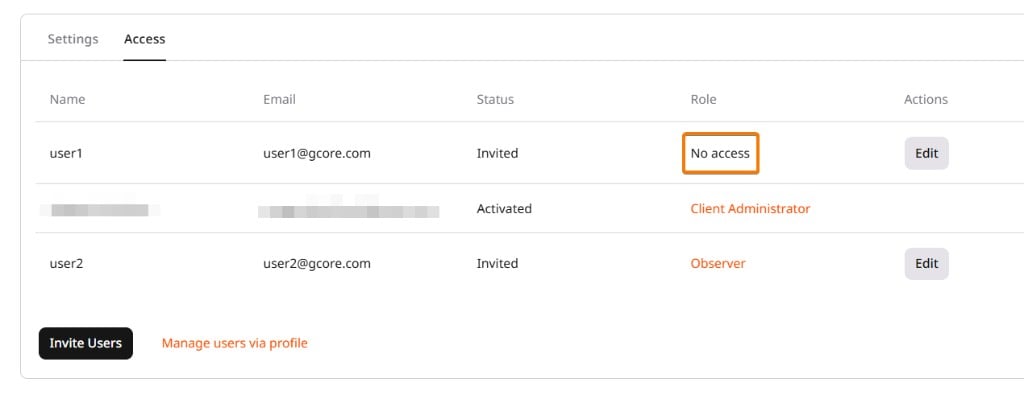
Denying access removes the user’s role without removing the user from the project.- In the Access tab, click Edit next to the user, then click Delete role.
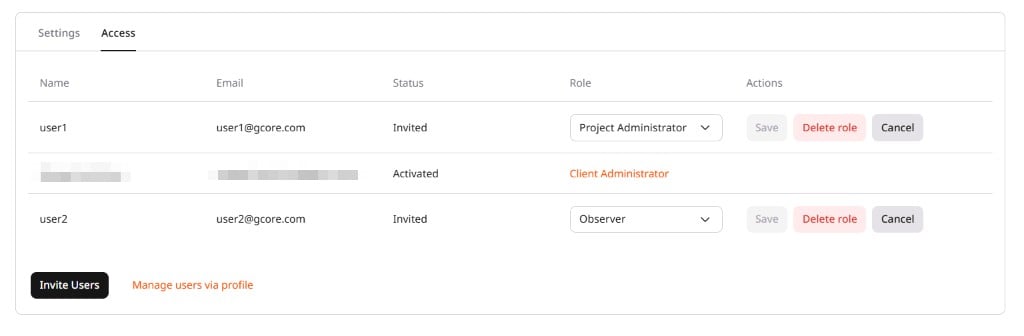
- Confirm the deletion. The user’s Role column changes to No access.
Restore user access to a project
To restore access for a user whose role shows as No access, assign a new role.- In the Access tab, click Edit next to the user.
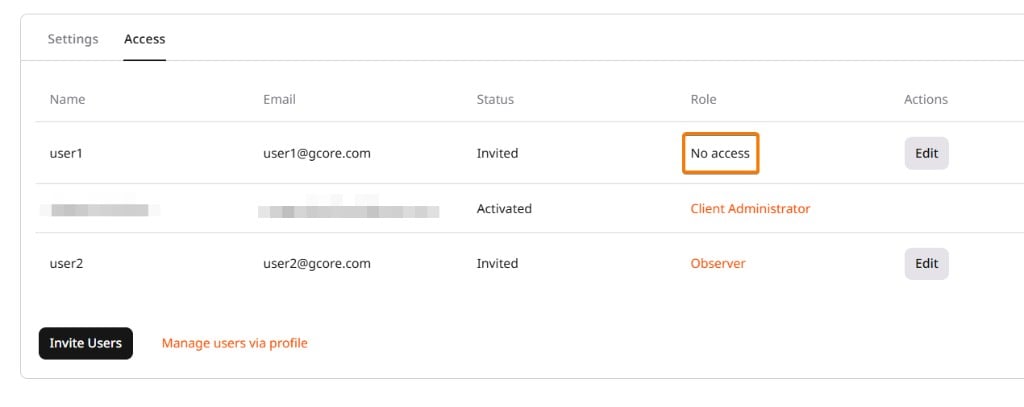
- Select the required role and click Save.
- In the Reassign user role dialog, click Assign to confirm.