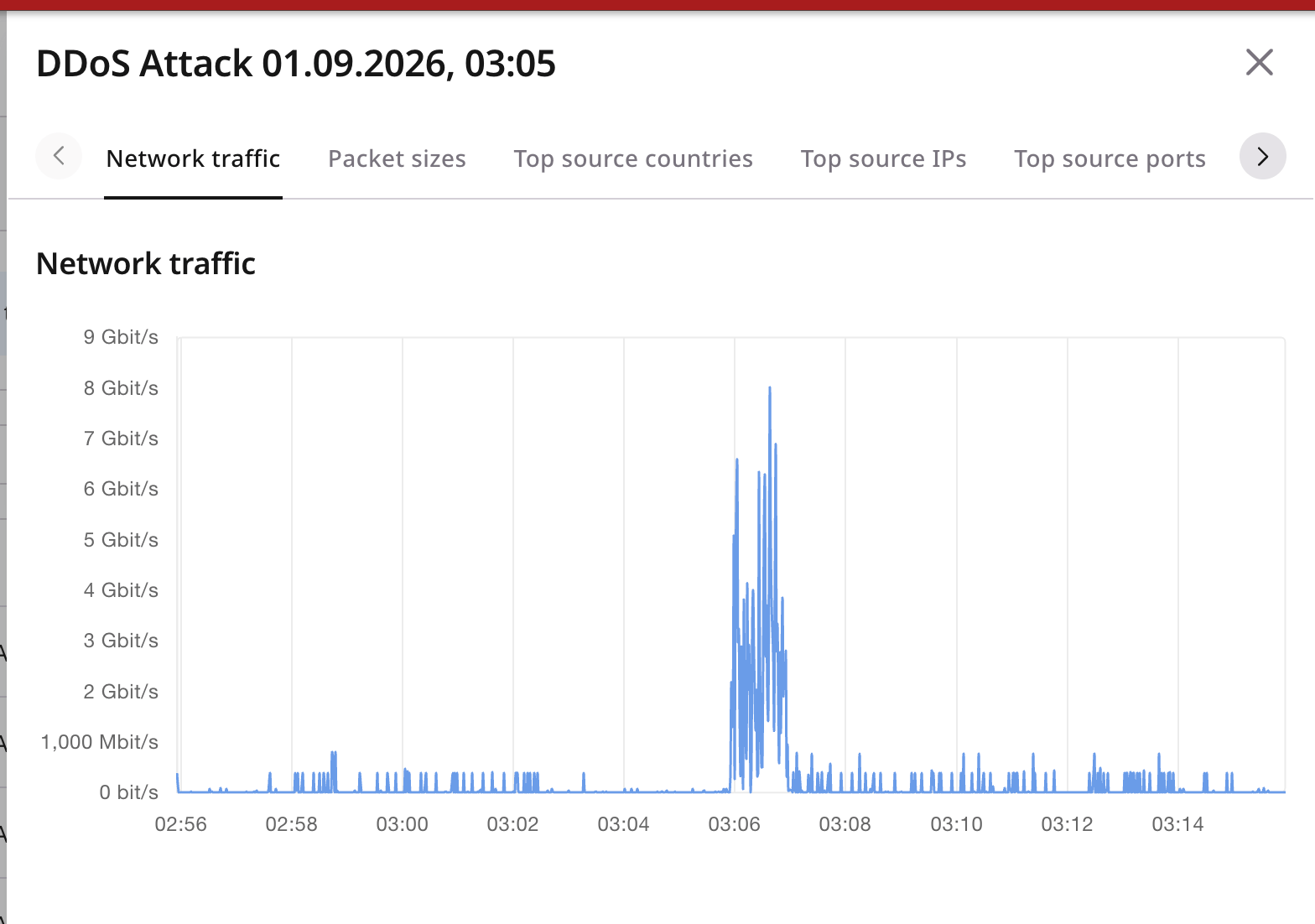
Basic protection
When an attack exceeds the traffic threshold, Basic protection null-routes the targeted IP address for 12 hours. During this period, the address is unreachable, including for legitimate traffic.Advanced protection
Advanced protection filters malicious traffic and forwards legitimate requests to protected networks. Unlike Basic protection, it allows services to remain accessible during an attack. Select a plan and submit the network for approval to turn protection on. A custom profile is optional and replaces the profile already on that network.Activate protection
Add the network to protect, with proof that you own it. After approval, set the router address that receives the filtered traffic.
Create a profile
The Basic template starts the profile with a rule for TCP, a rule for UDP, a rule for ICMP, and a rule for all other traffic.
Apply a profile
The rules in a profile filter a network when the profile is on that network. Each network has its own profile.
Watch traffic
Monitor protected traffic and review detected attacks in the Customer Portal.Traffic Analytics
Shows live volume, mitigation decisions, and top talkers on Advanced resources.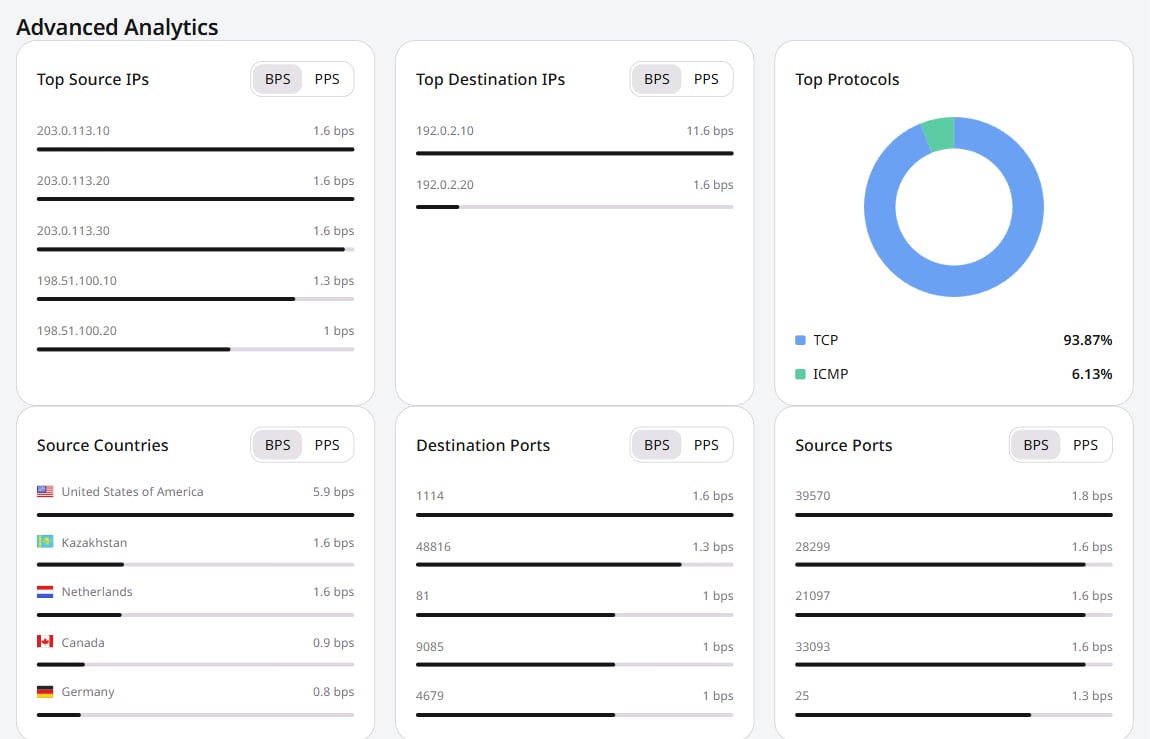
Events log
Review attacks and null-routing events from the past three months to see how much traffic was involved.