Configure a dashboard
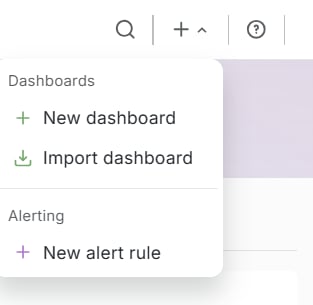
The panel uses the connected Gcore Platform-EN data source.- In the top bar, click +, then New dashboard.
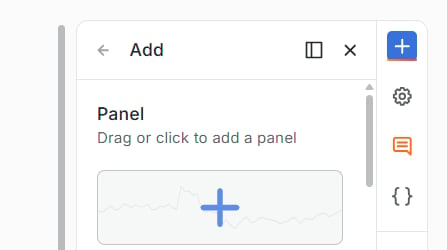
- The Add drawer opens on the right. Click Panel.
- Click Edit visualization.
- Under Data source, select Gcore Platform-EN.
- Under Edge Network, set Service to FastEdge.
- Under Query Props, set App Name, Metric, and Step (s). Network is optional.
- Click Save. In Save dashboard, enter a title and click Save.
Query fields
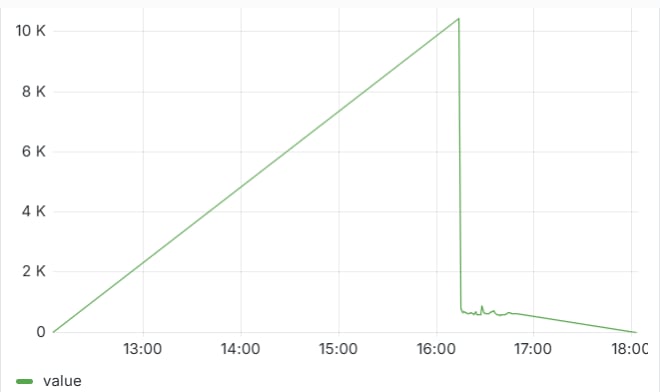
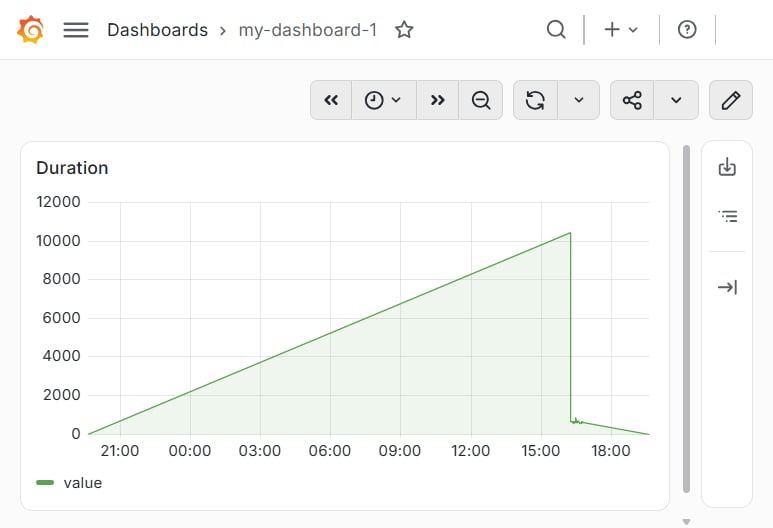
A FastEdge query returns one duration series. The values are microseconds. An alert rule on that series changes state when the duration crosses a threshold. App Name: All, or one application. All includes every application. The table heading joins the selected name and the metric:All avg. The graph legend reads value.
Metric: avg, min, max, median, perc75, or perc90.
Step (s): sampling interval in seconds. The default value is 60.
Network: optional network name. An empty field does not filter by network.
All, metric avg, and Step (s) set to 60: