

- Click the avatar in the top-right corner of the Gcore Customer Portal.
- Select Profile.
- Navigate to Account > General information.
- Find the Tax location field in the Tax and currency section.
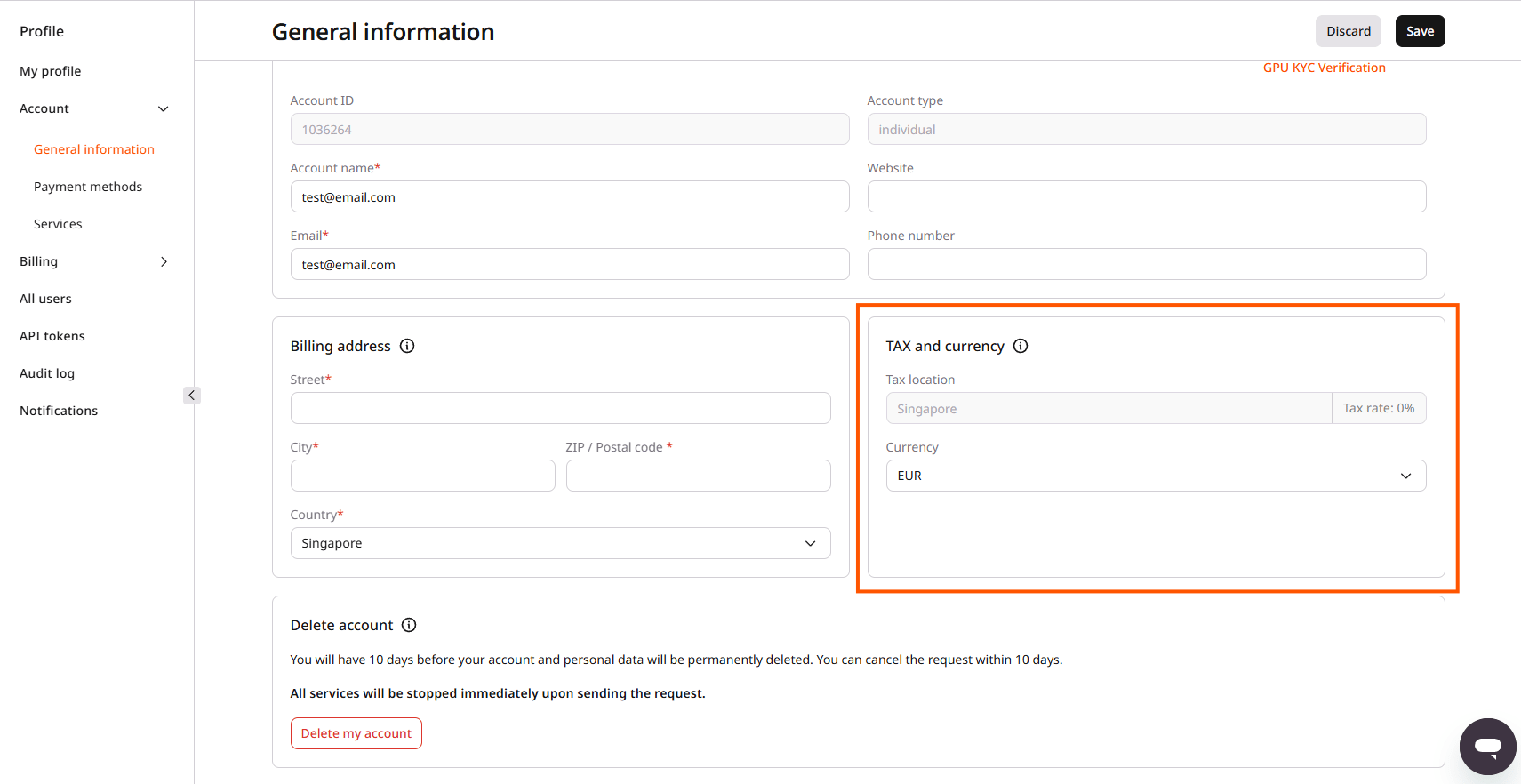
Find how Gcore calculates tax location from billing address and VAT number, and what tax rate changes mean for invoices.