The NFS CSI driver is installed automatically in every Managed Kubernetes cluster. To use Gcore File Shares as persistent volumes, create a File Share in the same project, network, and subnetwork as the cluster — Kubernetes then detects it as a StorageClass automatically.

Step 1. Create a File Share

Create a File Share in the same project and region as the Kubernetes cluster. If no cluster exists yet, create one first.
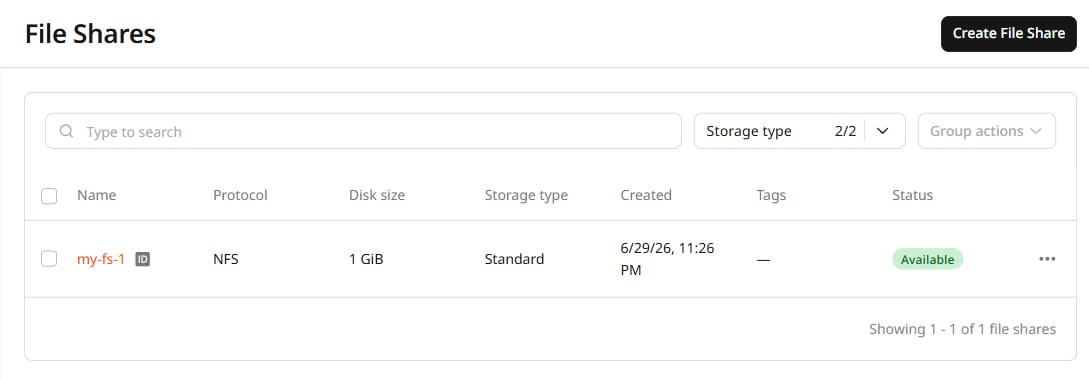
File Shares page with a highlighted button to create file share
In the Network settings section, select the same private network and subnetwork as the Kubernetes cluster. The NFS driver maps each File Share to a StorageClass by its network identity — a mismatch will prevent the StorageClass from appearing in the cluster.

Step 2. Verify the StorageClass

Run the following command to list the storage classes in the cluster:
kubectl get storageclass
When the File Share is connected correctly, the output includes a gcore-nfs-* storage class. To provision storage from it, create a PersistentVolumeClaim.

Resize a file share

To resize a file share, first unmount it from the Kubernetes cluster, then resize it in the portal, then remount it. Resizing while mounted will cause applications to stop working correctly.