

1
Navigate to the User Actions tab
2
Use filters to narrow results
Filter by resource name, action type, resource type, or date range.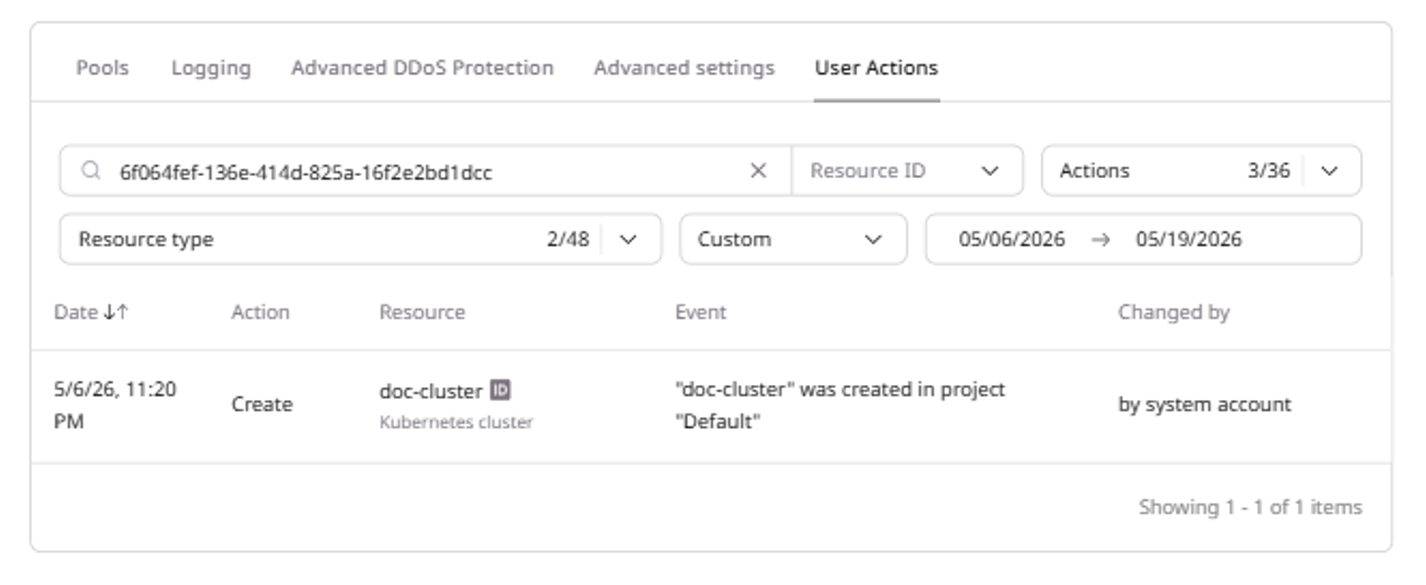
Review an audit log of cluster operations with timestamps, action types, resources, and filters by name, type, or date range.
Navigate to the User Actions tab
Use filters to narrow results