

- BGP: announces IP addresses from a custom AS number.
- Subnetwork announce via route object (our ASN): announces a subnet through the Gcore ASN.
- Log in to the Gcore Hosting Portal.
- In the left sidebar, open Products/Services and select BGP and Subnetwork announce.
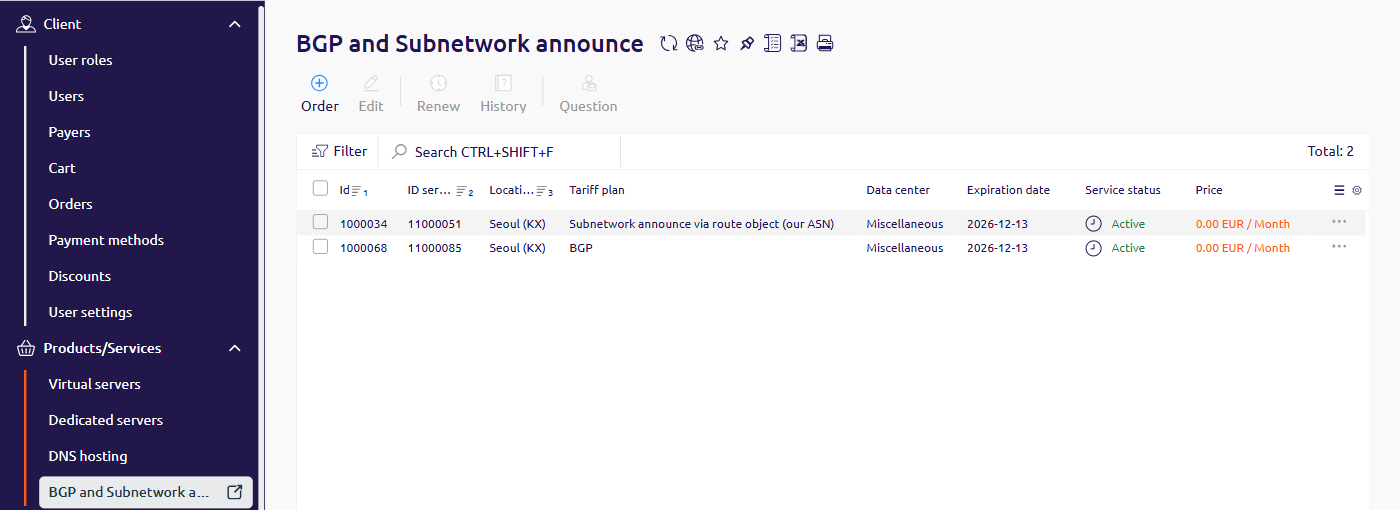
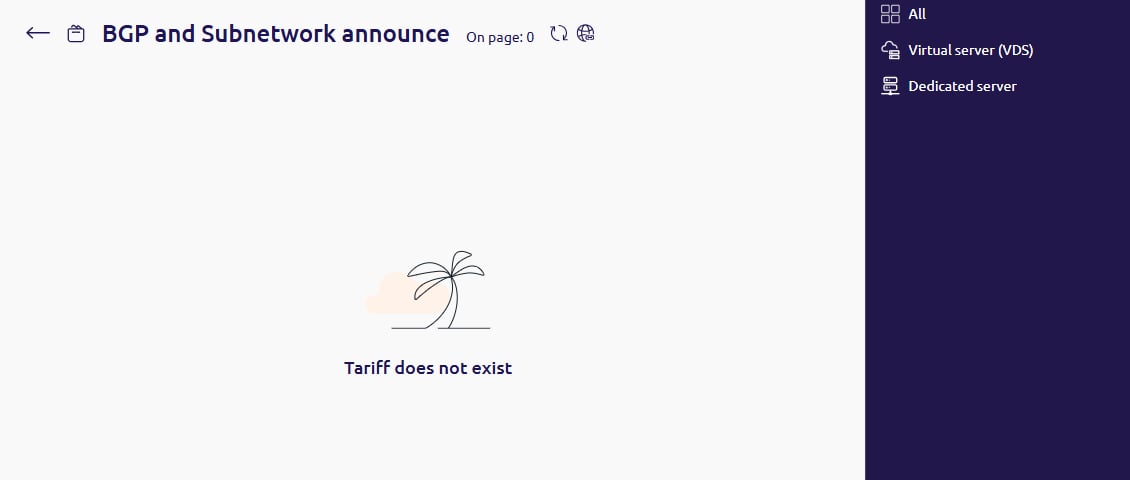
- Click Order. The order page shows the tariffs that can be added. When none are offered, the page says Tariff does not exist.
- Open a support ticket with the service name and the configuration details. Support configures the service after the request.