

Streaming latency
Streaming latency is the time between a frame being captured and that frame being displayed on the viewer’s screen. Three pipeline stages each contribute to it:- Encoding (or packaging). The streaming service converts the stream to the delivery format and splits it into fragments.
- Transferring. CDN servers pull the processed stream, cache it, and send it to viewers.
- Receipt by players. End-user players load the fragments and buffer them before playback.
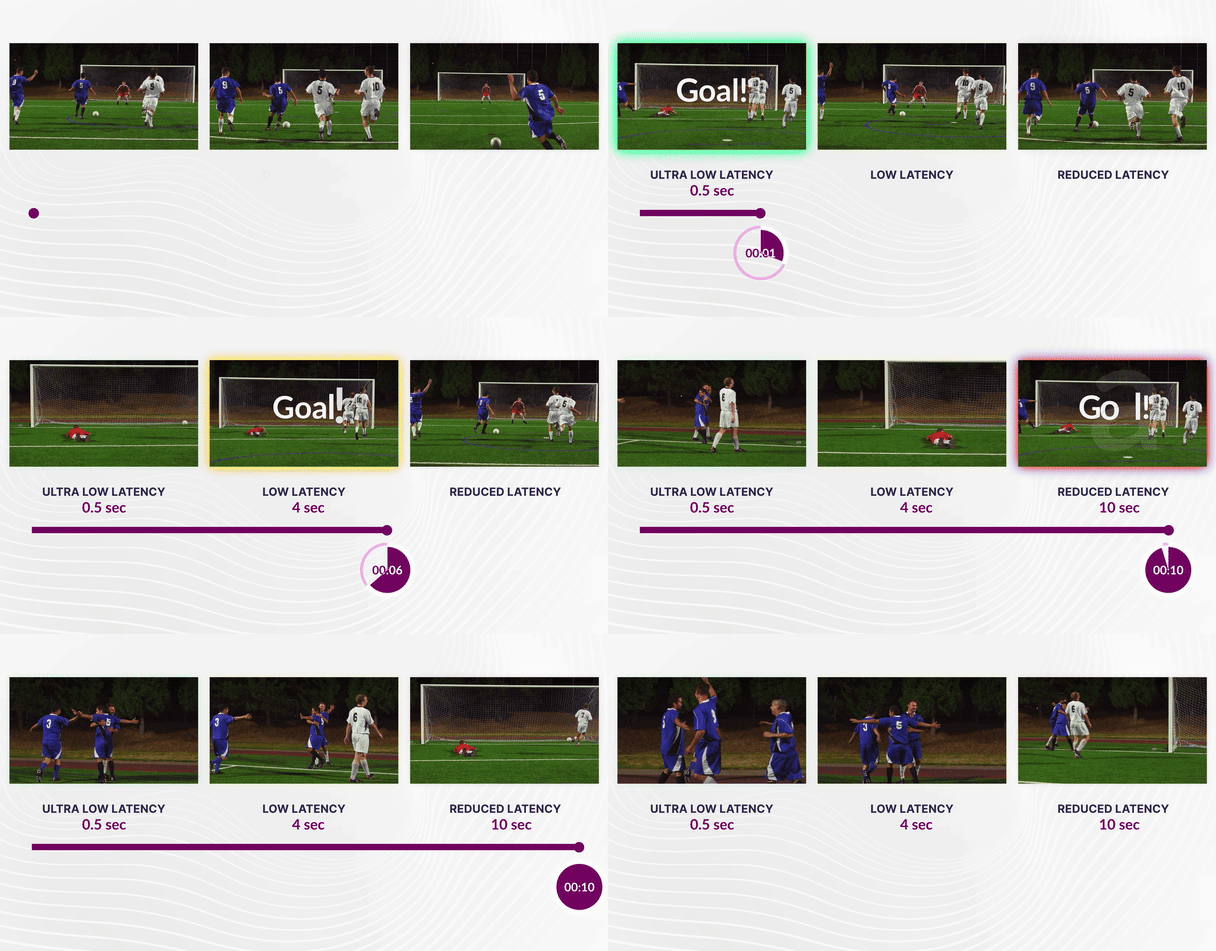
Format comparison
The formats differ in segment container and latency, so the choice depends on the target players and the delay the broadcast tolerates. LL-HLS and LL-DASH both use CMAF (Common Media Application Format), a standardized fragmented MP4 container, so they share the same encoded media. This reduces storage and encoding overhead and enables chunked delivery that can begin before the full segment is ready. With free transcoding, all three formats carry H.264 video and AAC audio.HLS MPEG-TS
HLS MPEG-TS lists whole 6-second.ts segments without parts, so players load each segment completely. In the playlist, EXT-X-PROGRAM-DATE-TIME is the ingest time — the moment the packets reach Gcore servers — and not the capture time on the encoder.
Media playlist (shortened):
HLS CMAF
HLS CMAF delivers fragmented MP4 (.m4s) chunks, and LL-HLS splits each 6-second segment into 0.5-second parts and uses blocking playlist reloads. The playlist announces the next part with EXT-X-PRELOAD-HINT, so players load the stream in small increments. EXT-X-PROGRAM-DATE-TIME is the ingest time here as well.
Media playlist (shortened):
MPEG-DASH
MPEG-DASH delivers fragmented MP4 (.m4s) chunks described by an MPD manifest. The availabilityTimeComplete="false" attribute makes a segment available before it is complete, and Resync dT="500000" sets a resync point every 0.5 seconds.
MPD (shortened):
minimumUpdatePeriod="PT500S" is intentional. The SegmentTemplate uses $Number$ and a fixed 6-second duration, so players calculate each segment URL from availabilityStartTime and don’t reload the manifest to find new segments. This keeps the number of manifest requests to the CDN low.
Default parameters
LL-HLS and LL-DASH are processed in the same low-latency transcoding and packaging pipeline, so both outputs use aligned keyframes and segment boundaries, which eliminates drift between the two formats. The default parameters are:- GOP: 2 seconds, which ensures rapid seek and playback start
- Segment size: 6 seconds in all three formats
- Part size: 0.5 seconds, which allows players to download content in small increments
- Minimal buffer: 1.5 seconds for LL-HLS and 2 seconds for LL-DASH
CDN delivery
Standard CDNs wait for a file to be fully downloaded before sending it to the viewer (“store and forward”). Gcore uses a proprietary Chunked-Proxy module that streams data immediately, as the Gcore blog describes in detail:- Immediate distribution: the CDN edge begins sending bytes to the viewer while still receiving them from the origin
- Protocol optimization: chunked transfer encoding for HTTP/1.1 and native framing for HTTP/2 and HTTP/3
- Smart caching: efficient handling of the high volume of requests for partial segments and blocking playlist reloads
Playback URLs
Each live stream exposes the manifest URLs of all three outputs in the Customer Portal and in the API.Customer Portal
In the Customer Portal, open a live stream and copy one of these links from Links for the export:
API
Retrieve stream URLs via the Get live stream endpoint:
LL-HLS and LL-DASH links contain the
/cmaf/ path. Legacy HLS links contain the /mpegts/ path and are used when compatibility is more important than latency. The API reference covers all stream retrieval endpoints.
Demo players
The embedded player plays a live stream transcoded to 1080p H.264, and the demo page lists live and VOD players for every output format.- HTML player
- MPEG-DASH CMAF (low latency)
- LL HLS CMAF (low latency)
- HLS MPEG-TS (regular latency)