

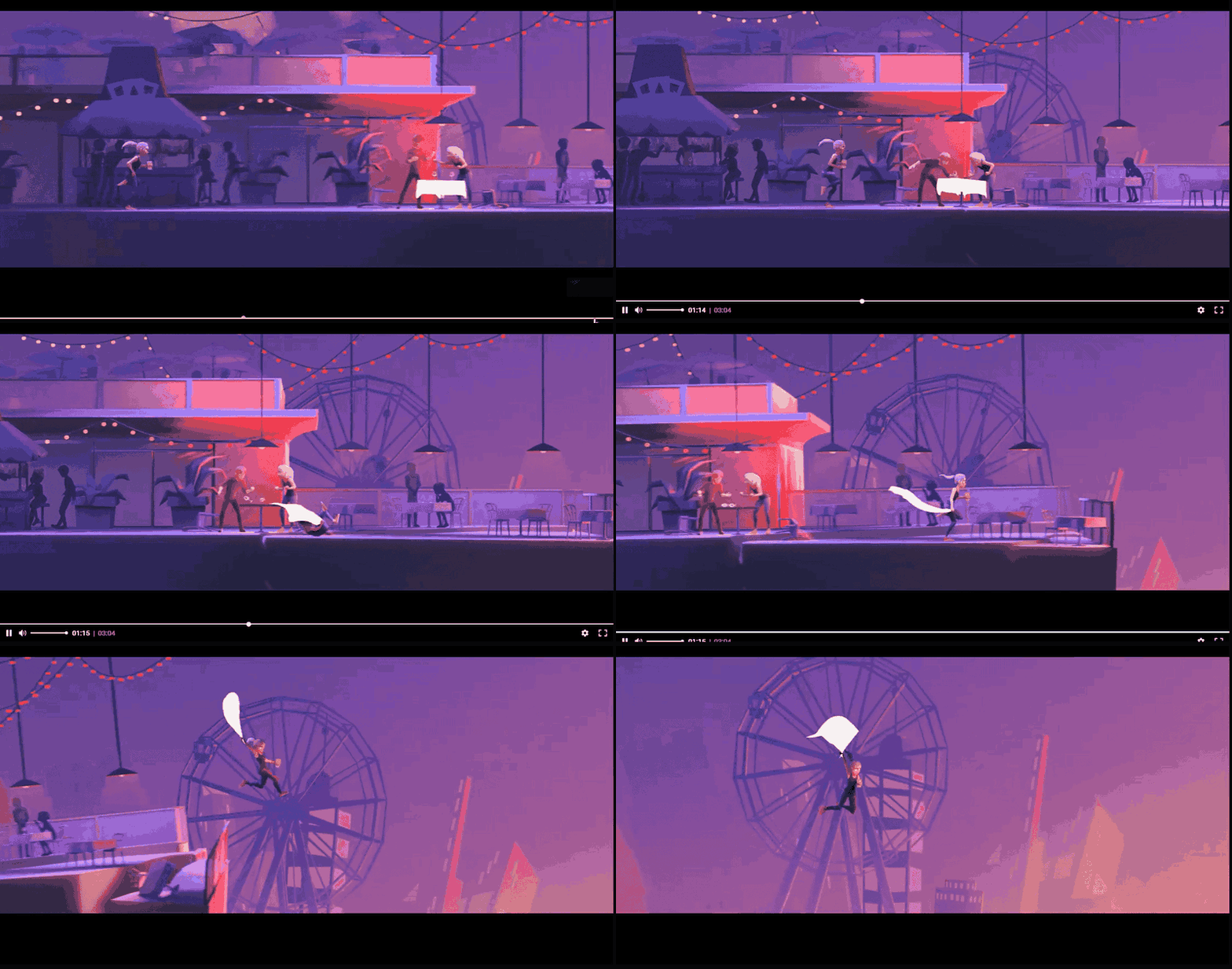
Storyboard tiles
During transcoding, Gcore takes one screenshot from each video segment and combines the screenshots into a JPEG storyboard. Each screenshot is a tile used for a specific interval on the timeline. Storyboards are created automatically for all videos. This is the storyboard for the Blender Studio film Coffee Run: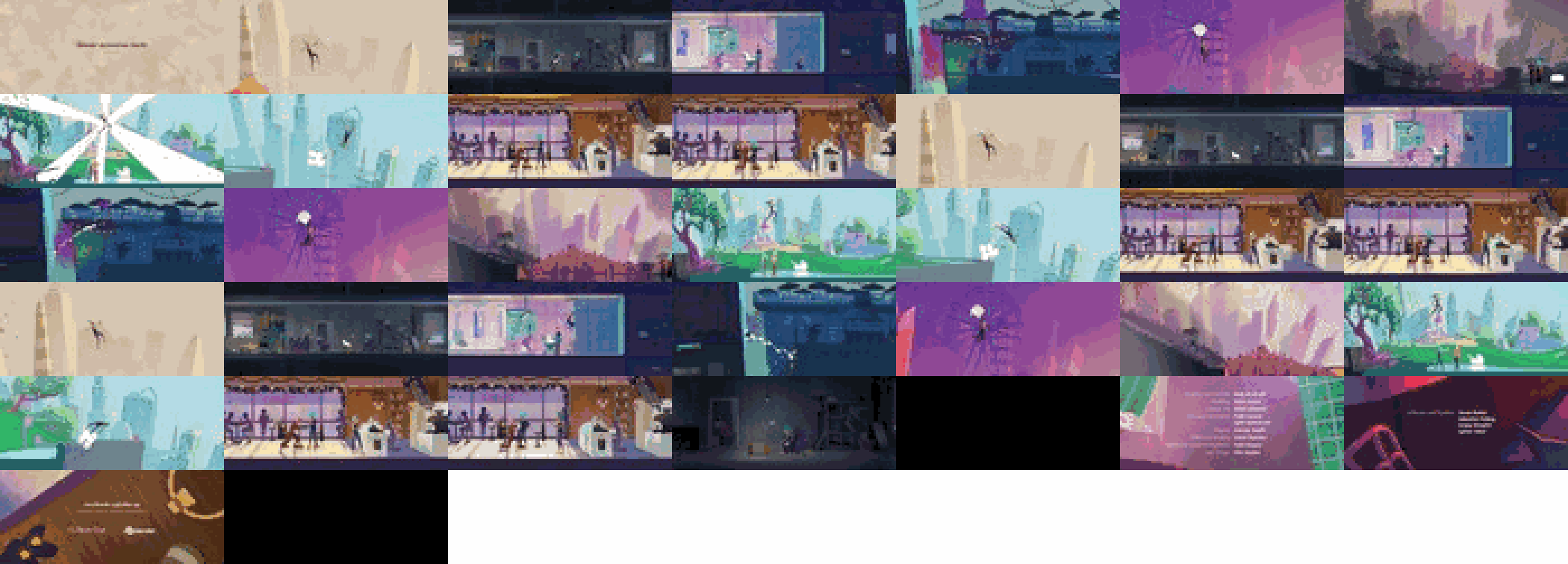
Adding timeline hover previews to players
The Gcore Player shows the tiles on its own. External players read the same tiles in one of two ways:WebVTT via API
The Get video response includes two fields for the storyboard:sprite: URL of the JPEG storyboard that contains the tilessprite_vtt: WebVTT data that maps video time ranges to tile coordinates in the storyboard
sprite empty. Tiles are about 100 px wide, so verify that the size suits the player interface.
The response includes:
GET https://api.gcore.com/streaming/videos/{video_id}/
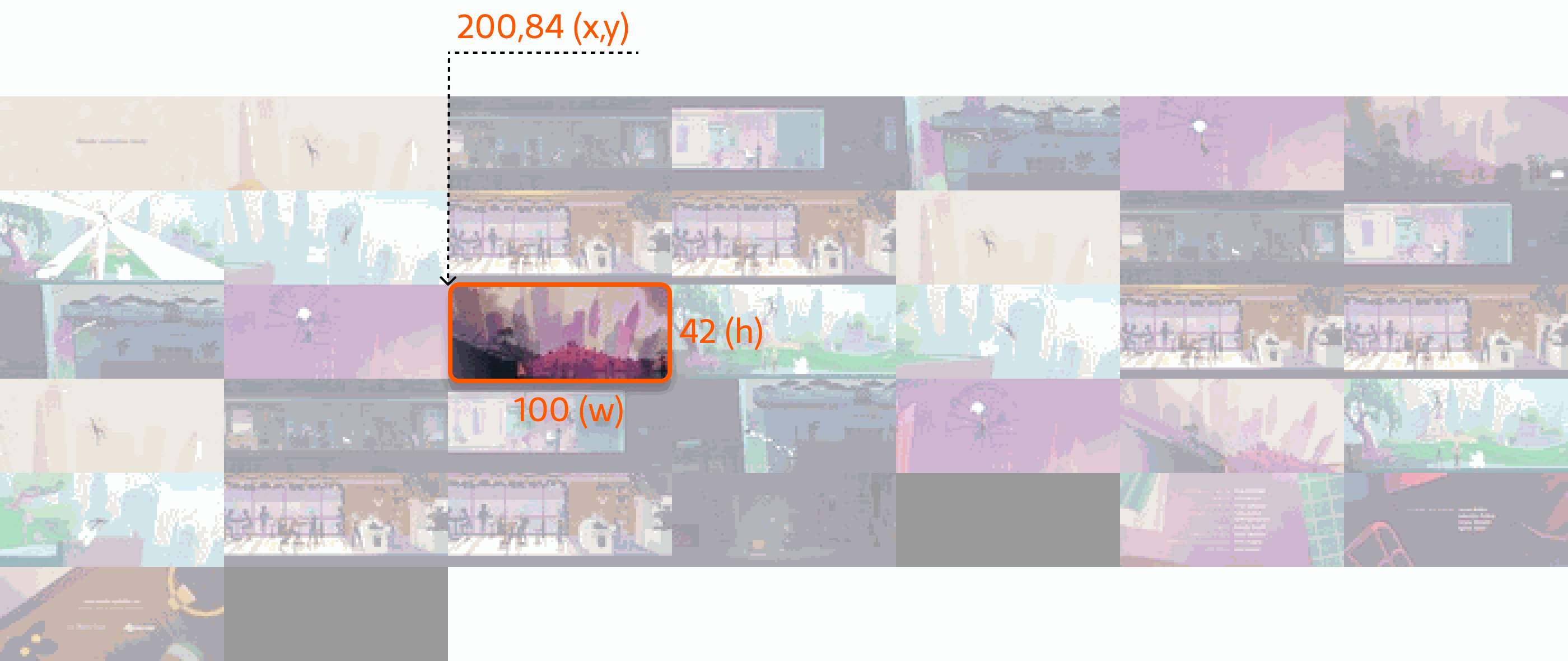
- Tile number:
17 - Time range represented by the tile:
00:01:20,000 --> 00:01:25,000 - Tile coordinates and size in the storyboard, in
xywhformat:xywh=200,84,100,42
Roku trick play via HLS
The Roku specification describes tiles embedded in an HLS manifest. Add the-img suffix to the master manifest URL to include tile information:
{client_id}: the account ID{video_id}: identifier of the video or live stream-img: optional suffix that adds tile information to the manifest
-img suffix adds #EXT-X-IMAGE-STREAM-INF to the master manifest. That tag points to a tiles manifest that contains the storyboard URL, tile dimensions, layout, and the duration represented by each tile.
A master manifest with the tile suffix: