Autoscaling behavior
Autoscaling keeps the node count between the configured minimum and maximum. It never creates more nodes than the maximum or removes nodes below the minimum.- If a new pod needs to run and the existing nodes do not have enough resources, autoscaling deploys a new node. Available resources are determined by
resources.requests. - If some nodes run without any pods for 20 minutes, autoscaling removes them.
- If nodes with running pods are manually deleted, reducing the count below the autoscaling minimum, the system reassesses the pool load after 20 minutes. If the remaining nodes cannot handle the required pods, more nodes are added; otherwise, the count stays as-is.
Autoscaling settings
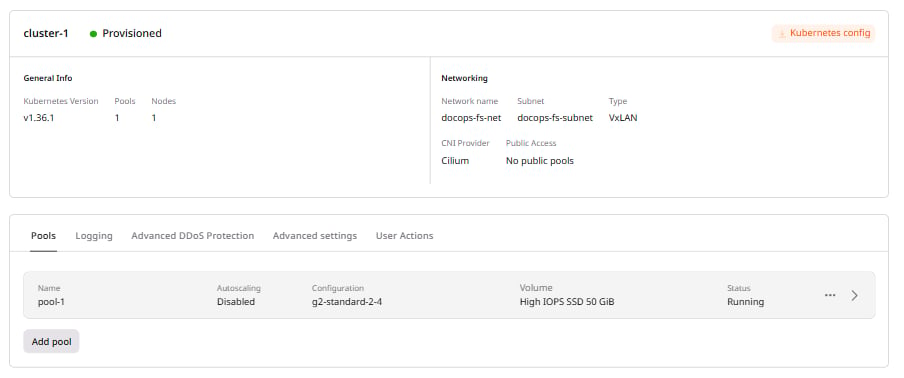
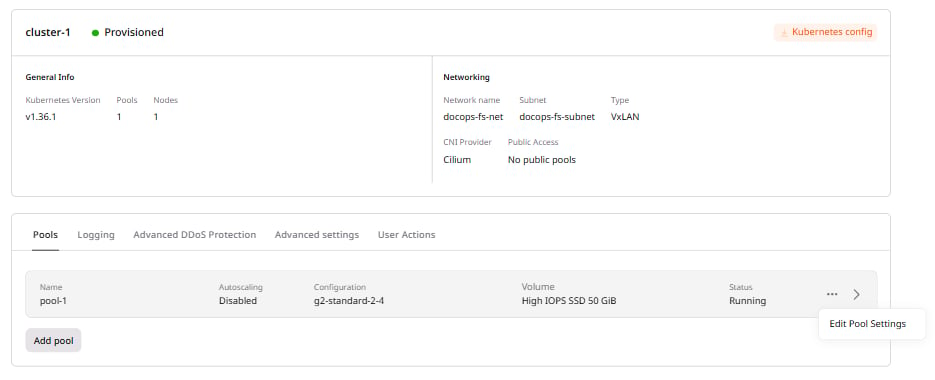
To update the minimum and maximum node count for an existing pool: 1. In the Gcore Customer Portal, navigate to Cloud > Managed Kubernetes, then click the cluster name.