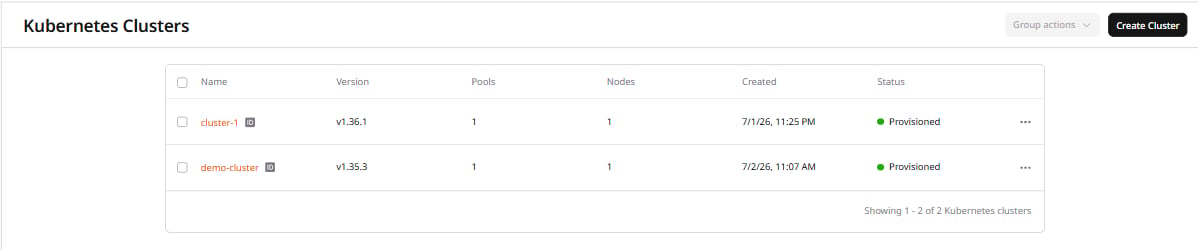
Each pool has minimum and maximum node counts that determine the limits within which autoscaling operates. The limits can be changed at any time to reflect a different expected workload.1. In the Gcore Customer Portal, navigate to Cloud > Managed Kubernetes, then click the cluster name.
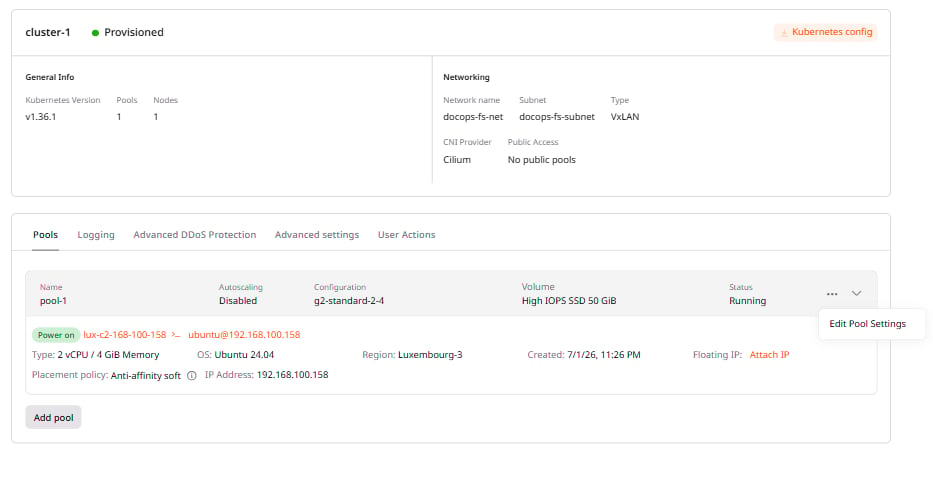
2. Open the Pools section, click ⋯ next to the pool, and select Edit Pool Settings.
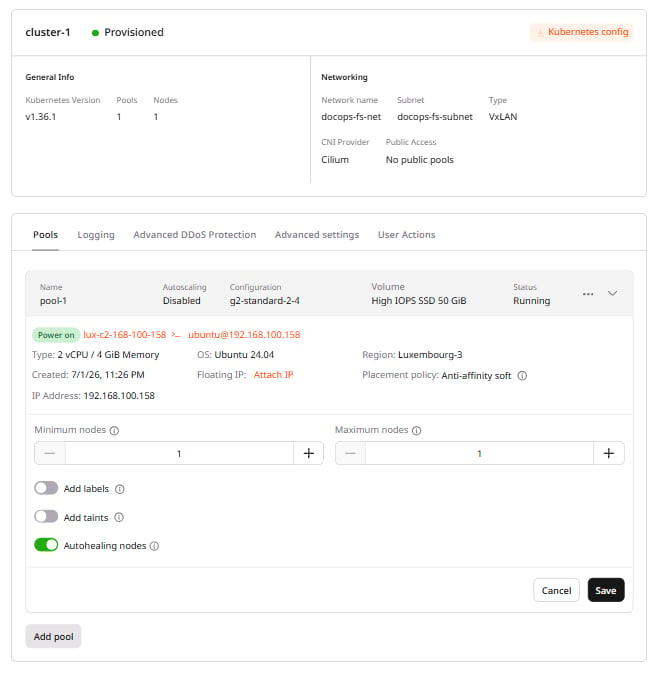
3. Enter the Minimum nodes and Maximum nodes values, then click Save.
After saving, the new limits take effect:
If the specified count is higher than the current number of nodes, the system deploys new ones.
If the specified count is lower, the system removes redundant ones.