1
Open the dedicated servers list
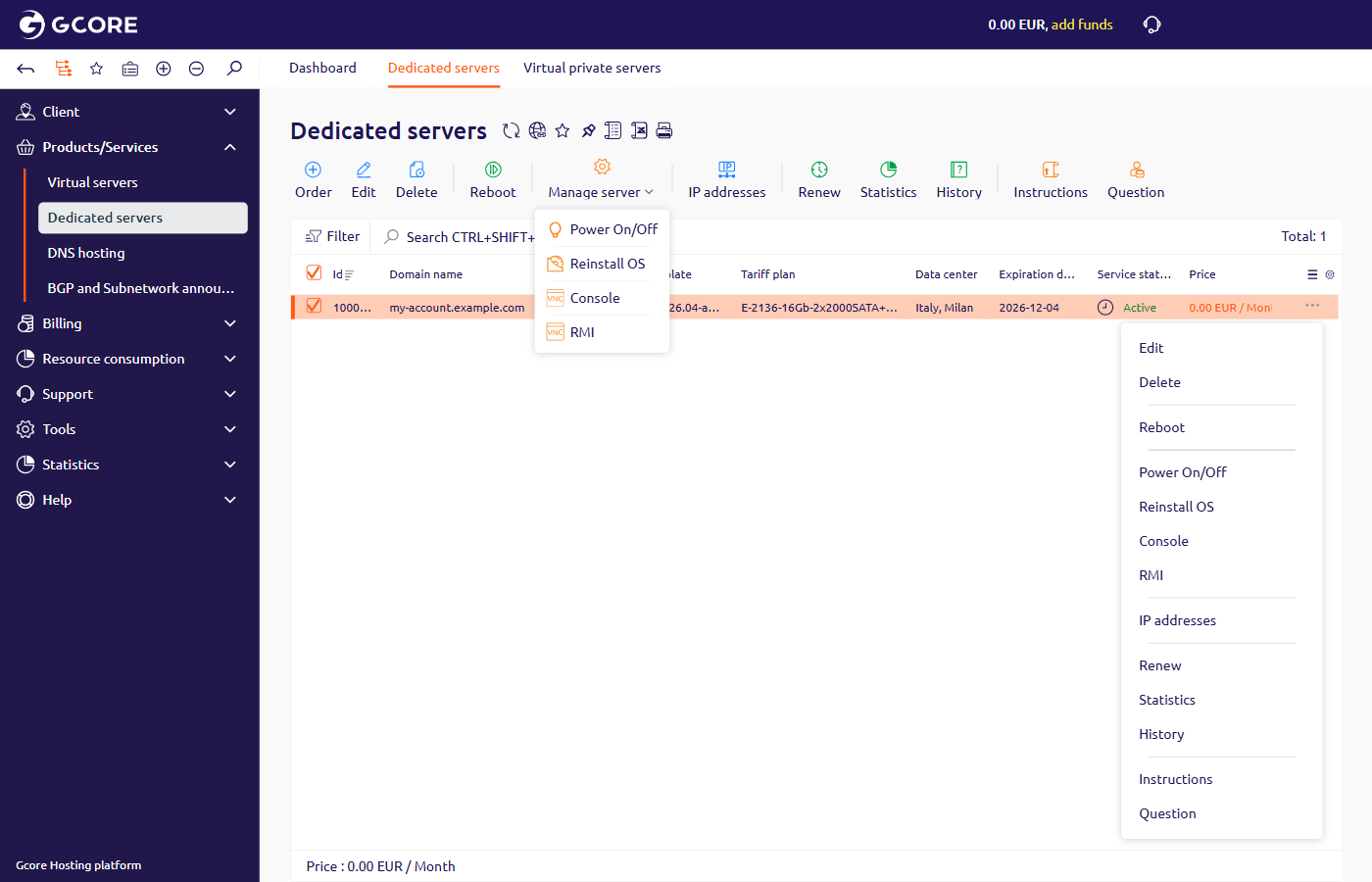
In the Gcore Hosting Portal, navigate to Products/Services > Dedicated servers and select the server.
2
Open the reinstall form
- On the toolbar, click Manage server, then click Reinstall OS.
- Click the button at the end of the row, then click Reinstall OS.
3
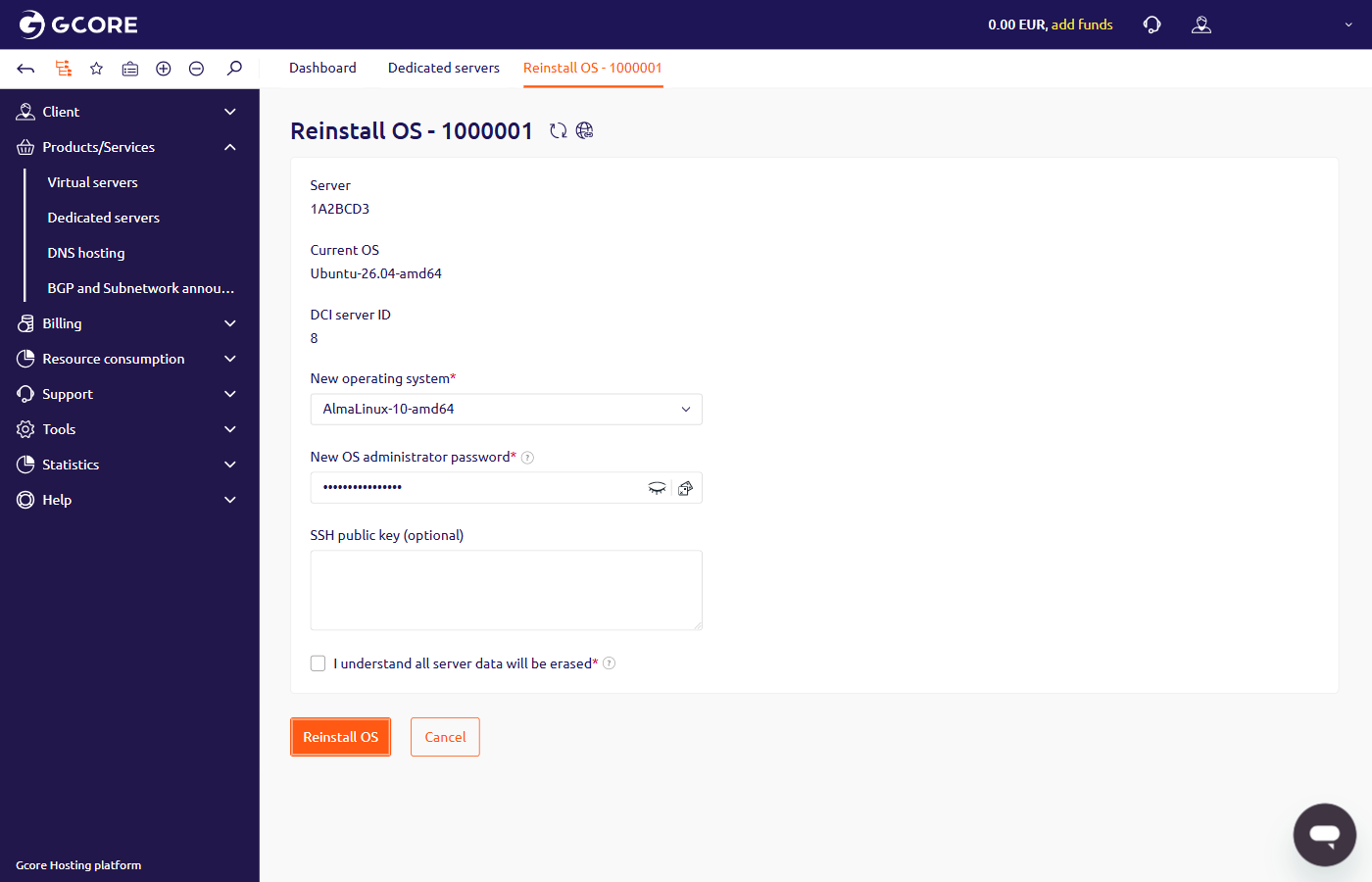
Fill in the reinstall form
- In New operating system, select a Linux distribution and version. Available distributions include AlmaLinux, CentOS, Debian, Fedora, and Ubuntu. The list also includes FreeBSD, which is not a Linux distribution. Windows is not available in this list.
- New OS administrator password is already filled in. Keep that password, or replace it. Paste an SSH public key into SSH public key when the new system should accept that key. The key field can stay empty.
- Select I understand all server data will be erased, then click Reinstall OS. Click Cancel to close the page and leave the server unchanged.