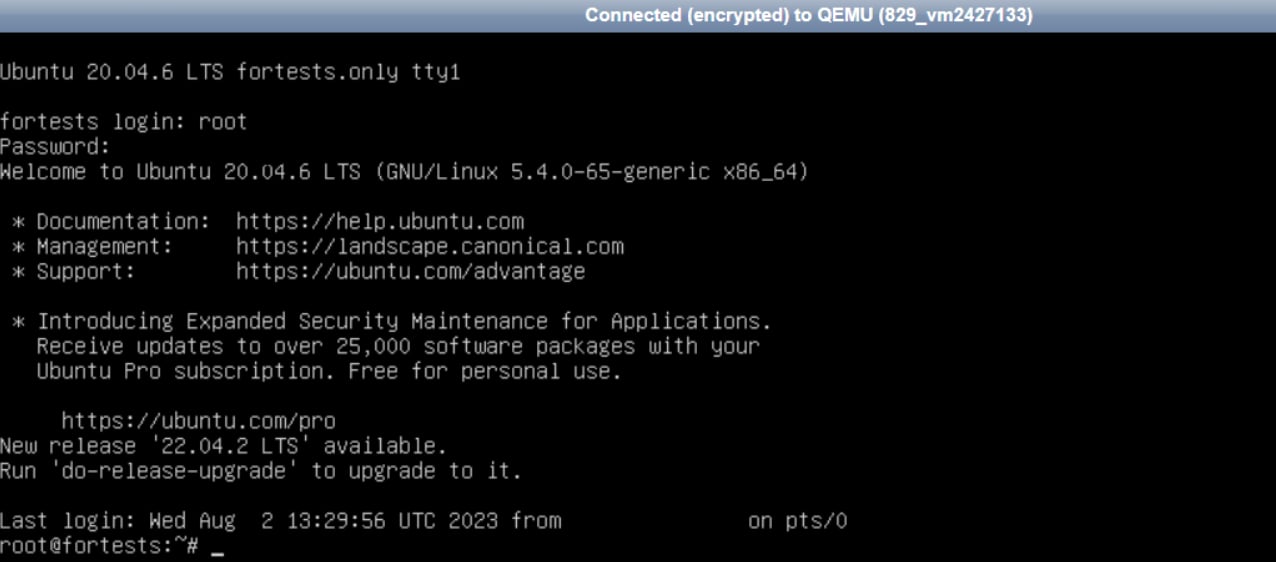
Connection setup
1
Retrieve connection credentials
Log in to the Gcore Hosting Portal. In the left sidebar, select Products/Services → Virtual private servers. Check the box next to the server, then click Instructions in the toolbar.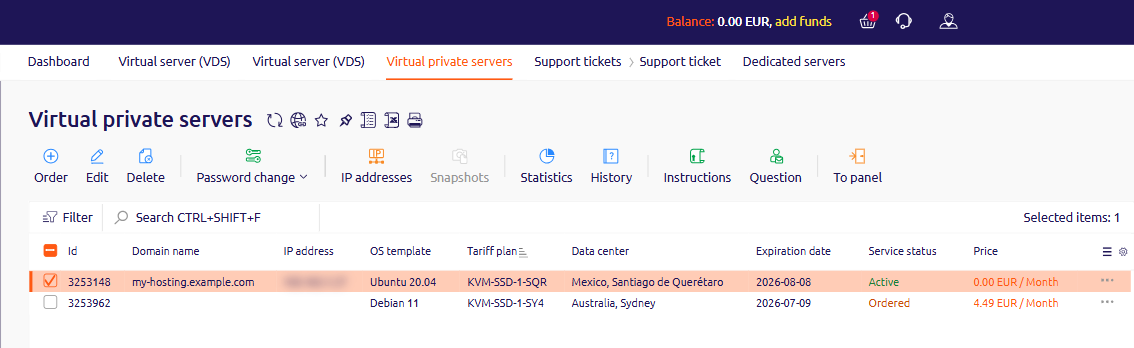
2
Open VMmanager
In the Virtual private servers list, check the box next to the server, then click To panel in the toolbar.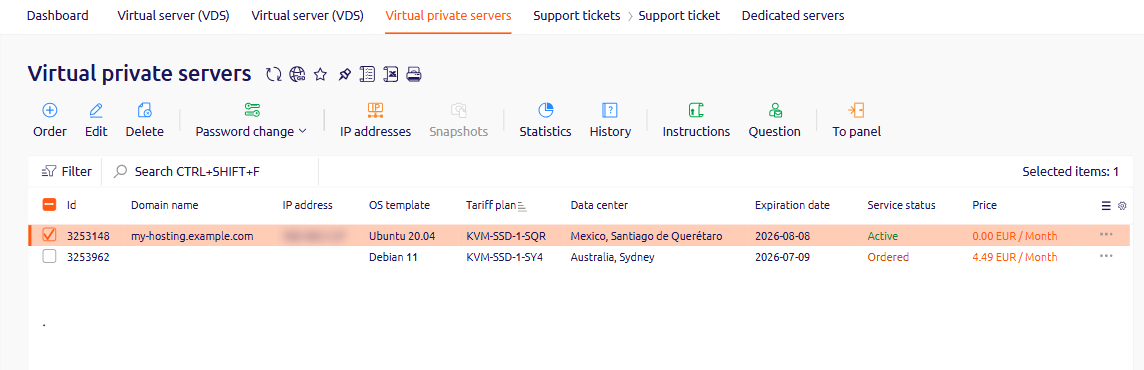
3
Start the VNC session
Click VNC in the top right corner, or open Menu and select VNC.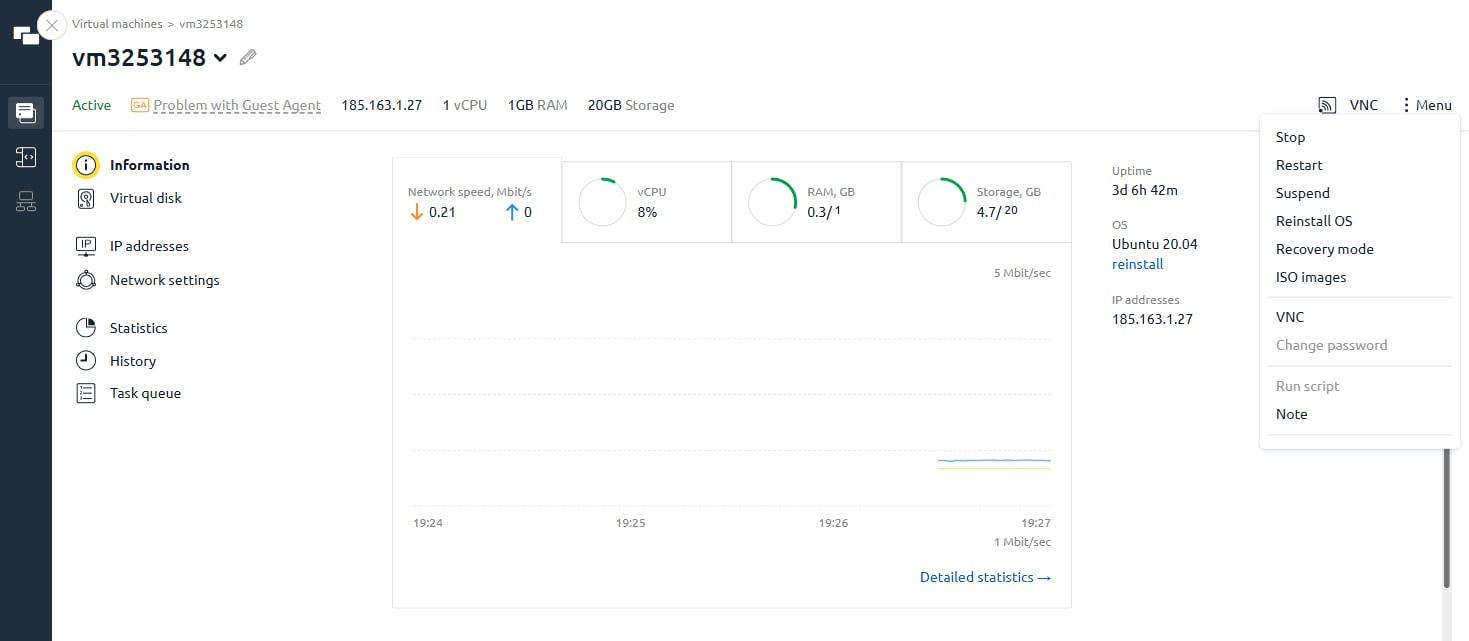
4
Authenticate
At the login prompt, enter the Username and Password from the Instructions page or the activation email.