Verify the block
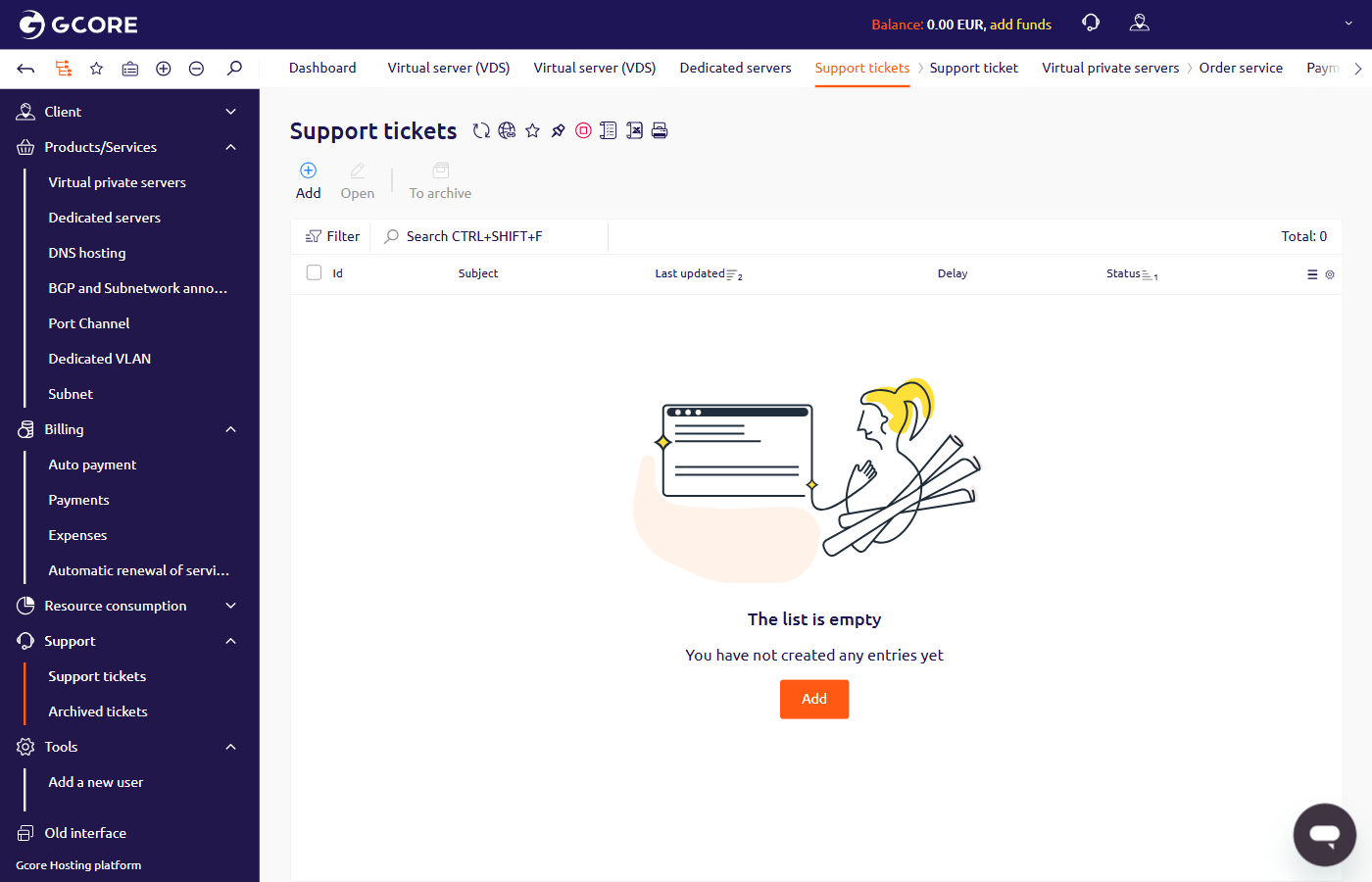
To verify whether the ports were blocked, navigate to Support > Support tickets in the Hosting portal. A blocking notification appears as a ticket with the subject “SMTP ports have been blocked” in the list.
Documentation Index
Fetch the complete documentation index at: /llms.txt
Use this file to discover all available pages before exploring further.
Steps to verify and request unblocking of SMTP ports 25, 465, and 587 blocked on Gcore servers for spam prevention.

| Scenario | Provide |
|---|---|
| Legitimate email was sent | The domain name of the service whose users received the mailing |
| No mailing was sent, but blocking notifications appeared | The server setting that caused excessive SMTP traffic and how it was fixed |
| No mailing was sent, no notifications appeared, but ports do not work | Confirm that no blocking notification was received and describe any recent network configuration changes |
Was this page helpful?